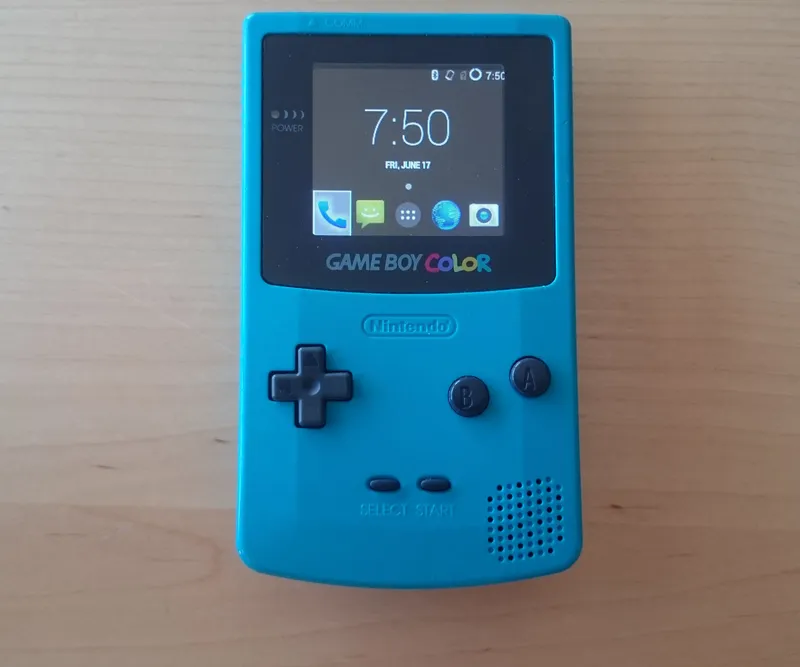
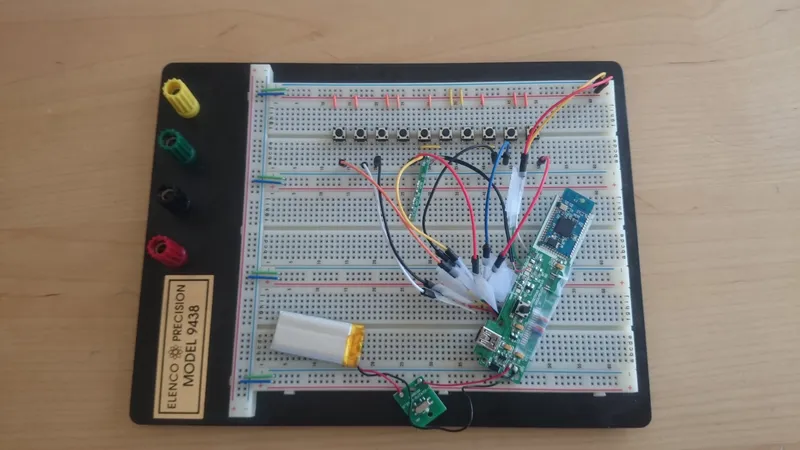
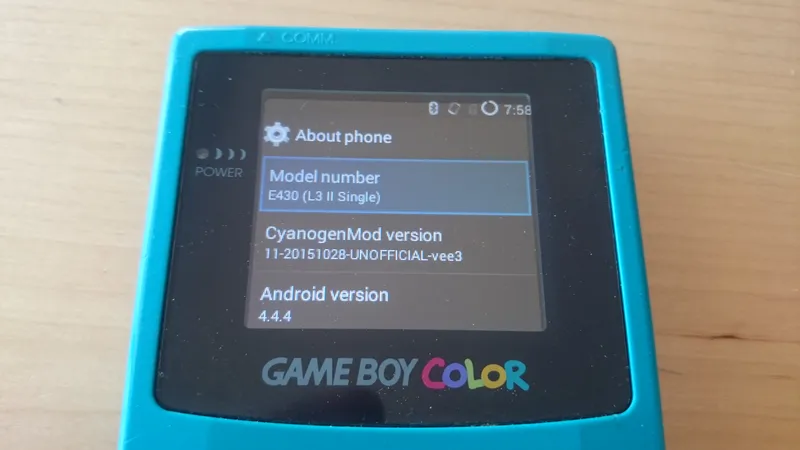
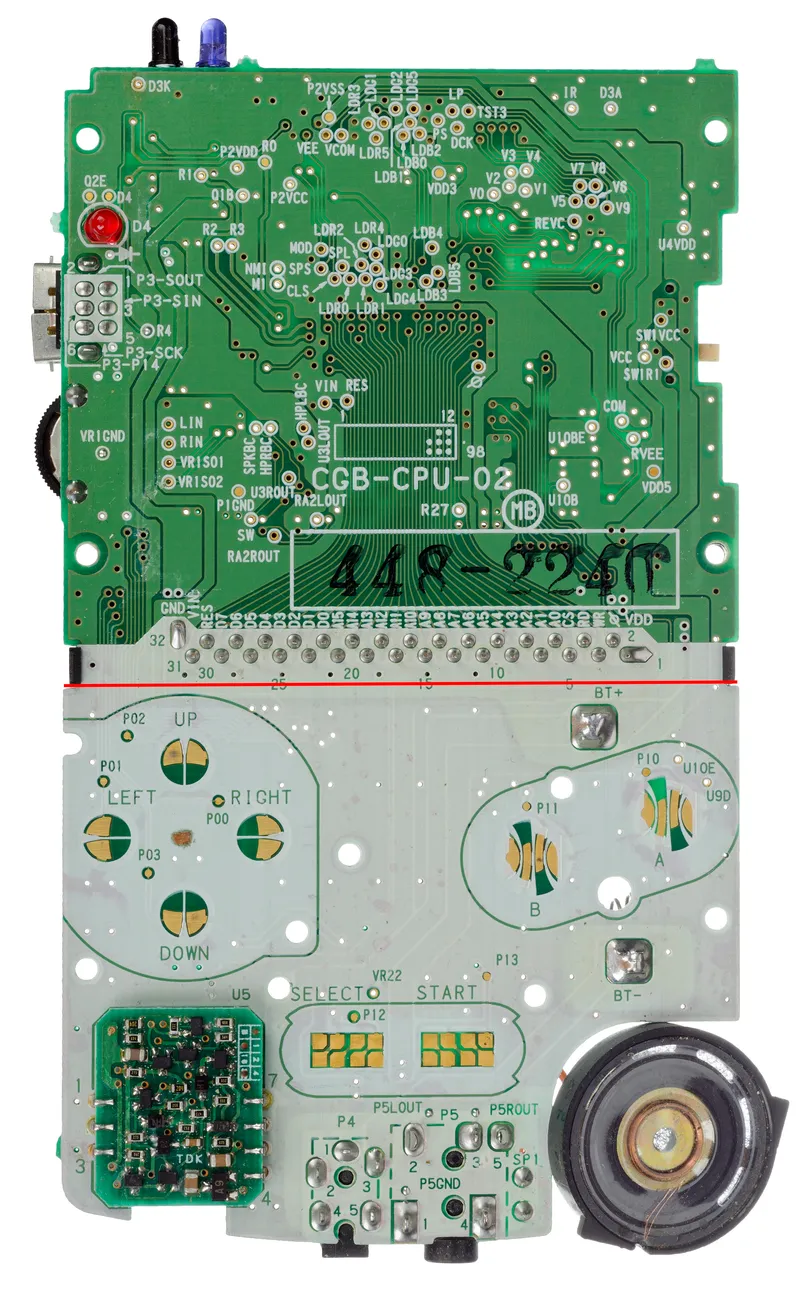
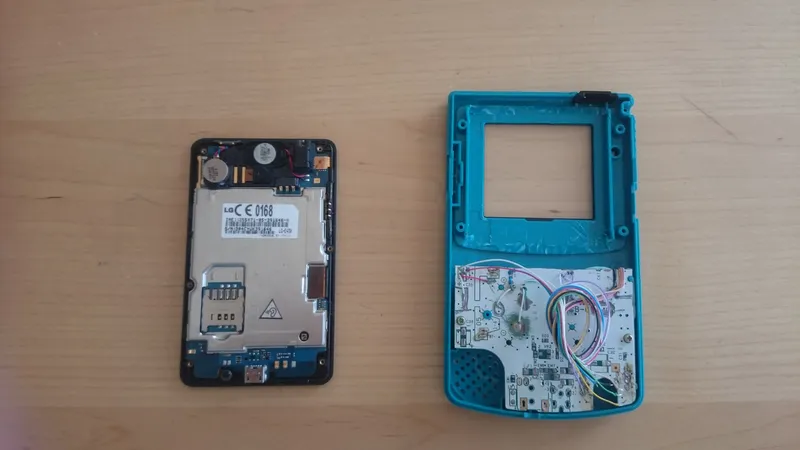
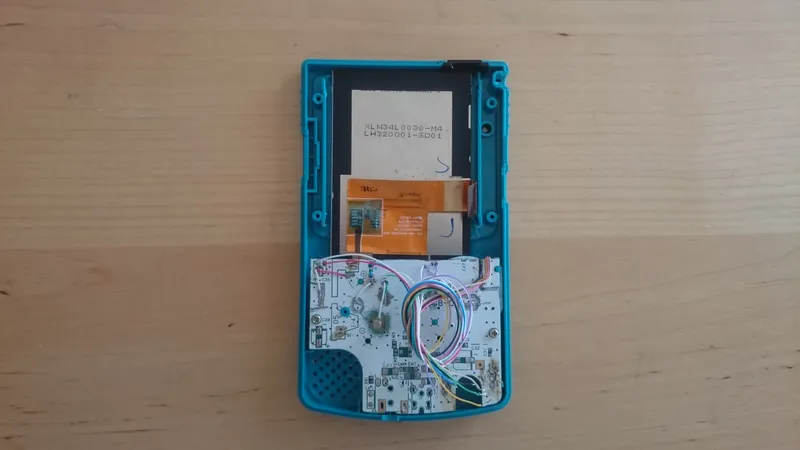
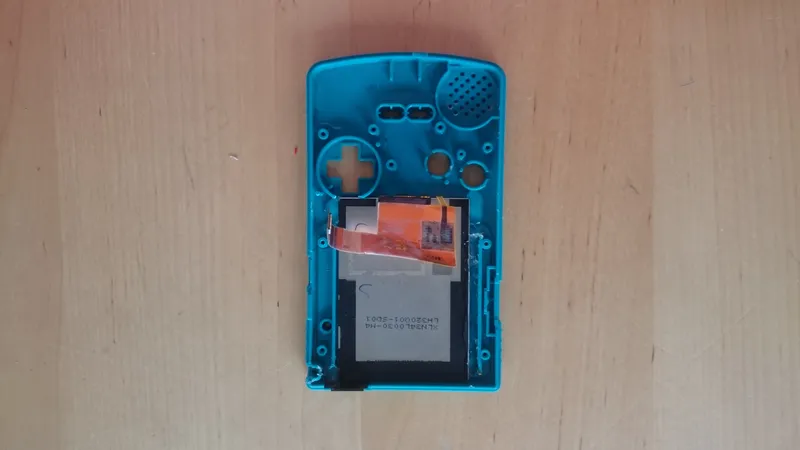
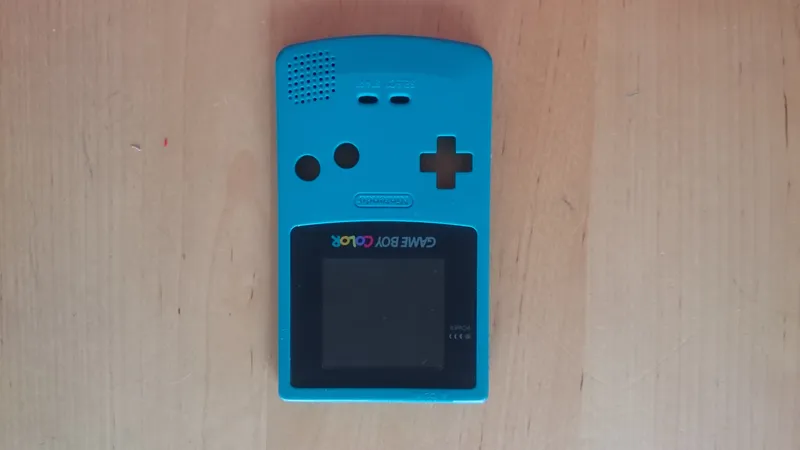
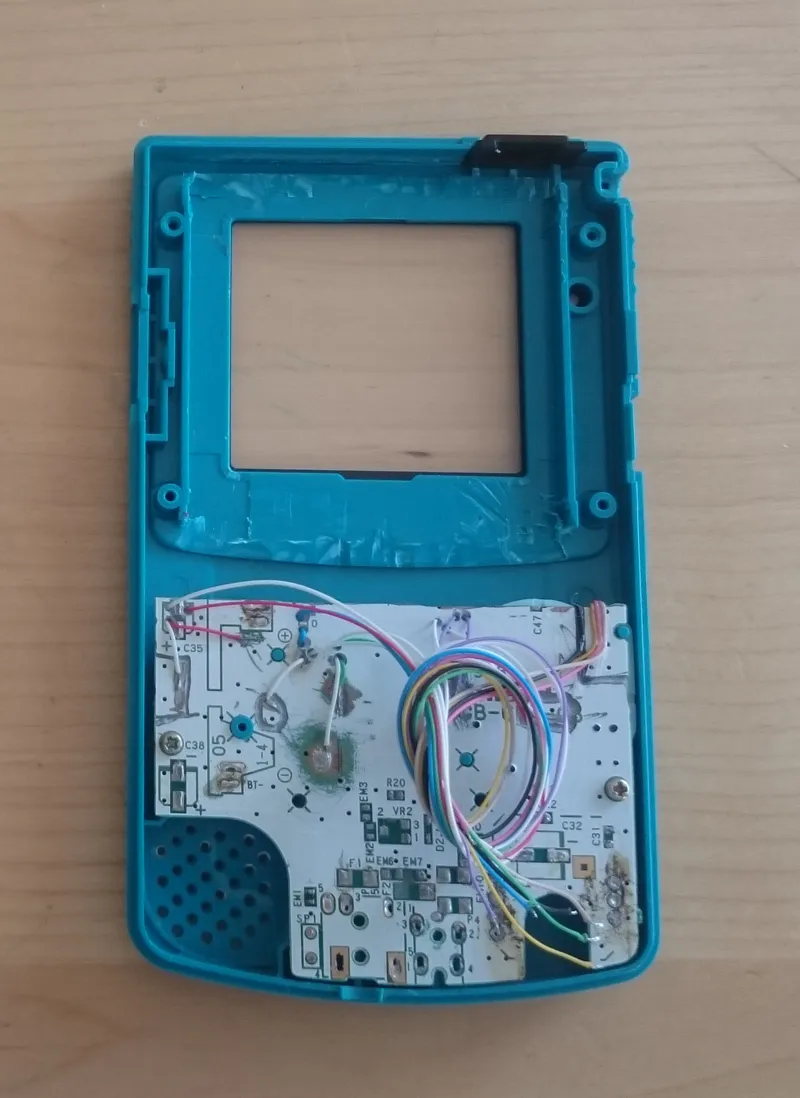
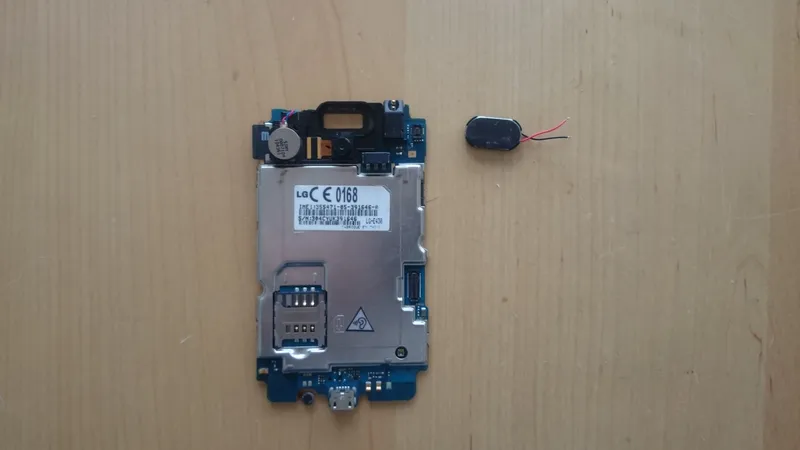
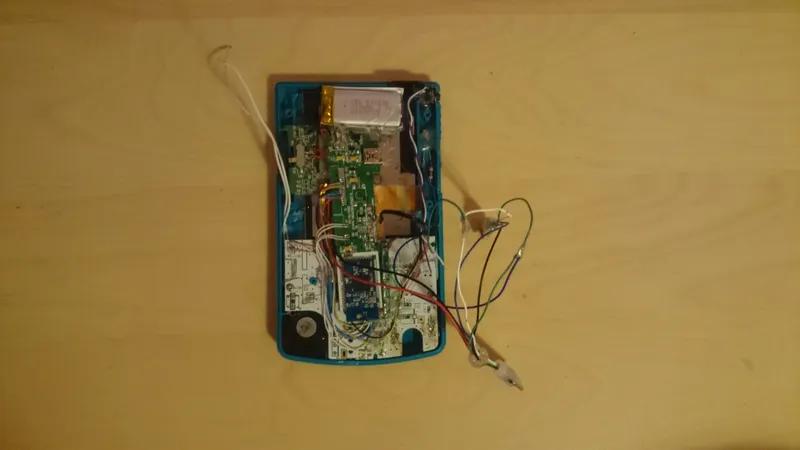
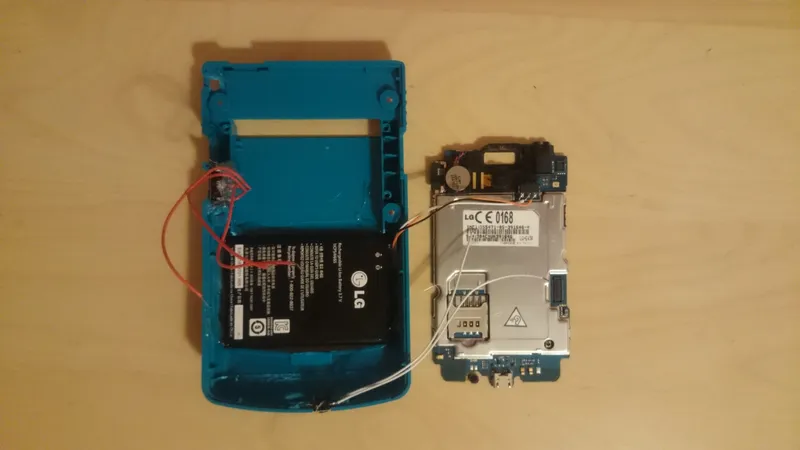
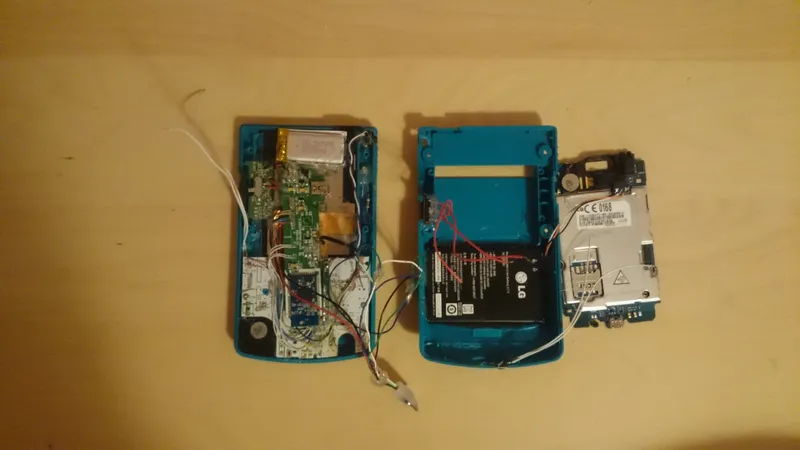
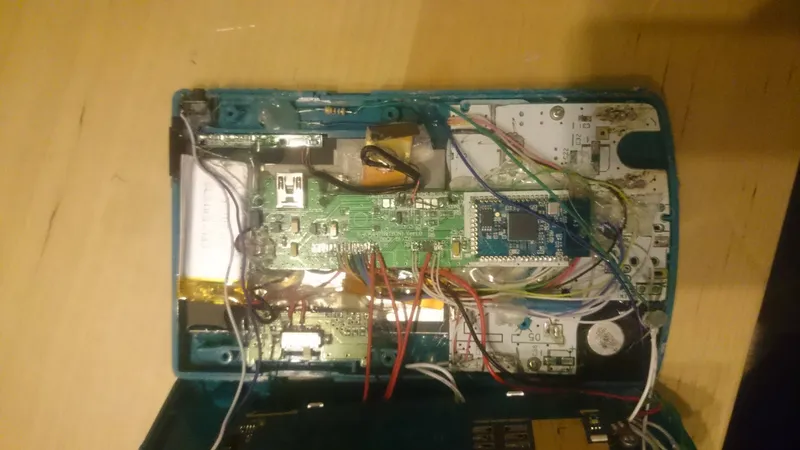
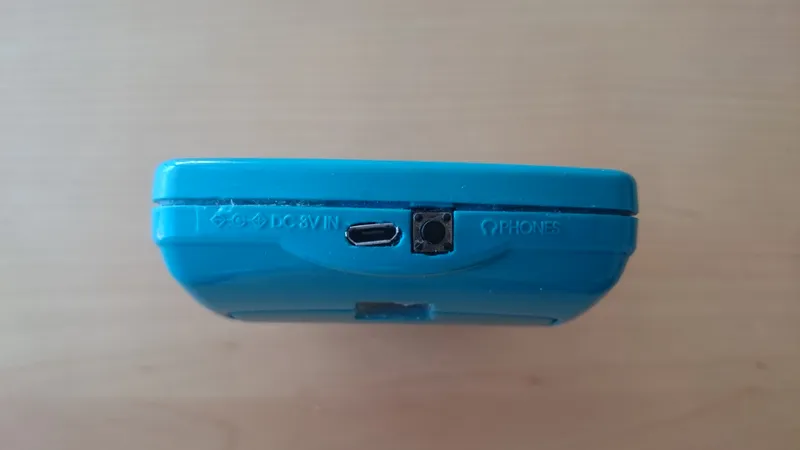
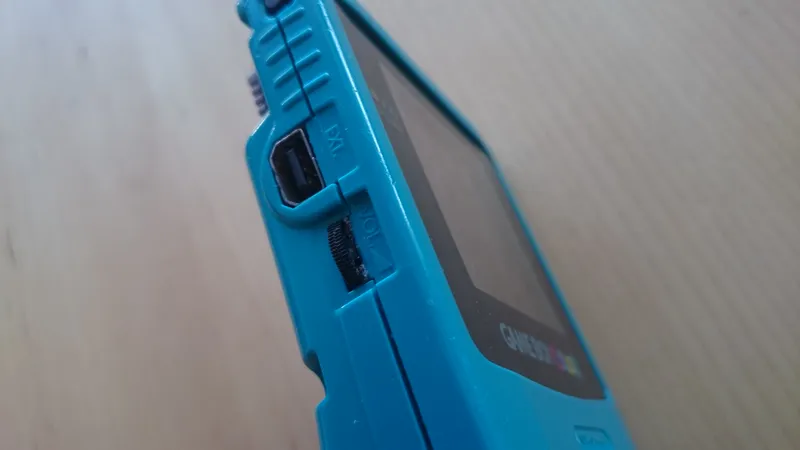
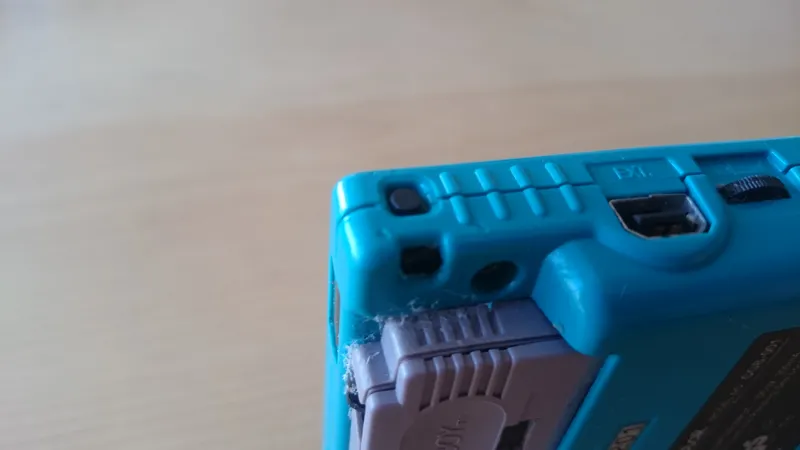
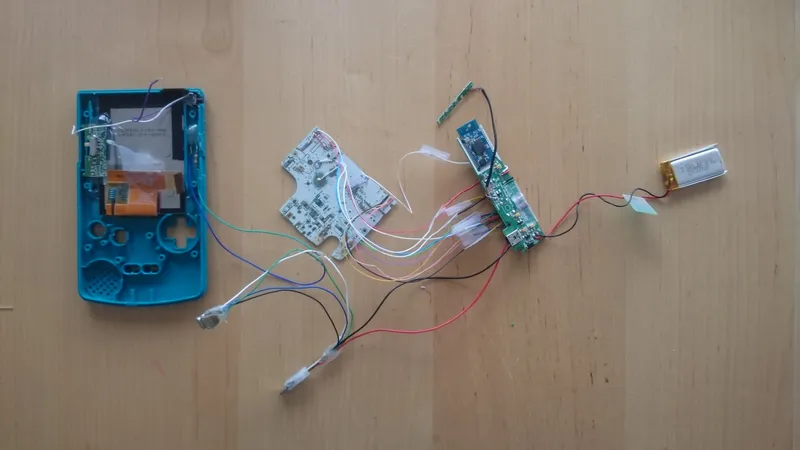
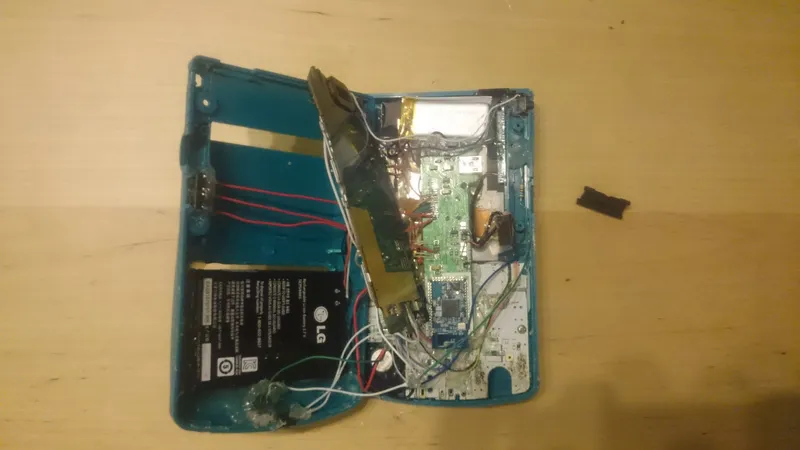
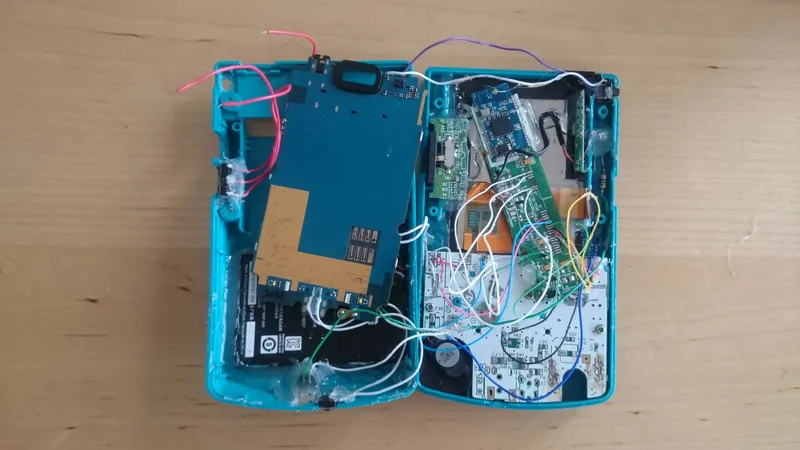
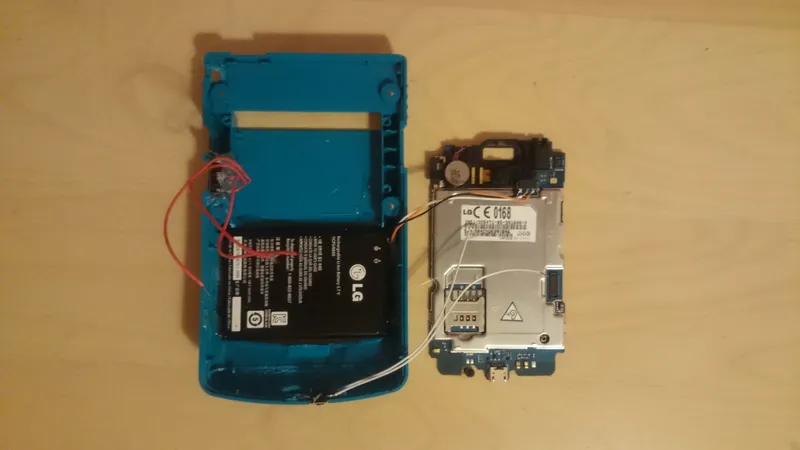
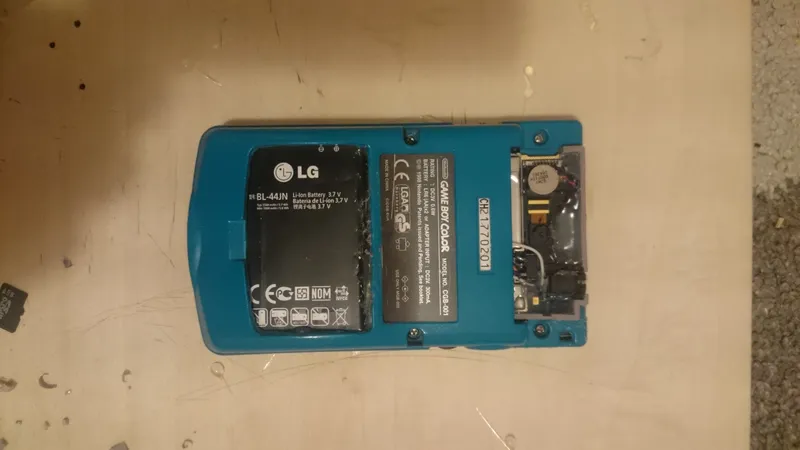
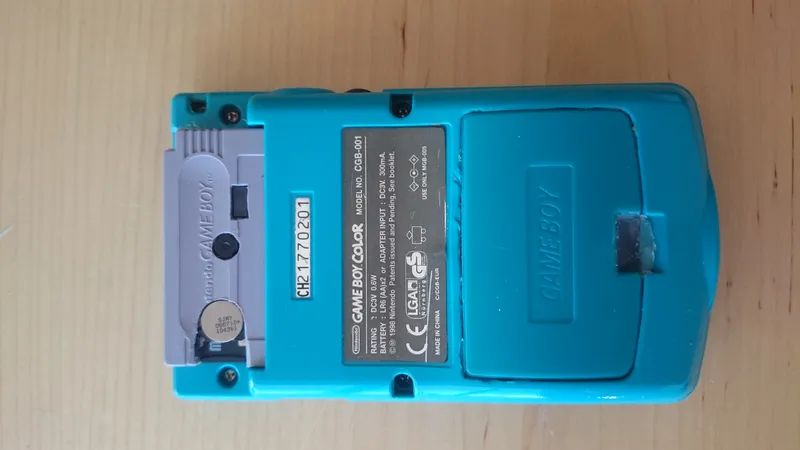
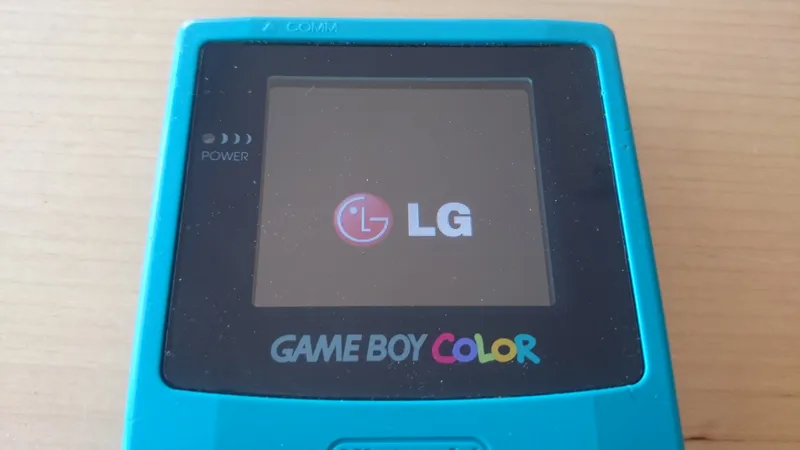
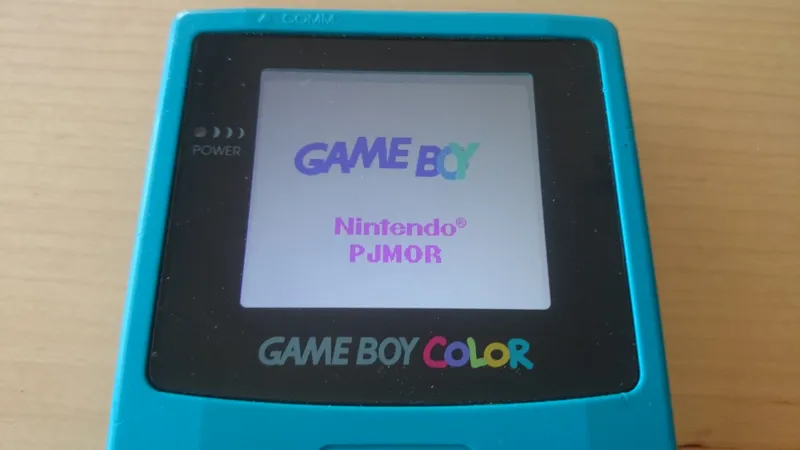
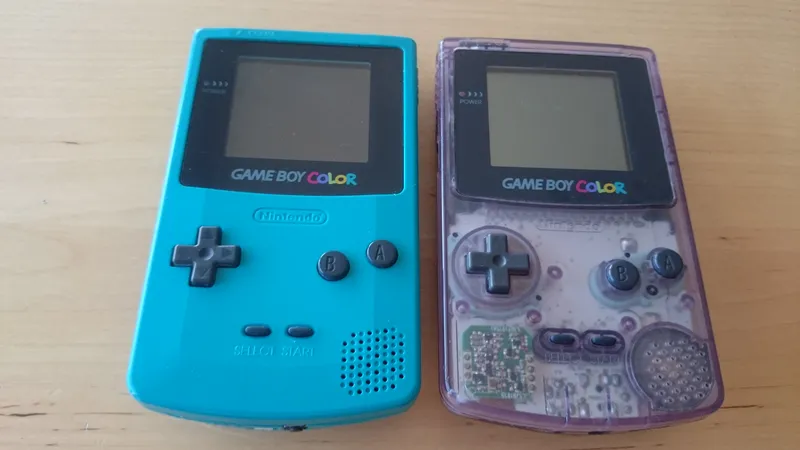
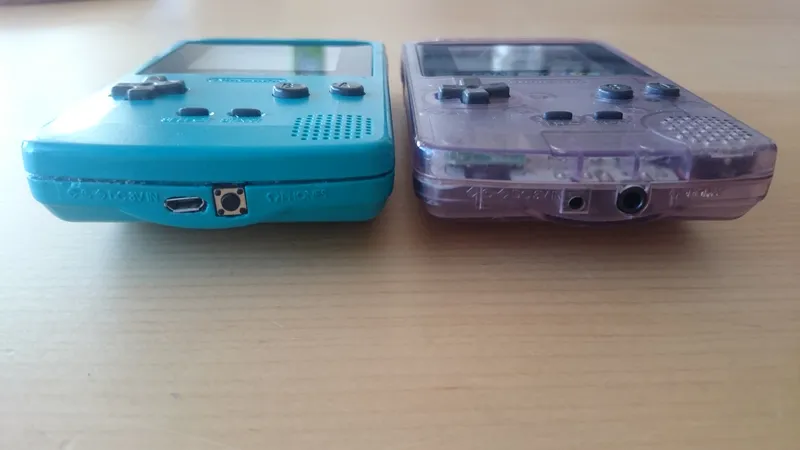
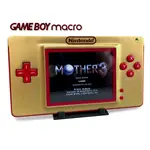
Here's the list of things I used for the GameDroid. It's been almost completely sourced from my pile of junk, so you may or may not have to adapt if you plan on making one of these.
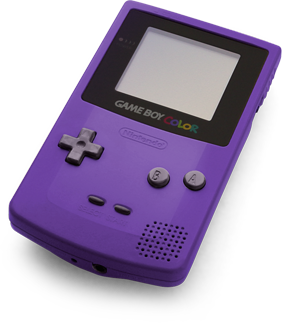
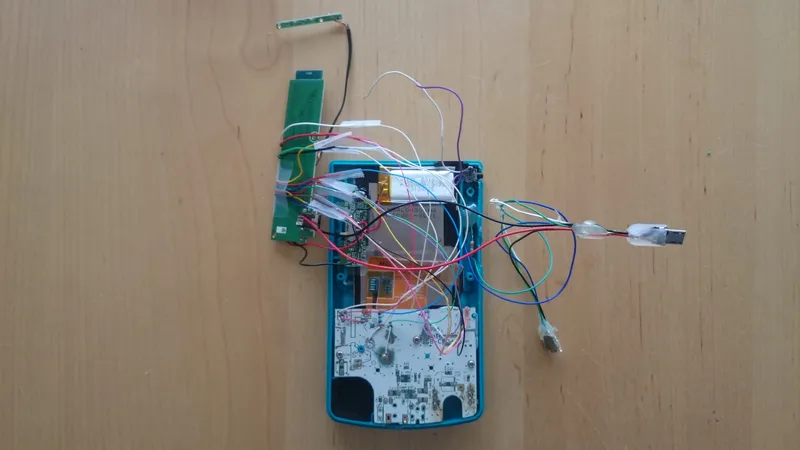
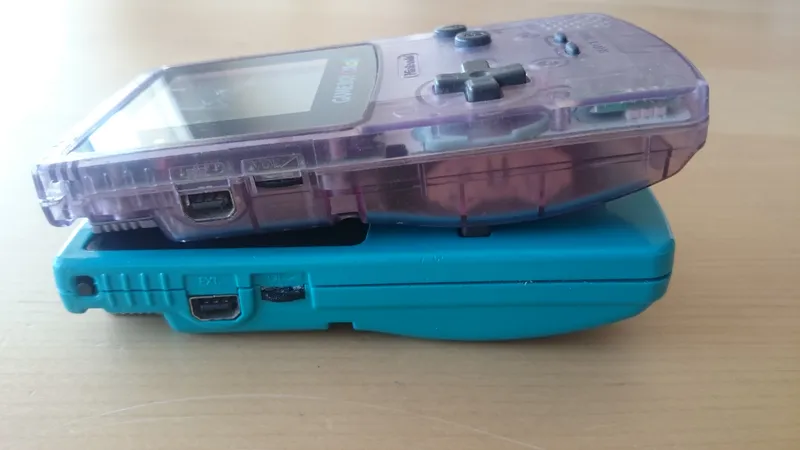
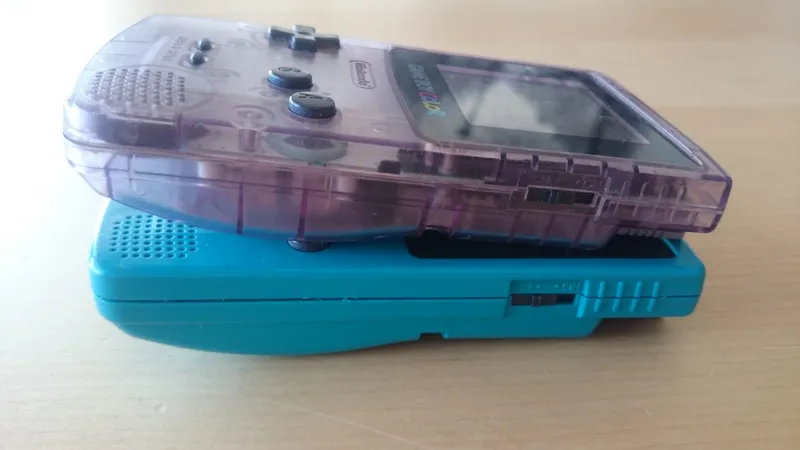
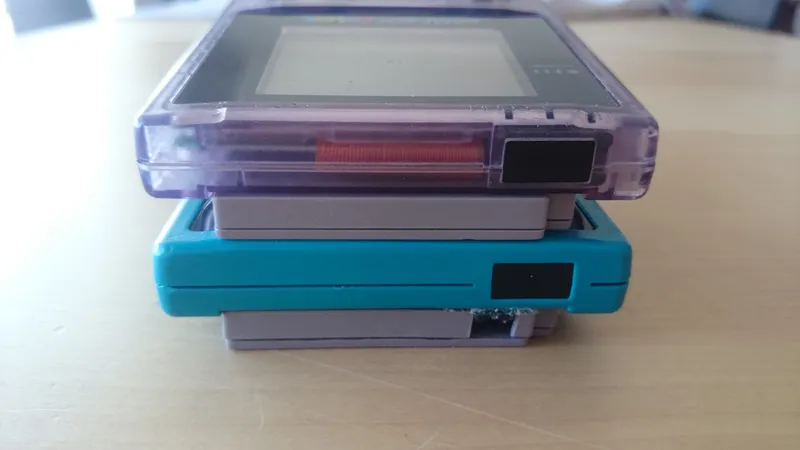
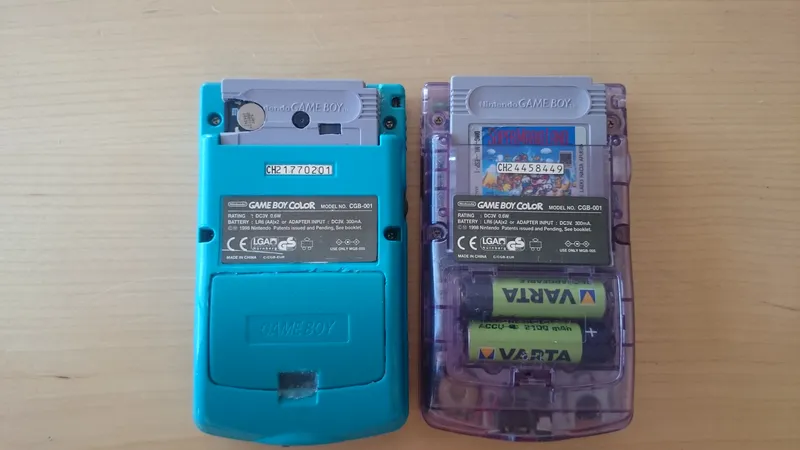
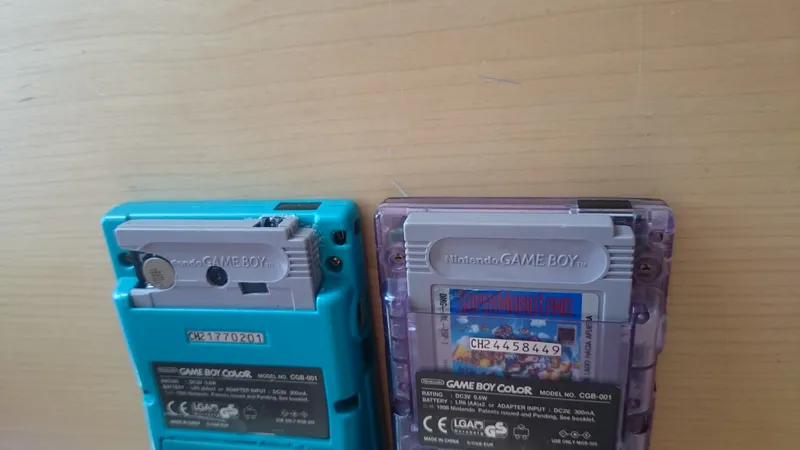
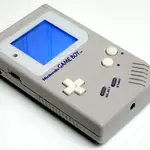
• GameBoy (duh) It doesn't have to be a functional one, as you won't be using many original pieces.
• Make sure the buttons and the power switch work, you're going to need them.
• If possible, make sure it has the battery cover, the ones on eBay don't always have a matching color
• It can be any GameBoy really, you only have to adapt it to your needs. I don't think any of the GameBoy Advance (original, SP, or Micro) would be of any use, but you can try your luck with the original GameBoy Advance. You'd need a miracle or a miniscule phone to manage to get it in a GBA SP or Micro.
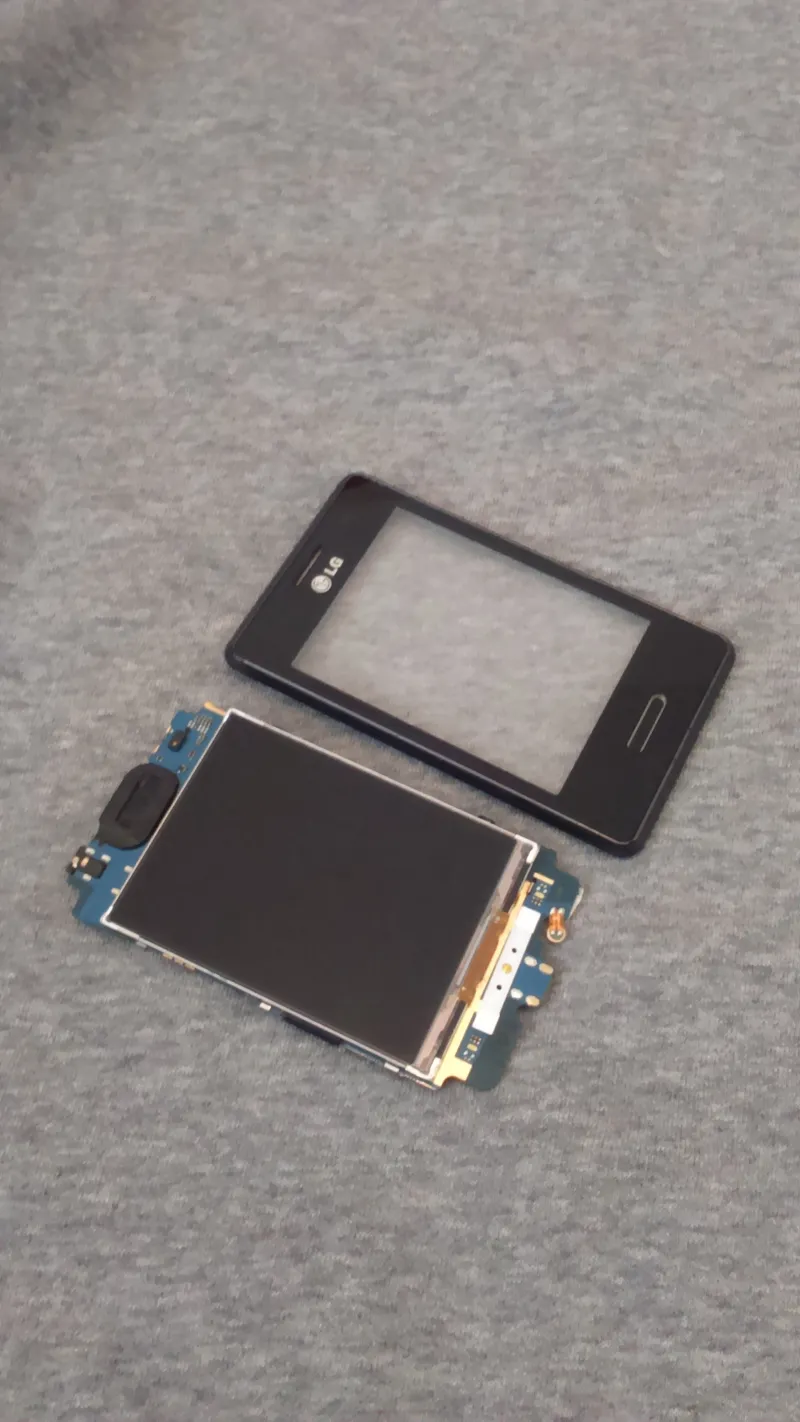
• A phone It's got to be a small one. I used an LG Optimus L3 II, but I'm sure other ones can work too
• Try to keep the screen height under 7 centimeters or 3 inches
• The cheaper, the better. Things will go wrong, you do not want to have an expensive mistake.
• The HTC Wildfire and original LG Optimus L3 may work for this project, but I have absolutely no clue if they are viable candidates.
• If you find a small enough phone which has USB OTG capabilities, it's your best choice. This project would have been a lot easier had I been able to use a USB keyboard for the gamepad input.
• It is highly recommended NOT to get a phone which has its tactile screen stuck to the lcd, as many newer phones do
• Must be a phone that can be rooted (Samsung tends not to be easily rootable)
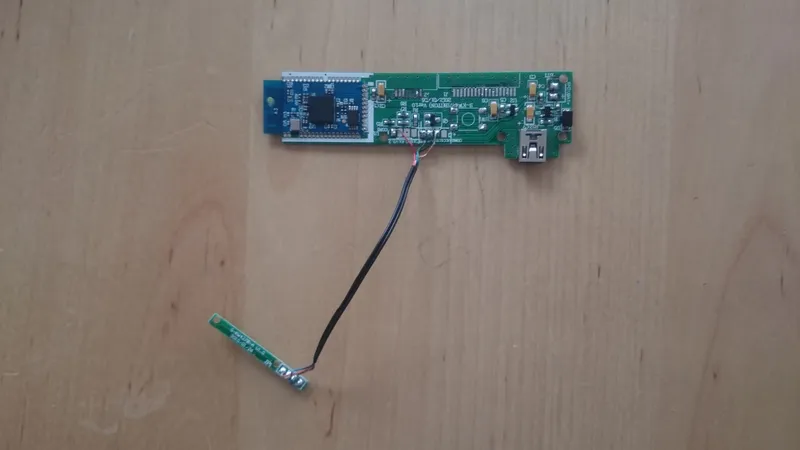
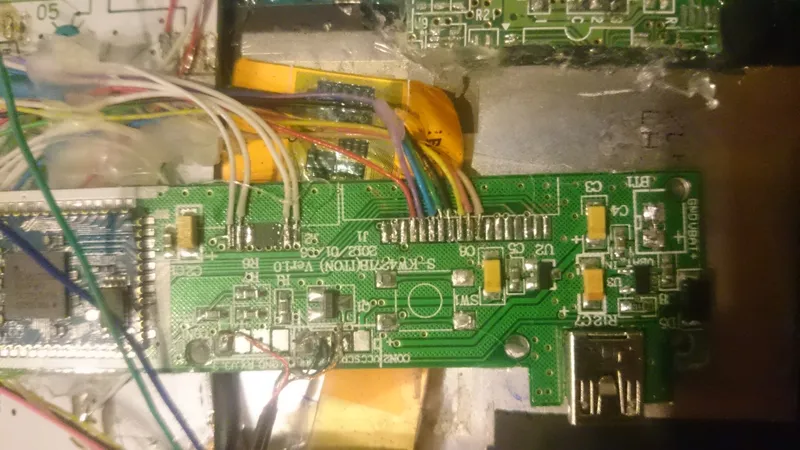
• Bluetooth keyboard Although getting one of those mini-bluetooth keyboards made for phones seems the right way to go, they often have a controller pcb which is bigger than full-fledged bluetooth keyboard controllers. There isn't much space inside a GameBoy.
• The cheaper it is, the more probable it is to have a small pcb.
• Very thin colored wires I sourced mine from a broken VGA to HDMI adapter. There were various colors, and they were extremely thin, even thinner than the wires found inside USB cables
• I am led to believe that video cables such as DVI, VGA, and HDMI have very very thin wires, but don't take my word for it. I also believe that old serial and printer cables have very thin wires
• It isn't absolutely necessary for wires to be that thin, the ones found in any old USB cable will do, but it does simplify your life enormously when it comes to soldering things together and fitting things in such a cramped space.
• Buttons You will need extra buttons to get some basic functionality out of your phone, I found that buttons that come with breadboards suited my needs
• I used 4 buttons in total, 1 for power, 1 for back, and 2 for volume. You can add 2 more for brightness control, but I felt it was unnecessary (besides havng nowhere to put them)
• Female MicroUSB port Unless you want your GameBoy's lifetime to depend on how much battery you have left in your phone, you need to get one (or two or three) of these to charge and communicate with your phone
• This is unnecessary if you place your phone in such a way that the port is accessible without need of rewiring it
• I don't recommend desoldering the one that's one your phone and then just running cables between the port and the phone; as always, things will go wrong
• A MicroSD card During the build, I used my 16GB SDHC card for testing, but ended up using an old 128MB MicroSD
• No need for high storage capacities nor fast write speeds, old console games are next to nothing when it comes to memory
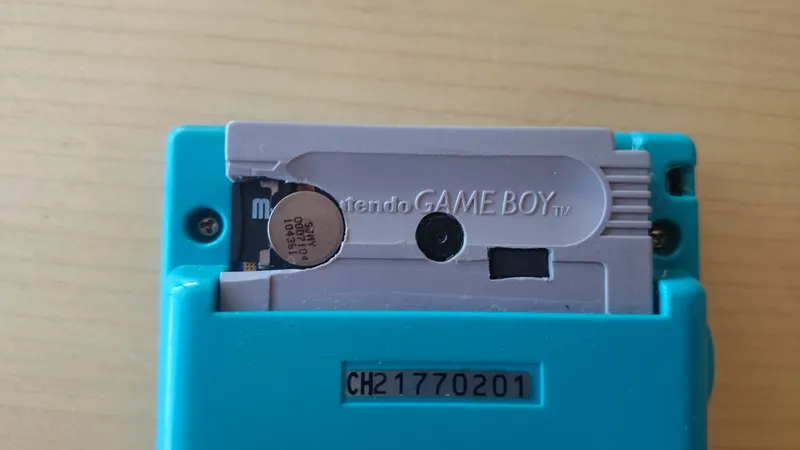
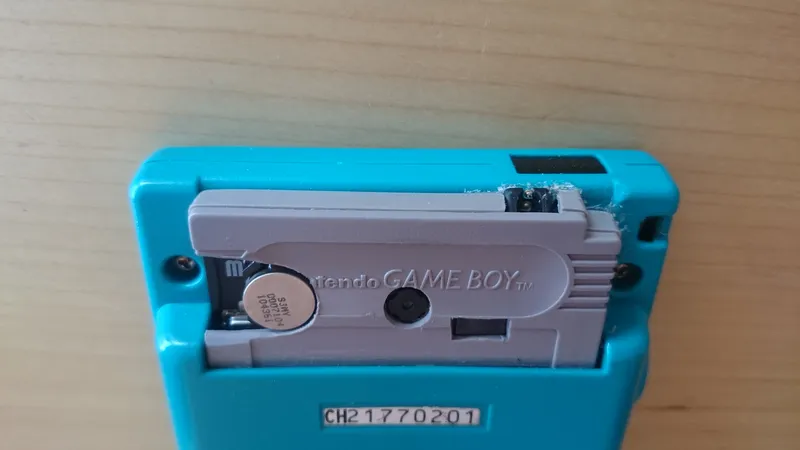
• A GameBoy cartridge If you have any pieces protruding from the cartridge slot, you'll want a cartridge to cover it up.
• A small LED Used to show if charging or not, you can take it from the GameBoy motherboard (unless you fry it, like me)
• Tools You may or may not use what I've used, but here's my stuff: Soldering iron (the smaller the better)
• Hot glue gun (you can probably get away with just superglue)
• Superglue (you can probably get away with just hot glue)
• Tri-wing scredriver for the gameboy screws (a small flat one can do)
• Cutter (you can get away with just a dremel)
• Dremel (no, you can't get away with just a cutter, your hands are at stake)
• Patience As I have repeated a few times already, things WILL go wrong
• When things go wrong and you just can't understand why, explaining it to someone else in detail often helps you realize the problem by yourself, even if that other person has no clue about all the crazy things you're rambling about
• A brain It does tend to help
Note: Having two of everything helps enormously, so try to keep everything as cheap as possible if you must buy something