SOLID MODELEmbedded Coding19-Sept-2026
Modular 2.5" HDD & USB/SD Storage System (Fits 3.5" Case)

TURELKA
4 Files
stl Format
Description
Modular Organizer for 2.5" HDDs, USB Flash Drives, and SD Cards (3.5" Form Factor)
- A convenient and well-thought-out modular organizer for neat and safe storage of your digital media.
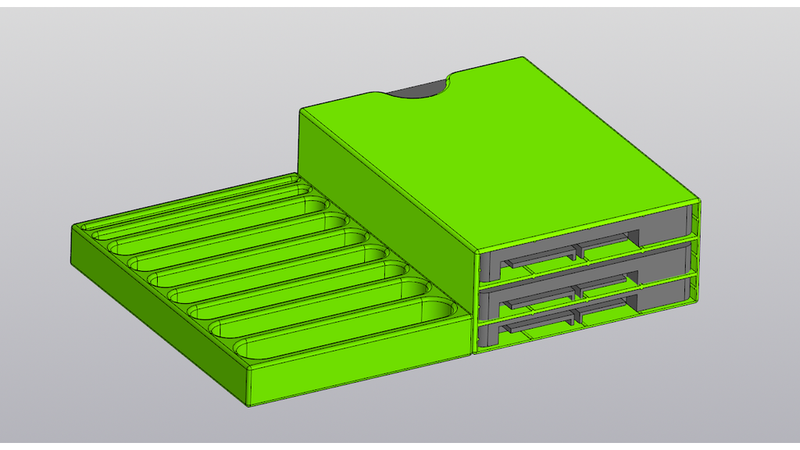
- 💡 The main feature of this project: if you print the first two models and put them together, their combined dimensions roughly match the size of a standard 3.5-inch hard drive! This means the resulting block fits right into a standard protective case/box for 3.5" HDDs. A great solution for safely transporting your archives.
📦 Model Overview:
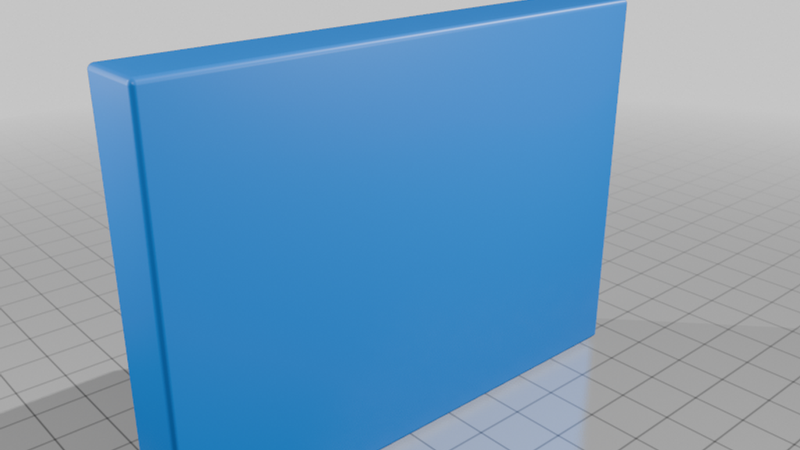
1. USB Flash Drive & SD Card Stand
- A compact tray for convenient storage of small media.
- Thoughtful slot widths: accommodates both standard narrow and wide/thick custom USB flash drives.
- Dedicated slots for full-size SD cards.
- The space above can be used for the USB-to-SATA cable.
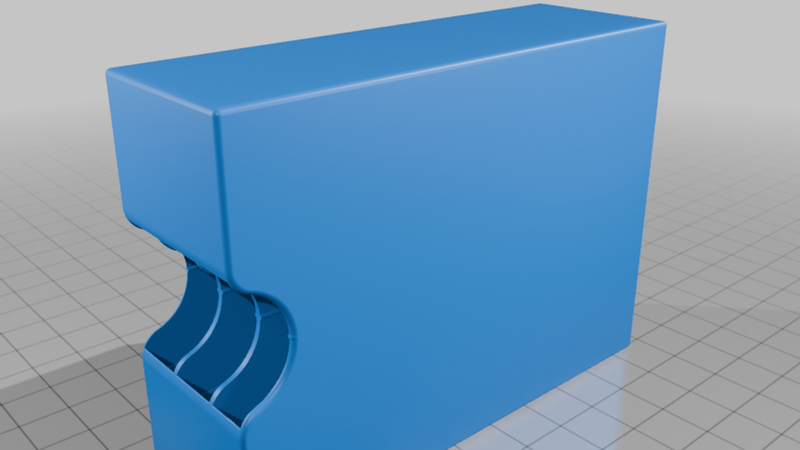
2. Storage for Three 2.5" HDDs/SSDs
- A reliable case for laptop drives or SSDs. Designed for 3 drives.
- Slot sizes: 1 slot for a thin drive (7 mm) and 2 slots for standard drives (9.5 mm).
- Smart design: built-in guide rails ensure drives slide in smoothly, prevent scratching, and hold securely in place.
- Easy removal: a push-hole on the back wall allows you to easily pop out the required drive with your finger.
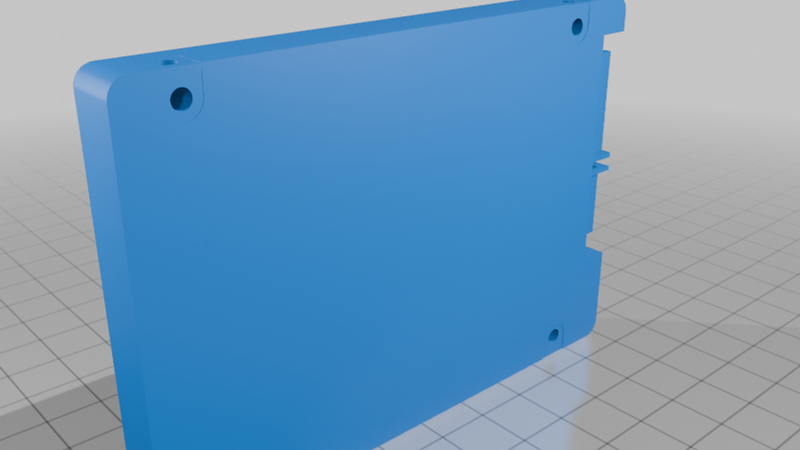
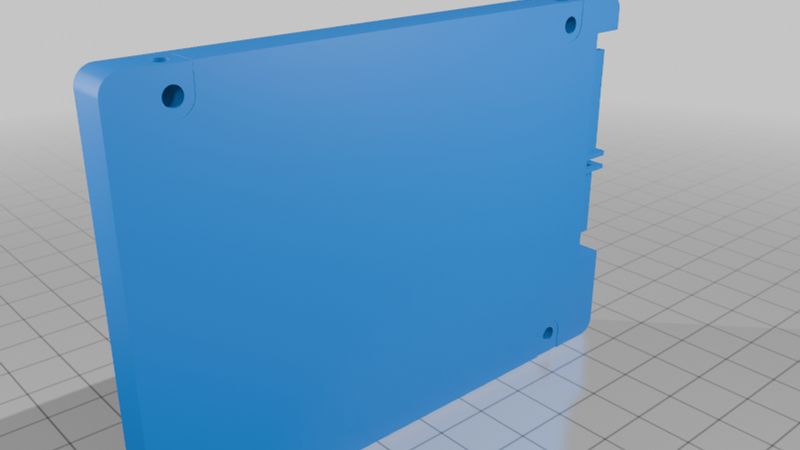
3. Bonus: 2.5" HDD 9.5 mm/7 mm Mockups
- A 2.5" hard drive models (9.5 mm/ 7mm thickness). I originally created this for virtual assembly and clearance checks, but decided to include it in the upload. It can be useful for test prints, printer calibration, or designing your own enclosures.
🖨️ Printing Guidelines
- Material: The first two models (organizer and HDD storage) are recommended to be printed in TPU (Flex). Using flexible filament provides great shock absorption, protects the drives from impacts, and gives a snug, secure fit for your flash drives.
- Layer height: 0.2 mm is plenty.
- Infill: 15–20%. You can adjust the infill when printing with TPU to achieve the desired softness and elasticity.
- Supports: Pay attention to the bridging/overhang areas in the HDD storage model. If your printer struggles with overhangs, enabling supports is recommended.