CRWorks Whoop - Front Post Camera Mount

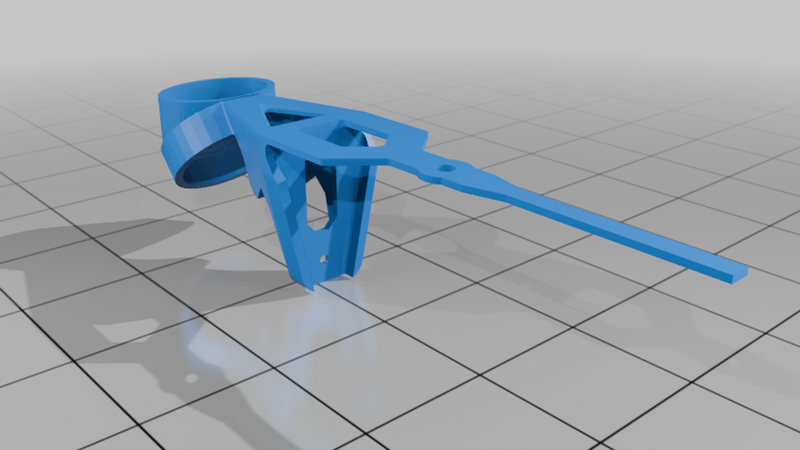
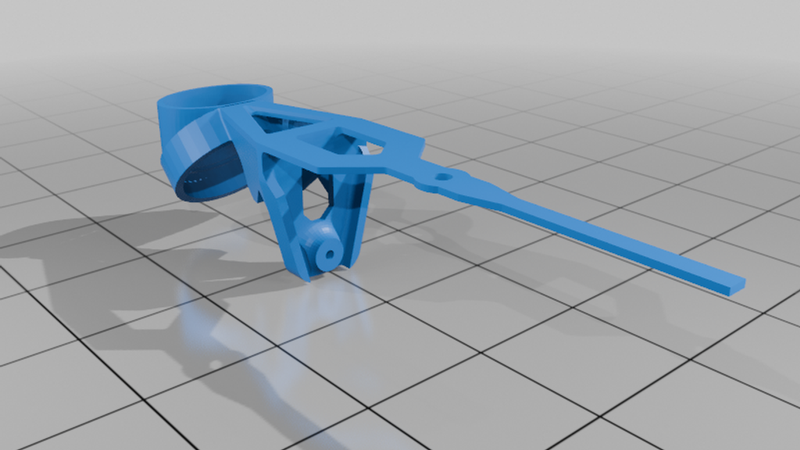
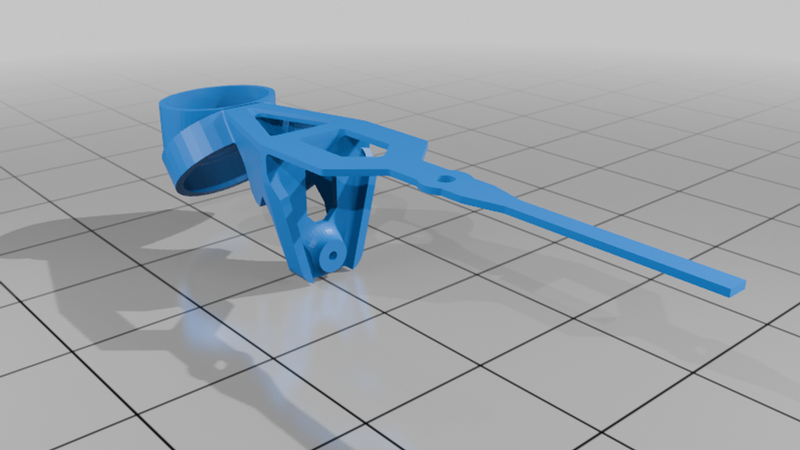
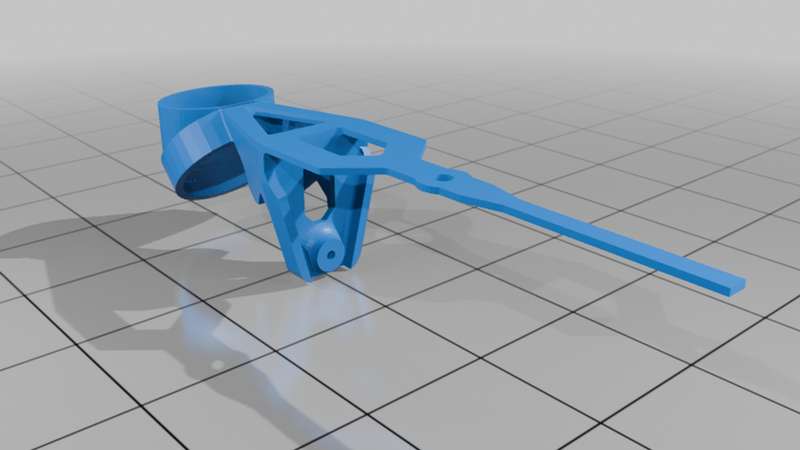
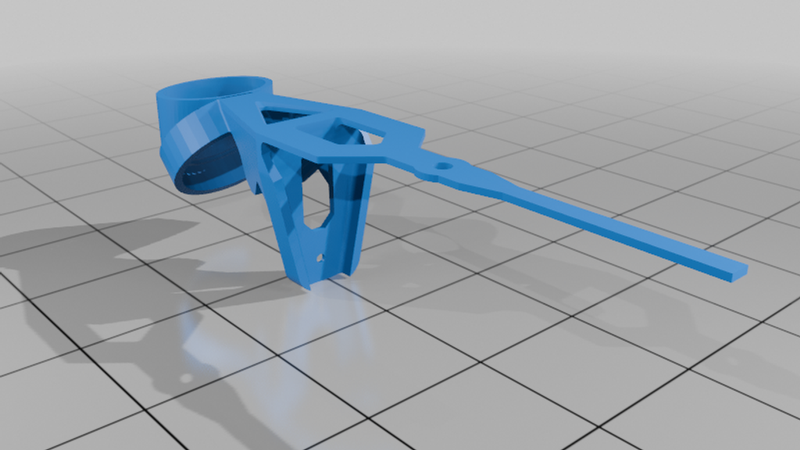
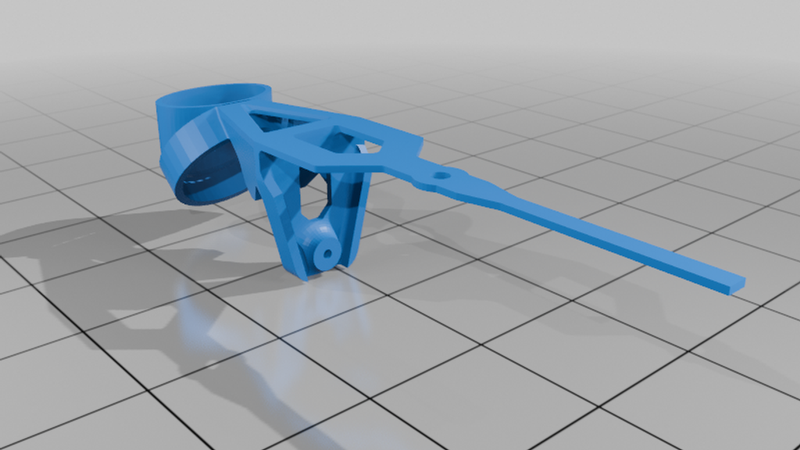
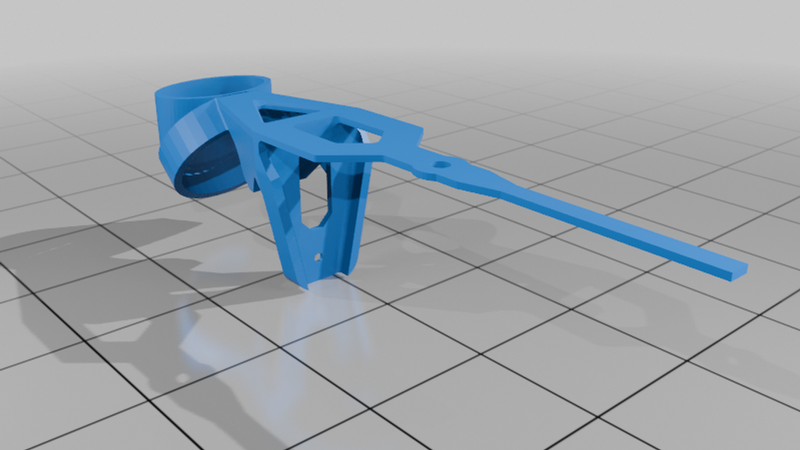
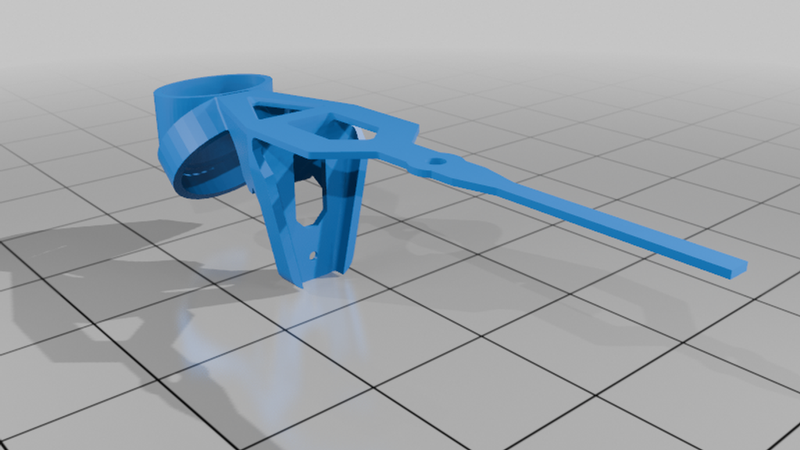
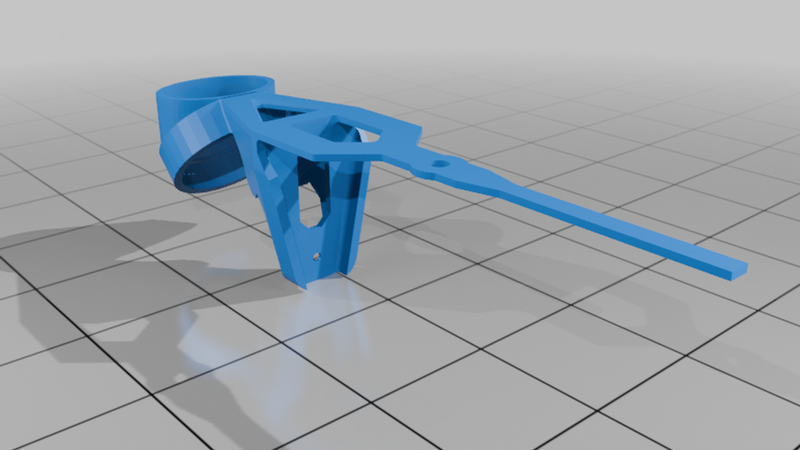
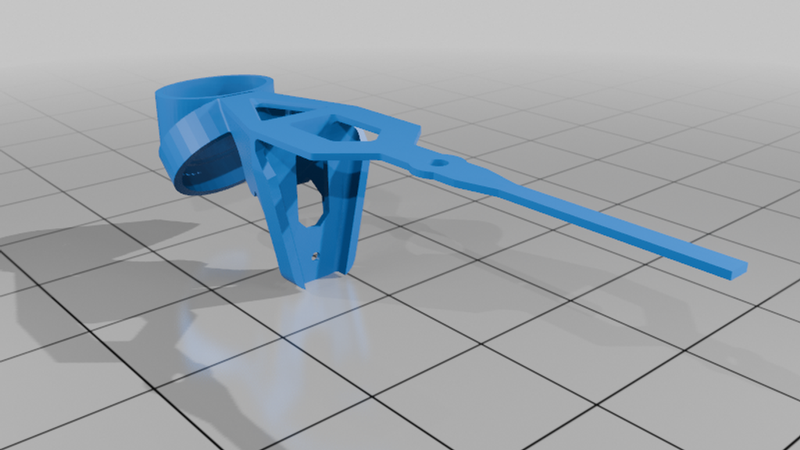
Description
This is the updated version of the CRWorks Whoop Strap Mount: https://www.thingiverse.com/thing:6977581
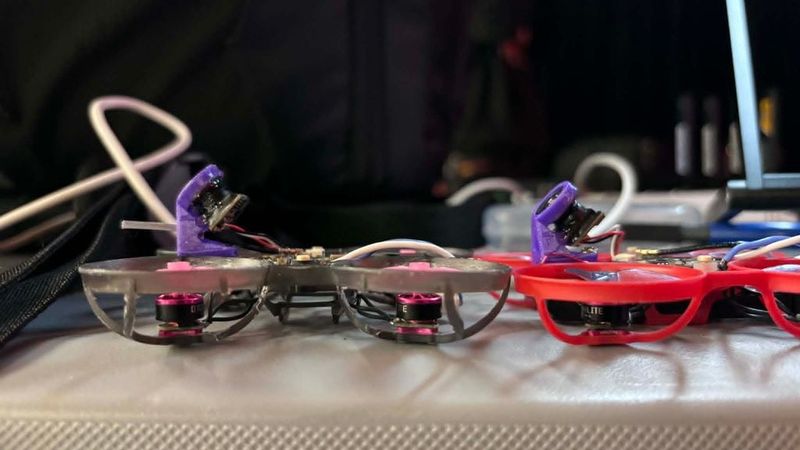
This camera mount was originally designed to move the camera forward of the flight controller to prevent the camera from breaking the flight controller in hard crashes. Since then it has become popular among many pilots for its forward camera position, reducing the ducts in view, and helping with visibility of the whoops proximity to ground.
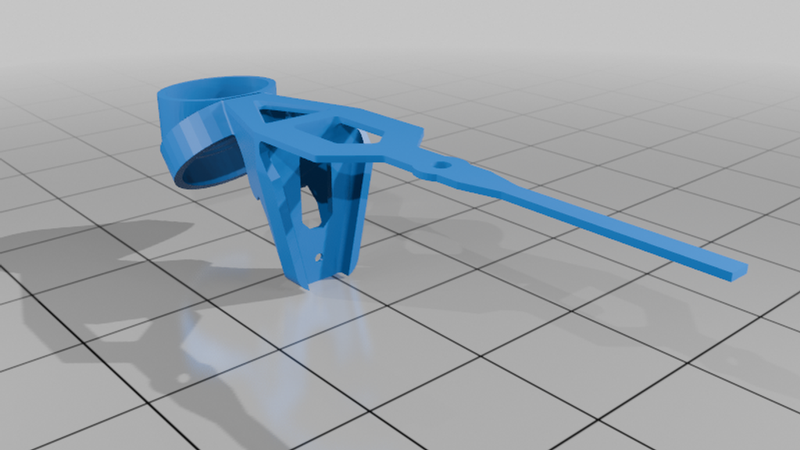
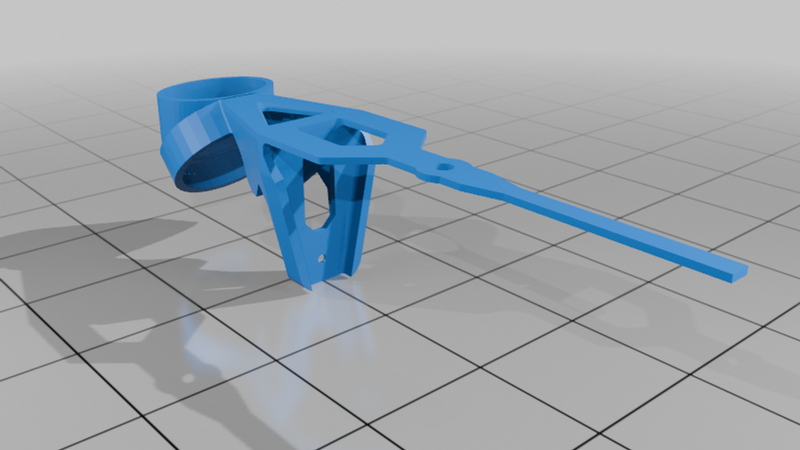
Print the camera mount 100% infill at your preferred layer height and no supports. The model already has the supports built in. Remove the camera mounting ring supports after removal from the print bed. Wire snips or scissors may help depending on printer settings.
To install in the whoop:
1. Wrap the strap around the frame's front post and feed it back through the hole in the horizontal brace member. The screw hole in the strap should be over top of the front flight controller mounting post hole location.
2. Insert a flight controller mounting screw through the strap, through the screw hole in the horizontal brace member, and then screw it into the flight controller mounting post. (A metal screw is recommended for best durability; RENY and PEEK frequently break due to the higher stresses on the front screw due to the single screw mounting solution)
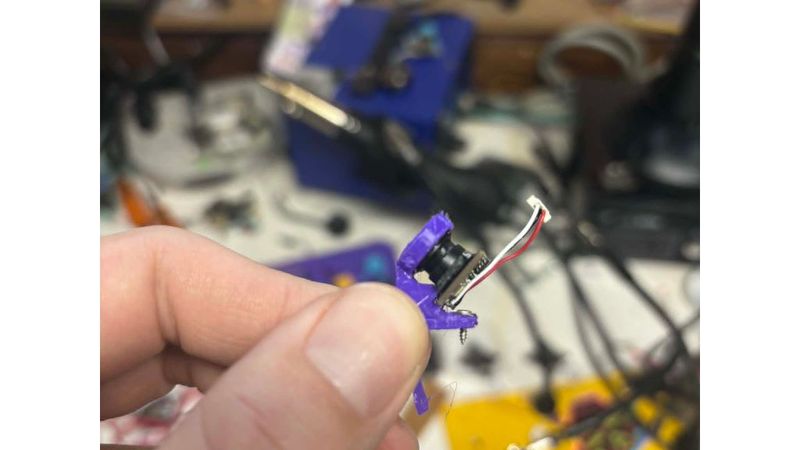
3. Insert the camera into the lens ring and glue in place with T-7000 or E-6000. Glue both the camera to the mounting ring, and the PCB to the horizontal brace member.