ESP32 Indoor Thermometer with SHT41, Motion Sensor and TFT Display

Description
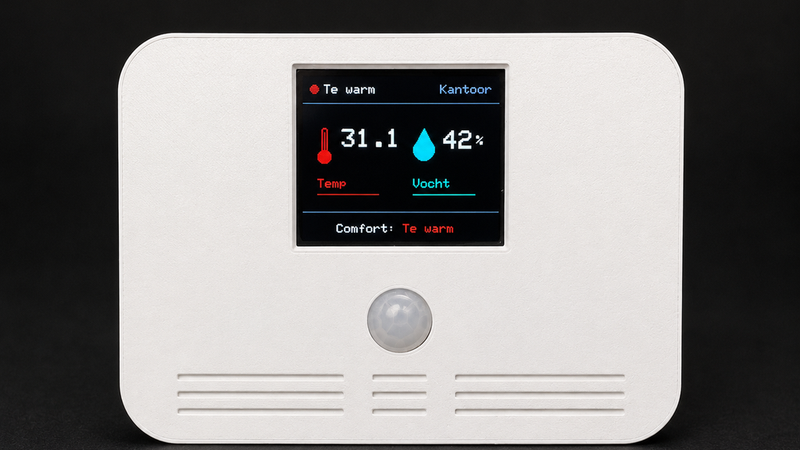
This enclosure was designed for a smart indoor thermometer based on an ESP32 WROOM, an SHT41 temperature and humidity sensor, an AM312 PIR motion sensor and a 1.8-inch TFT display.
The thermometer automatically detects when someone approaches. The display then fades in smoothly and shows the current temperature, relative humidity and comfort status. After a configurable period without motion, the backlight fades out again.
The sensor continues measuring and can keep sending its values to Home Assistant via MQTT, even while the display is turned off.
👉 Watch the project video
A complete build video is available on YouTube:
The video explains the components, wiring, software, Home Assistant integration, enclosure design and final assembly.
Main features
* Designed for an ESP32 WROOM development board
* Suitable for a 1.8-inch SPI TFT display with ST7735S driver
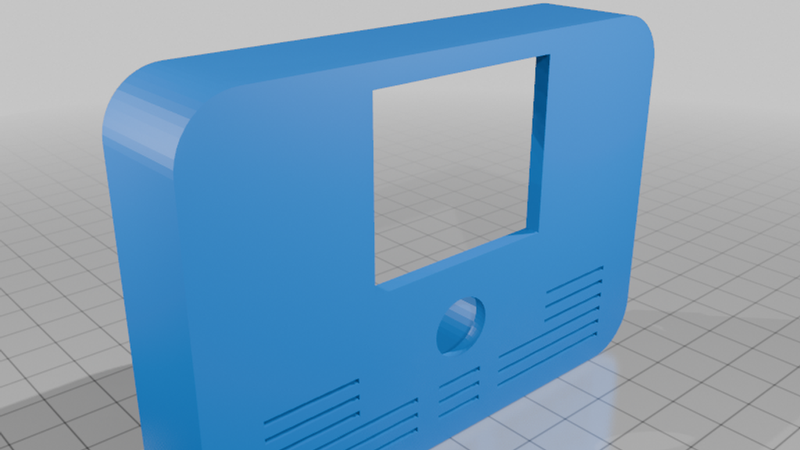
* Opening for an AM312 PIR motion sensor
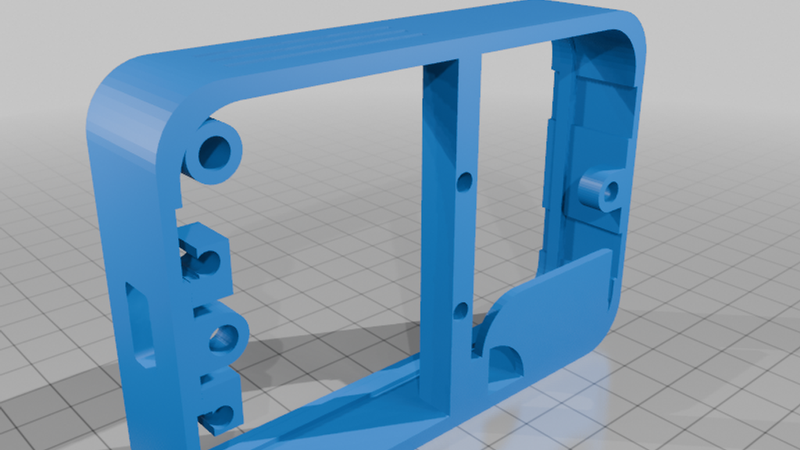
* Internal mounting position for an SHT41 sensor
* Ventilation openings for more accurate temperature measurements
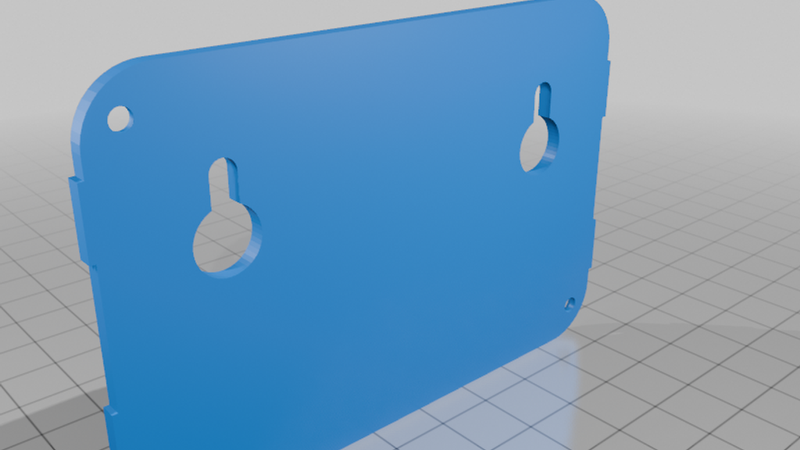
* Separate front and rear enclosure parts
* Mounting points for M3 heat-set inserts
* Suitable for wall mounting or placement on a desk
* Designed to hide the electronics and wiring
* Smooth display backlight control using PWM
Important sensor placement information
Temperature sensors can easily be affected by heat generated by the ESP32, display and voltage regulator.
For this reason, the enclosure includes several ventilation openings and the SHT41 is positioned away from the warmest components. The enclosure went through several revisions to improve airflow and reduce the influence of internal heat on the measured temperature.
For the most accurate measurements:
* Do not place the enclosure in direct sunlight.
* Keep it away from radiators and other heat sources.
* Make sure the ventilation openings remain unobstructed.
* Avoid mounting it directly above electronic equipment.
Required components
* ESP32 WROOM development board
* SHT41 temperature and humidity sensor
* AM312 PIR motion sensor
* 1.8-inch SPI TFT display, 128 × 160 pixels
* M3 screws
* M3 heat-set inserts
* Wires or small connectors
* USB cable or suitable power supply
Component dimensions can differ between manufacturers. Check the dimensions of your hardware before printing.
Printing recommendations
The enclosure can be printed in PLA or PETG.
Suggested settings:
* Layer height: 0.20 mm
* Wall count: 3
* Infill: 15–25%
* Supports: depending on your printer and chosen orientation
* Material: PLA for indoor use or PETG for additional durability
A brim may help when printing larger flat enclosure parts.
Assembly
M3 heat-set inserts are used to mount the display, sensor boards and enclosure parts. The inserts can be carefully installed using the tip of a soldering iron.
Do not apply too much pressure while inserting them. Allow the plastic to soften and guide the insert slowly into position.
Before final assembly, test the ESP32, display, motion sensor and SHT41 separately. This makes troubleshooting much easier if a wire or connection is incorrect.
Software
The project can be used in two different configurations:
1. A standalone version without WiFi or MQTT.
2. An extended version with WiFi, MQTT, OTA updates and Home Assistant integration.
The display works locally, so the thermometer can continue operating even when WiFi or MQTT is temporarily unavailable.
Customisation
The enclosure can also be adapted for other indoor sensors. Possible additions include:
* CO₂ sensor
* Air-quality sensor
* Light sensor
* Barometric pressure sensor
* Presence sensor
Please share your makes and modifications. I would love to see how you use or improve this design.
Licence and attribution
This design is intended for personal and educational DIY projects.
When sharing a modified version, please include a reference to the original design and the Matteman-Automation YouTube channel.