Case for Zooz ZAC93 Z-Wave GPIO Module
Description
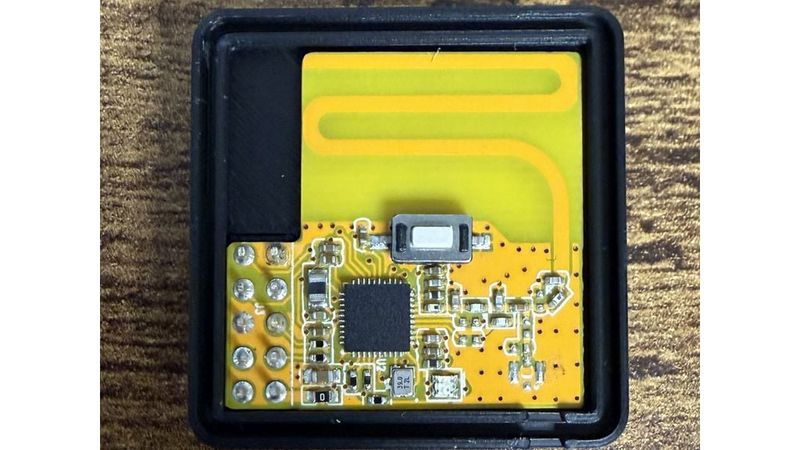
A custom-engineered, compact protective case for the Zooz ZAC93 Z-Wave GPIO Module (commonly used with Raspberry Pi and other smart home gateways). This enclosure keeps your hardware safe while maintaining full accessibility to all peripheral features.
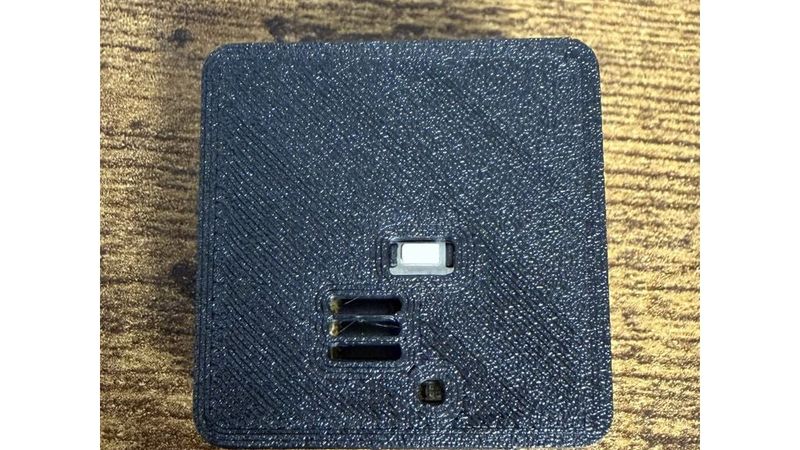
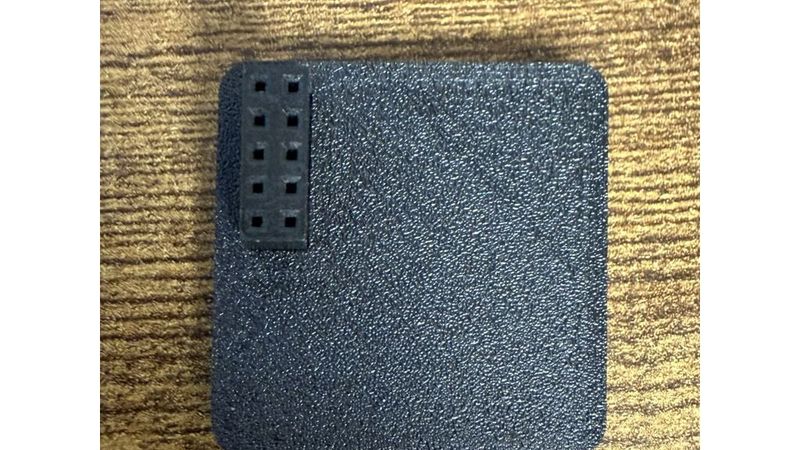
The design includes precise cutouts for the GPIO pin header, antenna, status LED, and the onboard button. Built-in ventilation slots prevent heat buildup during continuous operation.
🚀 Features
* Tailored Fit: Specifically designed around the exact physical dimensions of the Zooz ZAC93 PCB.
* Snap-Fit Closure: Secure and reliable rim-joint locking mechanism—no screws or glue required!
* Accessible Interface: Dedicated cutouts for the button, square LED, side antenna, and bottom GPIO pins.
* Thermal Management: 3 clean ventilation slots on the lid.
* OpenSCAD-Powered: Fully parametric source file included for easy tweaking of tolerances or wall thicknesses.
💻 How to Customize / Preview (Online Editor)
You don't need to install any software to view or modify this case. You can tweak it directly in your web browser:
1. Open openscad.cloud in your browser.
2. Copy the content of the provided `.scad` file and paste it into the online code editor.
3. Locate the `render_mode` variable near the top of the file:
```openscad
render_mode = "both";
```
4. Change the value to one of the following modes to update the 3D preview:
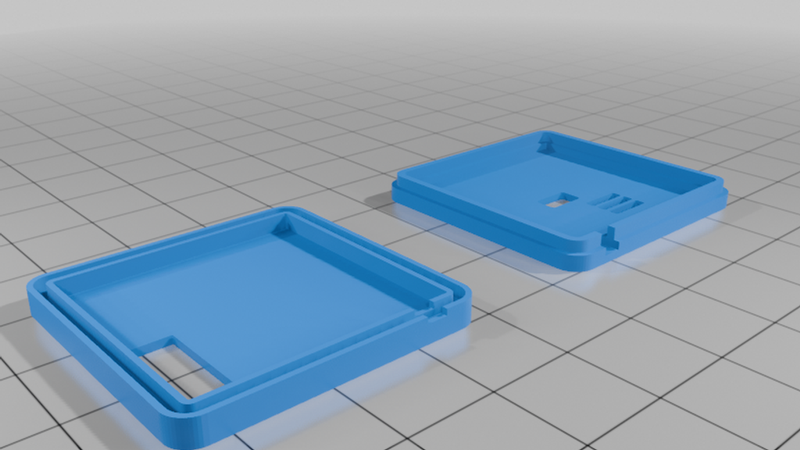
* `"both"` — Displays both the bottom part and the lid flat on the print bed side-by-side (Default).
* `"assemble"` — Virtually flips and places the lid onto the bottom part to check tolerances and fit before printing.
* `"bottom"` — Renders only the bottom shell (ideal for exporting as a single STL).
* `"top"` — Renders only the lid (ideal for exporting as a single STL).
🖨️ Print Settings & Instructions
For the best results, use the following slicing parameters:
* Orientation: Lay both parts flat on the print bed (outer faces touching the build plate).
* Supports: No, designed for 100% support-free printing.
* Infill: 15% - 20% (Grid or Gyroid recommended).
* Layer Height: 0.2 mm (0.16 mm to 0.2 mm recommended for crisp snap-fit tolerances).
* Material: PLA, PETG, or ASA (PETG/ASA preferred if your Raspberry Pi environment runs hot).
🔧 Assembly
1. Place the Zooz ZAC93 PCB inside the bottom cavity, ensuring the pin header aligns with the bottom slot and the antenna rests in the side cutout.
2. Align the lid with the locking ridge matching the groove of the bottom shell.
3. Gently press the two halves together until they firmly snap into place.