$30 3.5" & 2.5" USB 3.0 DAS (Drive Attached Storage) w/ Enclosure & BOM | Supports 4× 3.5" OR 4× 2.5" HDDs & SSDs | Up to 40TB

Description
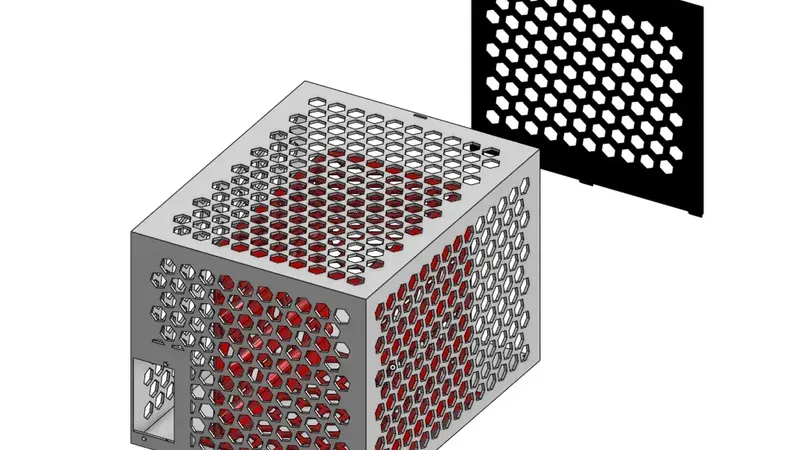
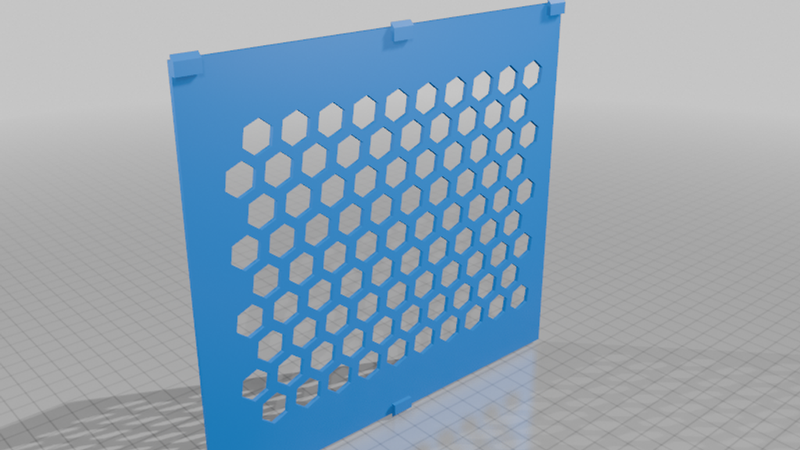
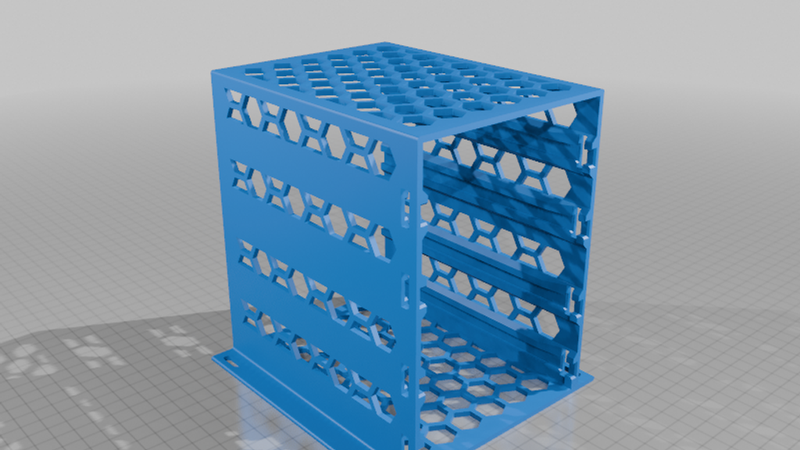
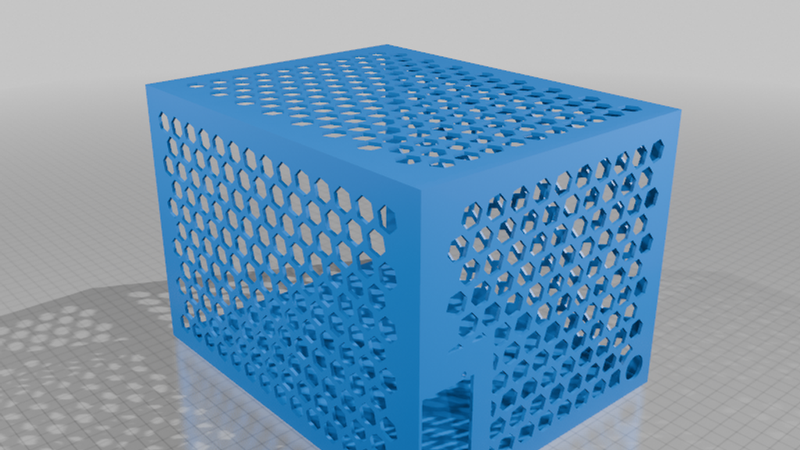
A 4-rack DAS fitting 3.5" and 2.5" drives - mostly for HDDs but works for SSDs too!
Extremely cheap, less than 30 dollars, and can even be cheaper if you have a USB 3.0 hub lying around.
PARTS:
Uses cheap Dell OptiPlex 7010 9010 9020 USFF 200W Power Supply F200EU-02 L200EU-00 (search on eBay ~$15-$20); https://www.ebay.com/sch/i.html?_nkw=Dell+OptiPlex+7010+9010+9020+USFF+200W+Power+Supply+F200EU-02+L200EU-00&_sacat=0&_from=R40&_trksid=p4624852.m570.l1313
USB-A 3.0 to SATA Adapter Cable - Supports 2.5"/3.5" SATA HDD/SSD ($4-$8); https://a.co/d/06Wsx6uV
INVZI USB Hub 3.0 4-Port, Ultra Slim Data USB Splitter with 2ft Extended Cable Compatible for PC, MacBook, Mac Pro/Mini, iMac, Laptop, Surface Pro, PS4, XPS, Flash Drive, Xbox One, Mobile HDD ($4-$8); https://a.co/d/08wHil0O
DC Splitter Cable 1 Female to 4 Male ($4-$8); https://a.co/d/0cbYEg5N
INSTRUCTIONS:
Crimp and connect 12V with a DC barrel splitter.
Adapt 6-pin, take 12V for drives, and GND PSU_ON
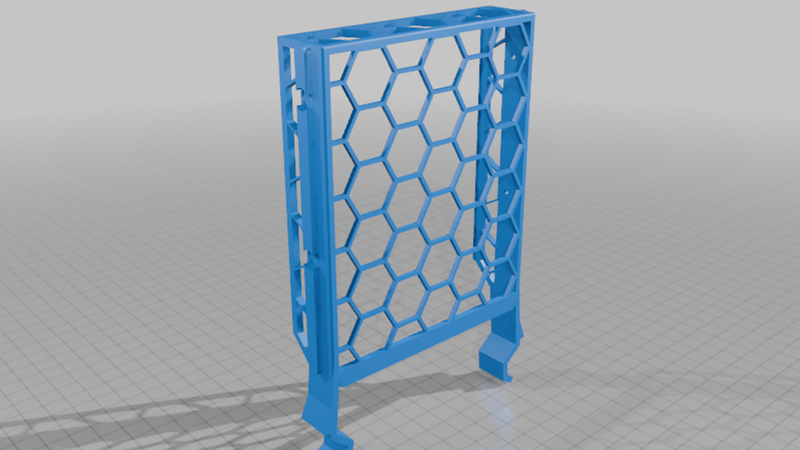
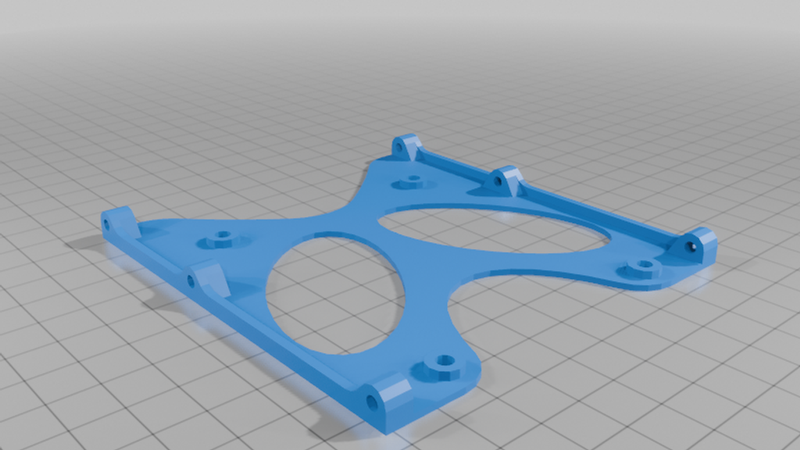
Screw in and assemble drives in trays.
Screw in drive bay caddy (after mounting drives in caddy)
Connect the USB SATA cables to the USB hub.
Connect the DC barrel 12V to 12V lines INDIVIDUALLY.
Route the extender's cable through the back hole.
Connect DAS and confirm your drives are detected.
You're done