Battery case for 4" Cheap Yellow Display (CYD) E32R40T
Description
E32R40T Printable Enclosure
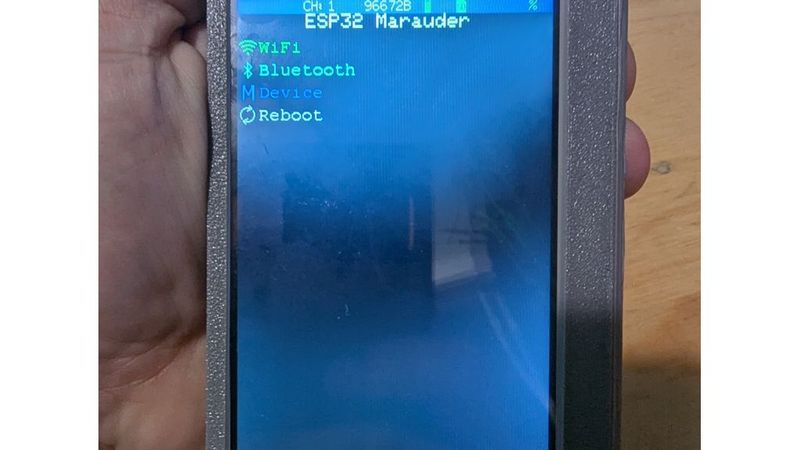
I recently picked up aHosyond 4.0-inch ESP32-32E display
and found there were not any good case options for it. I decided I wanted to
try using AI to generate CAD models based on a reference object, and thus
designed this enclosure.
Features
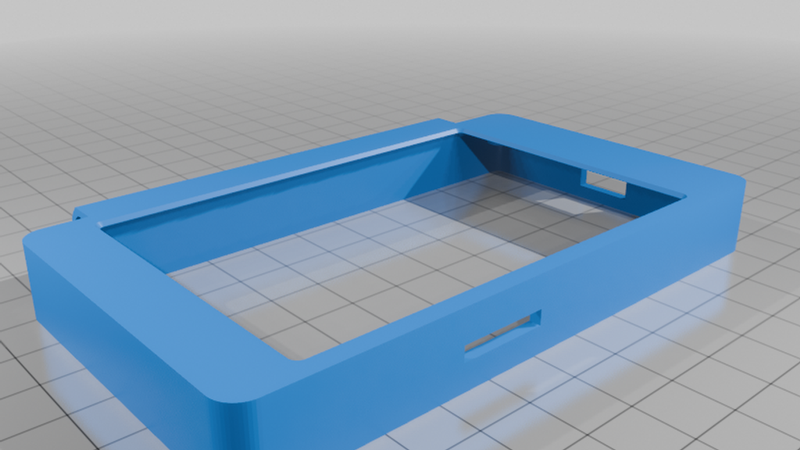
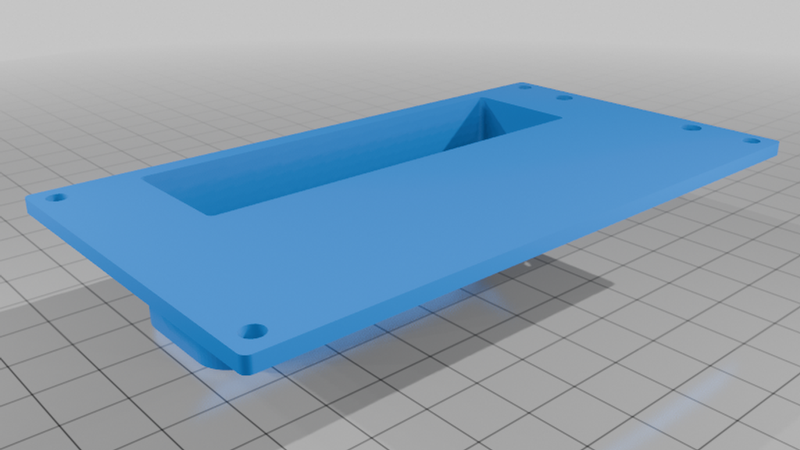
- Fitted bezel which leaves the resistive touch surface exposed.
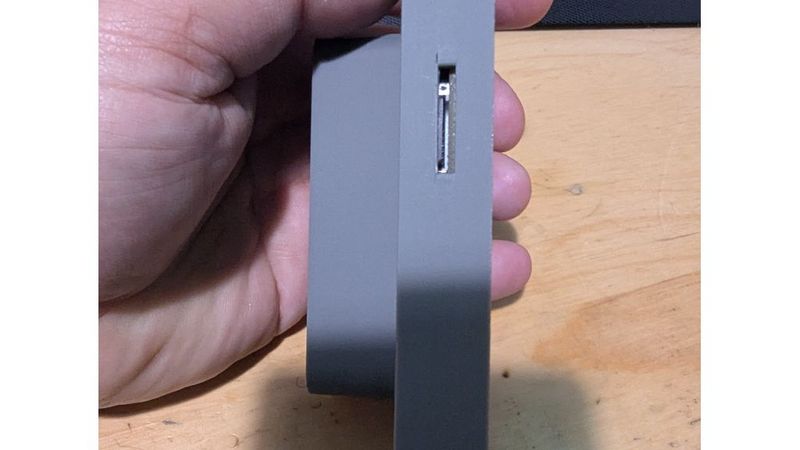
- USB-C port, microSD card, and rear button access.
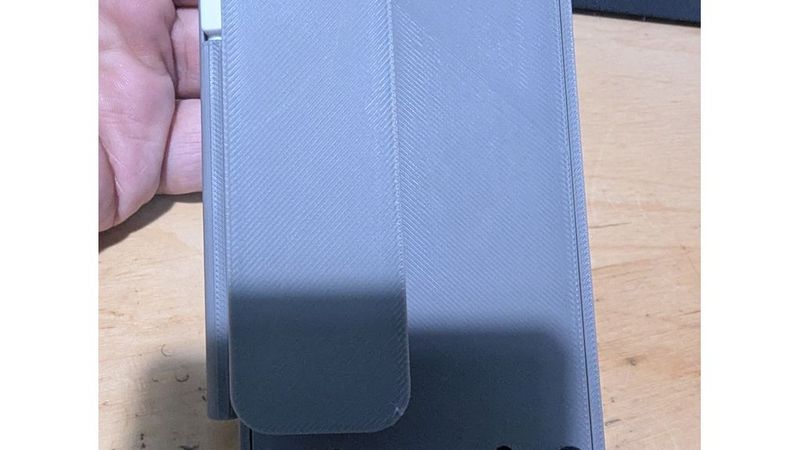
- Stylus holder for the included stylus.
- Space for a 18650 battery holder, which doubles as a convenient handhold and
a kickstand.
LCDWiki product page: 4.0inch ESP32-32E Display.
The included STL files are the normal Thingiverse download targets. The Python
generator and STEP exports are included for people who want to inspect or modify
the model.
Parts To Print
Print the STL files from `output/`:
- `front_bezel.stl`
- `rear_tray.stl`
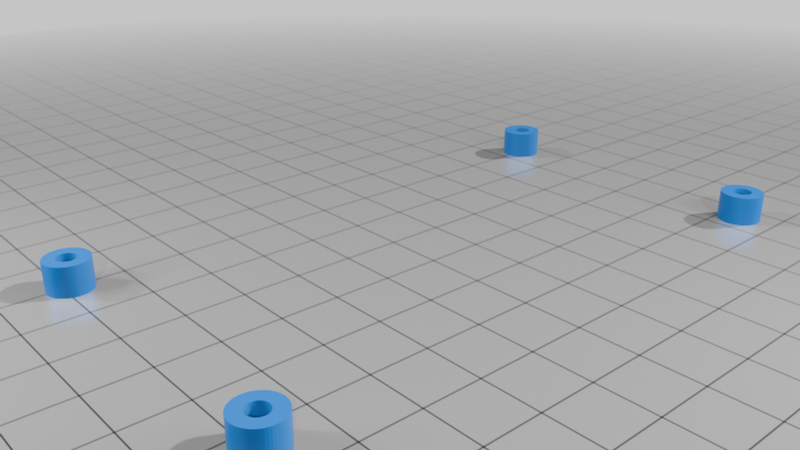
- `rear_spacers.stl`
The STEP versions of the same parts are also in `output/` for CAD editing.
`E32R40T_enclosure.FCStd` is generated for inspection in FreeCAD.
Hardware
- E32R40T 4.0-inch ESP32-32E display module.
- 18650 holder, approximately
`76 x 21 x 20.3 mm` with a cell installed.
- 4x M3 x 12 mm socket-head cap screws for the board/case mounting holes.
- Included stylus, approximately 4.87 mm diameter and up to 87.5 mm long.
The M3 screws thread into the front bezel.
Print Notes
- Print the front bezel face down.
- Print the rear tray front face down; the battery bay is integrated into the
rear tray.
- Print the rear spacers separately. They sit between the board and rear tray.
- Supports should not be needed for the main case geometry. Elevated sections
are sized so most printers should be able to bridge them.
Optional Reference STEP File
The reference STEP file is not needed to generate, print, or use the enclosure.
The case geometry is generated from measured dimensions in
`generate_e32r40t_enclosure.py`.
The generator can optionally load the vendor's E32R40T STEP file as a local
fit-check reference when inspecting the FreeCAD document. This is only useful if
you are modifying the model and want to visually compare the enclosure against
the vendor board model.
Download the E32R40T 3D STEP archive
from LCDWiki.
Extract the STEP file from the archive and place it here:
```text
reference/E32R40T_3D.step
```
The generator looks for that exact path relative to `generate_e32r40t_enclosure.py`.
By default, the reference body is not included in the generated FreeCAD document
so public exports do not embed vendor CAD. To include it for local inspection,
set `E32R40T_INCLUDE_REFERENCE=1` when running the generator.
Regenerating The CAD Files
Install FreeCAD, then run the generator from this project folder.
Linux/macOS example:
```sh
freecadcmd -c "exec(open('generate_e32r40t_enclosure.py').read())"
```
Windows PowerShell example when FreeCAD is not on `PATH`:
```powershell
& 'C:\Program Files\FreeCAD 1.1\bin\freecadcmd.exe' -c "exec(open('generate_e32r40t_enclosure.py').read())"
```
Windows PowerShell example with the optional reference body included:
```powershell
$env:E32R40T_INCLUDE_REFERENCE='1'
& 'C:\Program Files\FreeCAD 1.1\bin\freecadcmd.exe' -c "exec(open('generate_e32r40t_enclosure.py').read())"
Remove-Item Env:E32R40T_INCLUDE_REFERENCE
```
Generated files are written to `output/`:
- `front_bezel.stl` / `front_bezel.step`
- `rear_tray.stl` / `rear_tray.step`
- `rear_spacers.stl` / `rear_spacers.step`
- `E32R40T_enclosure.FCStd`
Tuning
The main dimensions and print allowances are near the top of
`generate_e32r40t_enclosure.py`.
Useful values to adjust:
- `M3_PILOT` if the screws are too tight or too loose in your filament.
- `M3_CLEAR` if the rear tray or spacer clearance holes print undersized.
- `HOLDER_CLEAR_X`, `HOLDER_CLEAR_Y`, and `HOLDER_CLEAR_Z` for battery-holder
fit.
- `STYLUS_BORE_D` and `STYLUS_TAB_SLOT_W` for the stylus fit.
Before a full print, check USB-C plug clearance, microSD card access, button
access, battery-wire routing, and screw fit against your actual board and
hardware.