OpenSCAD Spur Gear Designer – Customizable 3D Printable Gears

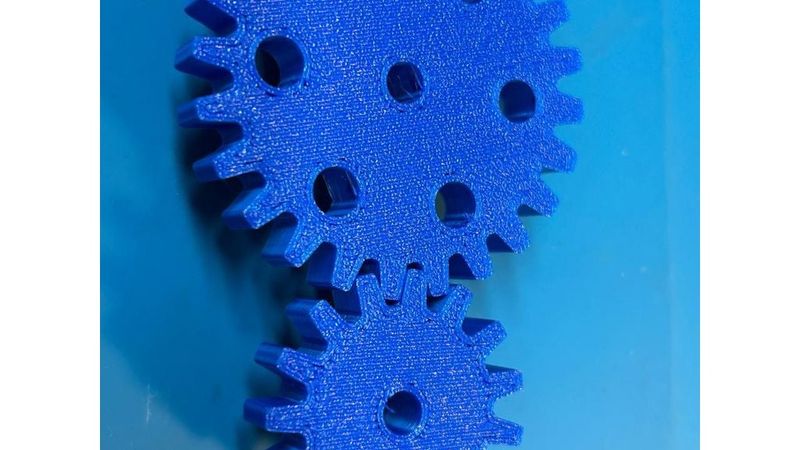
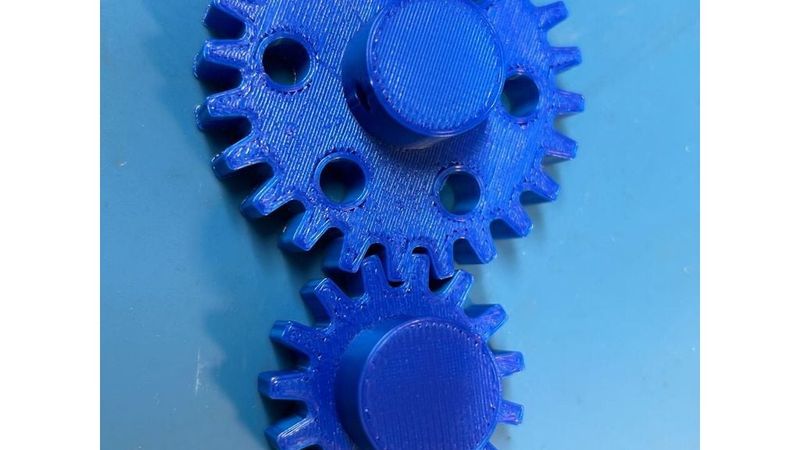
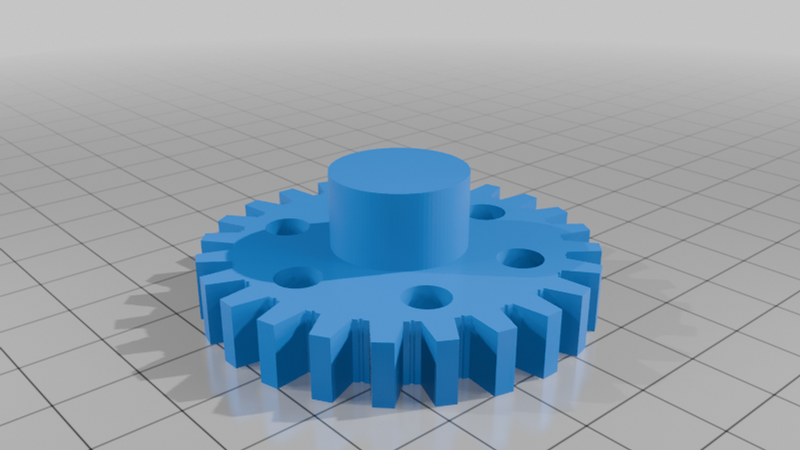
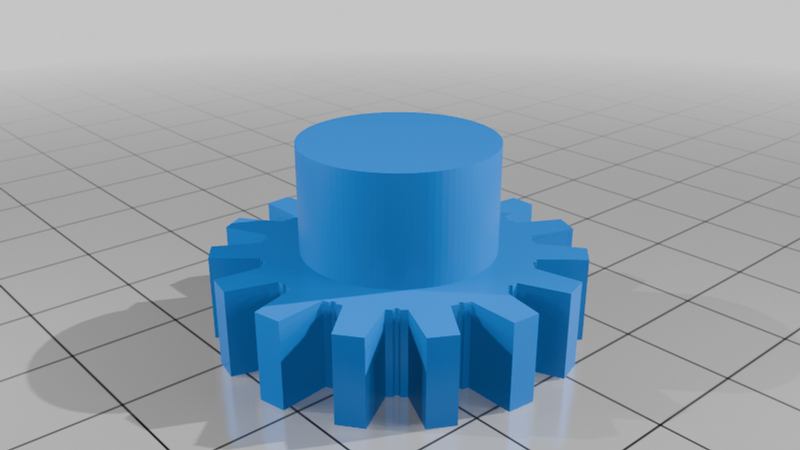
Description
How to use the OpenSCAD gear generator
This is a parametric spur gear generator made in OpenSCAD.
Open the .scad file in OpenSCAD and change the values in the example gear section at the top of the file.
Main settings:
teeth
Sets the number of teeth on the gear.
module_size
Sets the tooth size. Gears must use the same module_size if they are intended to mesh together.
thickness
Sets the thickness of the main gear body.
bore_dia
Sets the centre hole diameter.
add_hub
Turns the centre hub on or off.
hub_dia
Sets the diameter of the hub.
hub_height
Sets the height of the hub.
hub_side
Controls where the hub is placed:
"top" gives a flat bottom side.
"bottom" gives a flat top side.
"center" places the hub through the middle.
add_grub_screw
Adds a side hole through the hub for a grub screw.
backlash_mm
Adds clearance between meshing teeth. For FDM printing, 0.15 to 0.25 mm is a good starting point.
add_lightening_holes
Adds decorative/weight-saving holes in the gear body.
To make two meshing gears, use the same module_size for both gears.
The correct centre distance between two gears is:
centre distance = (teeth_1 + teeth_2) × module_size / 2
Example:
24 tooth gear and 15 tooth gear with module_size = 2
centre distance = (24 + 15) × 2 / 2
centre distance = 39 mm
Recommended print settings:
Material: PLA or PETG
Layer height: 0.2 mm
Walls: 3 or more
Infill: 40% or more
Print orientation: flat on the bed, hub facing upward
Supports: normally not required
This gear profile is an approximate printable tooth form rather than a mathematically perfect involute gear.
It is intended for hobby projects, demonstrations, light-duty mechanisms, and educational use.