Fix MX Master Scroll Wheel – Replacement Encoder & Axle + Tool (3D Printable)

Description
🛠️ Logitech MX Master Scroll Wheel Encoder & Axle Replacement
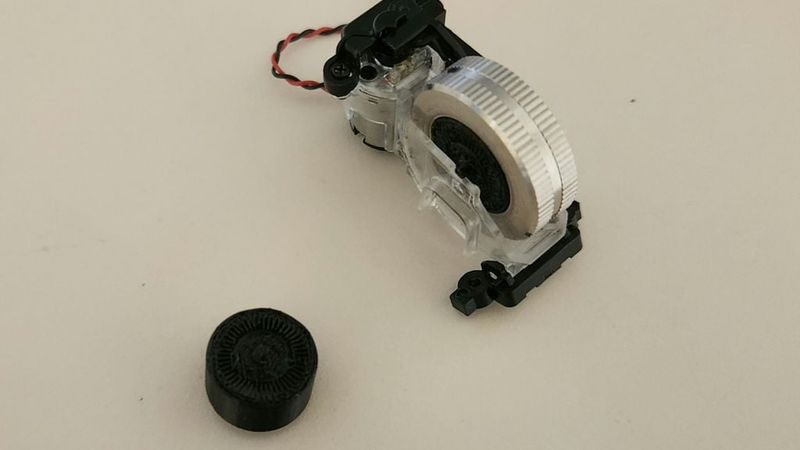
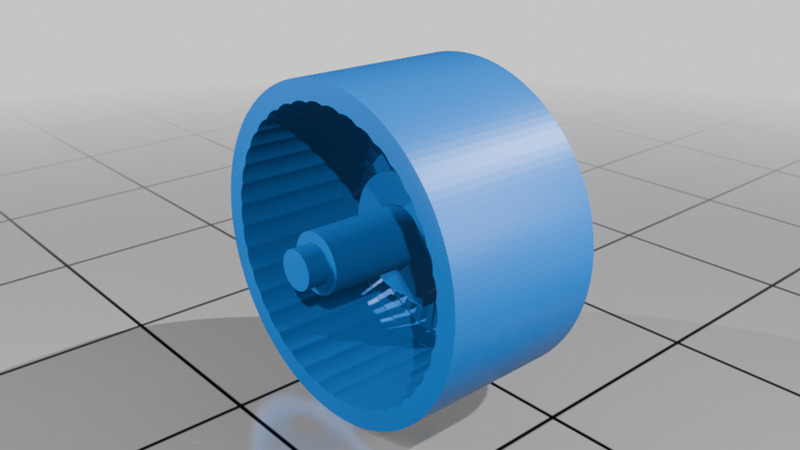
I broke the original scroll wheel encoder while disassembling my MX Master, so I reverse engineered and modeled a replacement encoder + axle assembly.
This is a 3D-printable fix for the common failure where the internal encoder hub snaps or becomes unusable.
⚠️ Important
This is a precision part. Expect to do some tuning depending on your printer.
🧵 Print Requirements
- Nozzle: 0.2 mm (required for slot detail)
- Material: PETG or ABS recommended
(stronger materials like ASA or Nylon may perform even better)
- Printer: High precision/CoreXY recommended (tested on Bambu X1C)
🧱 Print Settings (what worked for me)
- Orientation: slits flat on the bed
- Supports: Normal supports (not tree)
- Base: No raft
- Layer height: 0.06–0.08 mm
- Slow outer walls recommended
- Slightly reduced flow (~95–97%) helps prevent slot fusion
📐 Fit / Sizing
Tested version:
- Radius: 7.6 mm
- Diameter: 15.2 mm
You may need to slightly adjust tolerances depending on your printer and material.
🧪 Notes
- This part replaces the encoder disk + axle hub
- Slot spacing is tuned for FDM printing, not exact OEM geometry
- Slightly larger slot gaps improve reliability with optical sensors
🧰 Installation
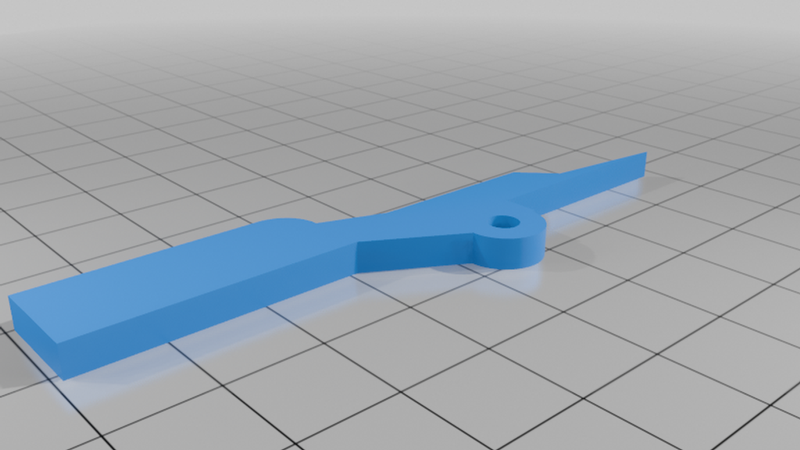
This model includes an installation tool to help press-fit the part into the scroll wheel.
1. Press the part into the scroll wheel
2. Use a hammer and lightly tap it with the included installation apparatus from your mouse wheel kit with the opposite side (larger circle) to level the encoder with the mouse wheel.
3. GENTLY, push the friction adder away from the base. There is a spring that keeps this adder in its activated state. Make sure you don't push it far enough for this spring to loose it's grip and detach (you won't be able to replace it).
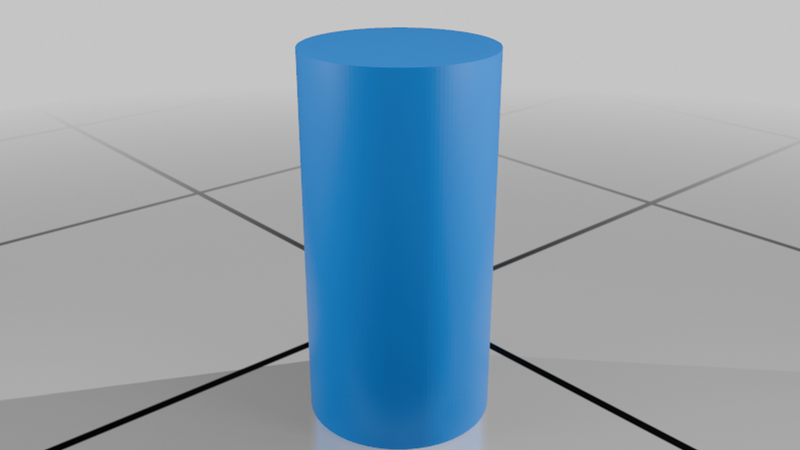
4. Use the installation spreader tool to spread each side with enough clearance to fit the axle. (You may benefit from detaching the tool from its axle and using either side to press between the wheel when you insert it)
5. Press the axle into place (failure case will be here, expect multiple trials)
6. You did it!
🔄 Feedback / Iteration
This is still being refined.
👉 If you print this, please post:
- your printer
- material
- settings
- results (working / not working)
This helps improve the design for everyone.
💡 Background
This part fails often and isn’t sold separately.
This project aims to create a repairable alternative instead of replacing the entire mouse.