thinkcentre tiny 1u rack for KeepLiNK KP-9000-9XHML-X 8x 2.5G + 1x 10G SFP+ Switch
Description
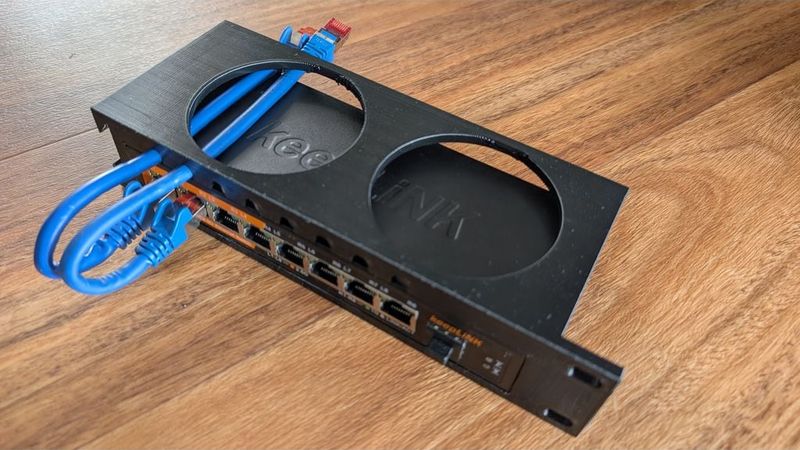
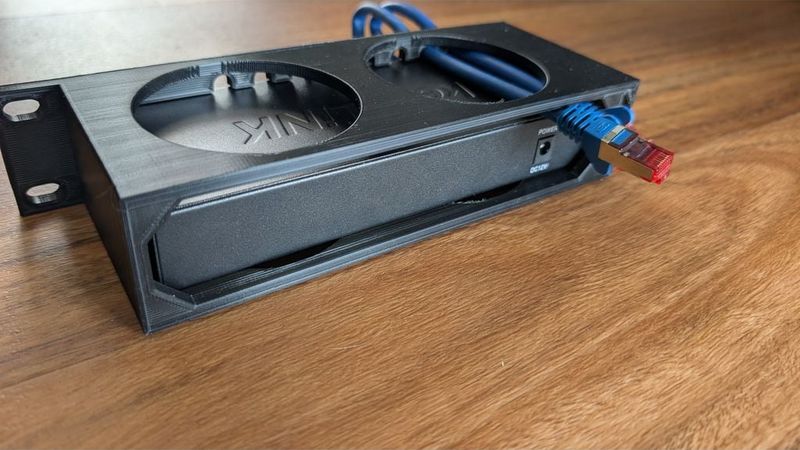
I am running a 3 node Proxmox HA cluster. I planned to use the "Improved Thinkcentre Tiny 1U Rack" (https://www.thingiverse.com/thing:6375095) remixed by @TheDuffman85 from "Thinkcentre Tiny 1U Rack" (https://www.thingiverse.com/thing:5900839) by @Rehpa. Awesome cases! BUT. Running on 3 nodes, would let the 4th slot empty and unused. So I thought, why not put the switch in the free slot? I am Using the KeepLiNK KP-9000-9XHML-X 8x 2.5G + 1x 10G SFP+ Managed Switch, which is on the front slightly smaller than the Thinkcentre.
So Lon Story short:
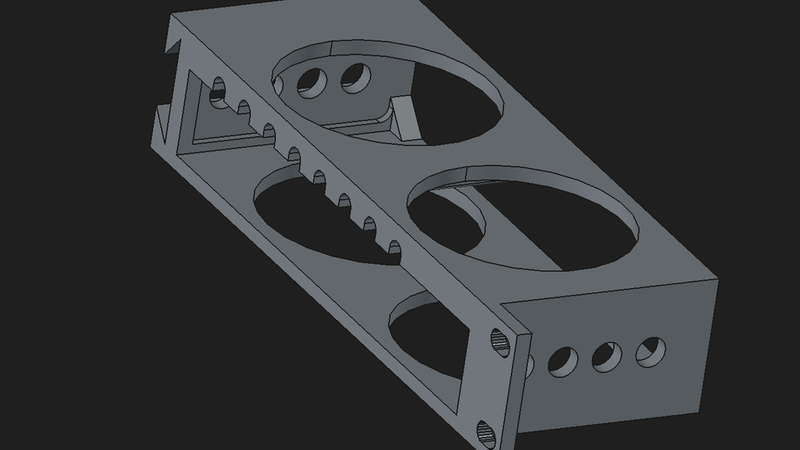
I remixed the case, to fit the Keeplink 9Port switch. changes:
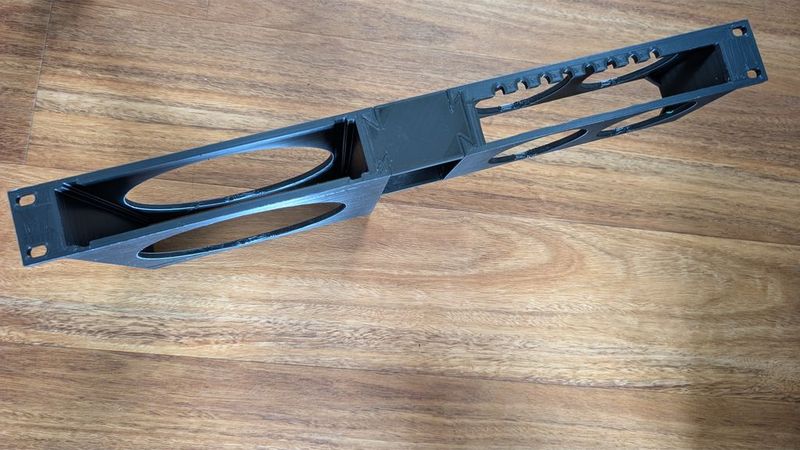
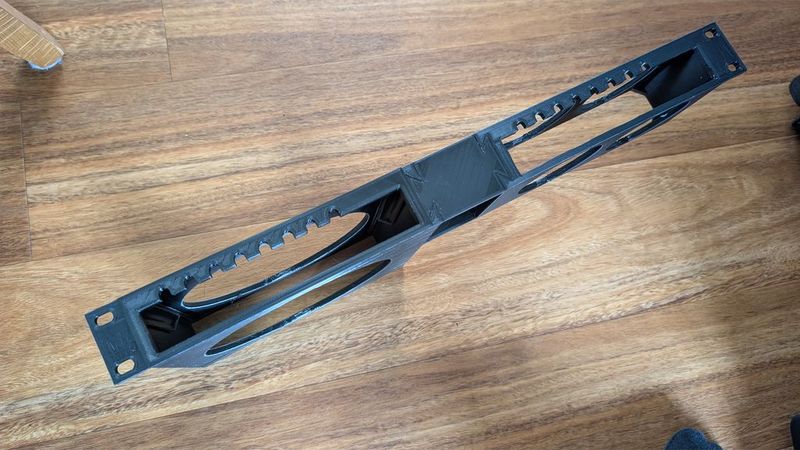
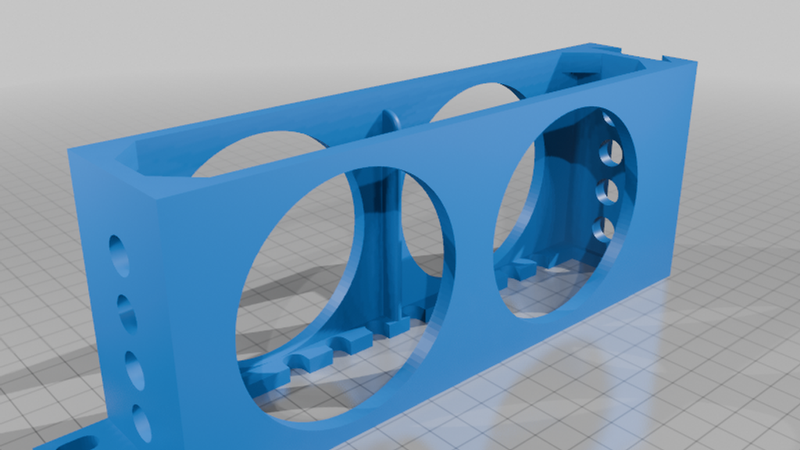
- It is also shortened to 80mm, to safe Filament.
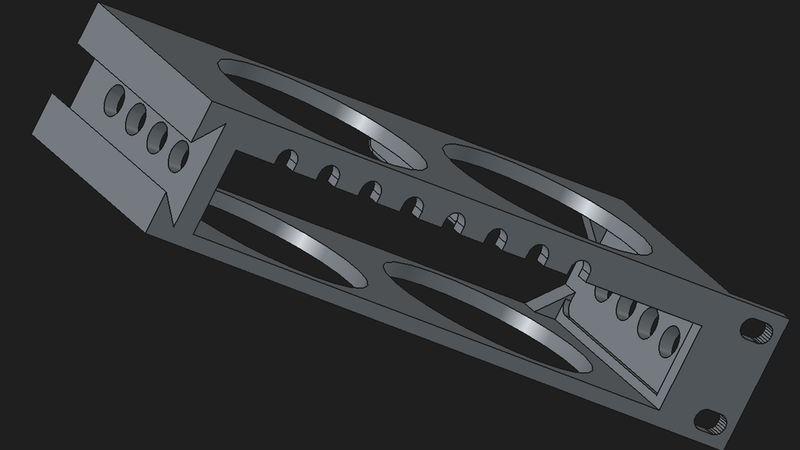
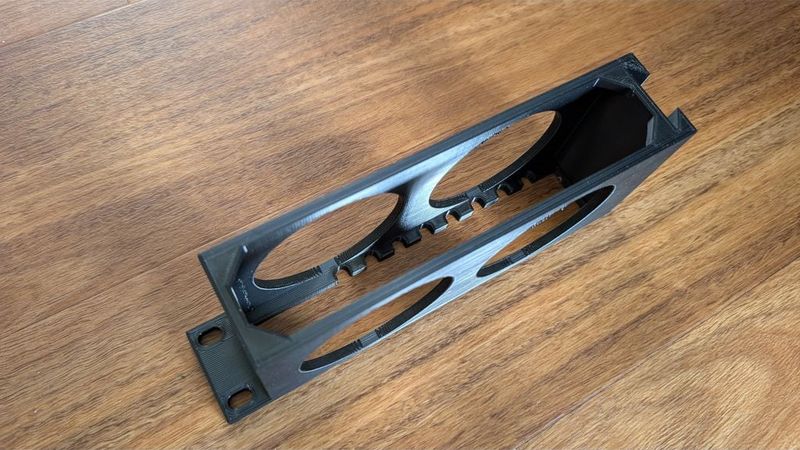
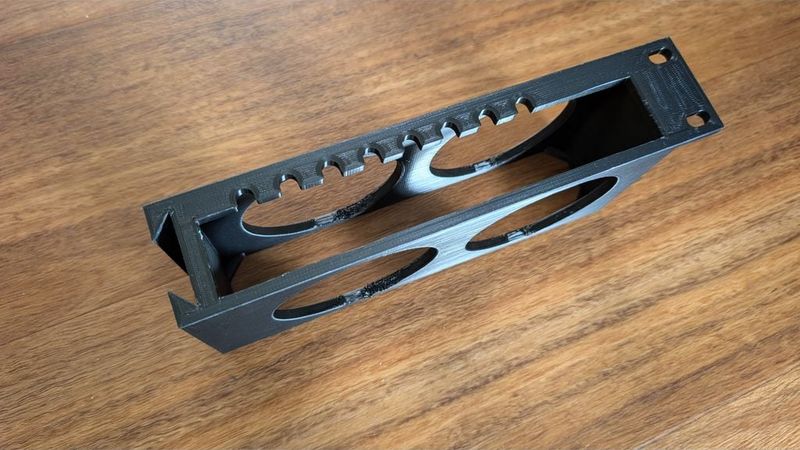
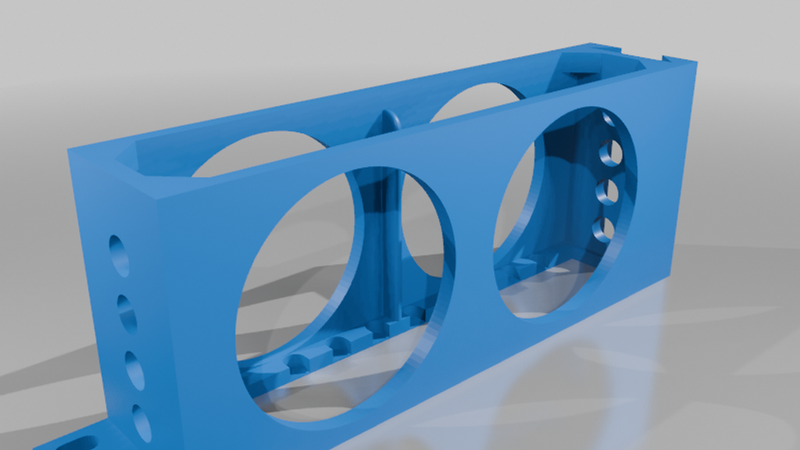
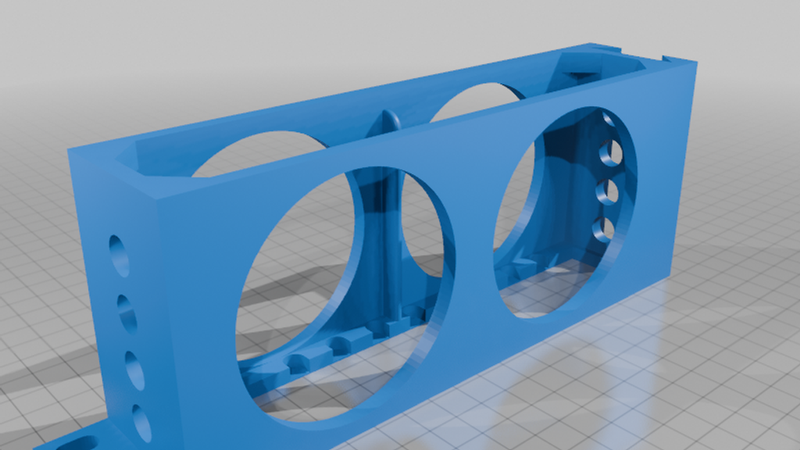
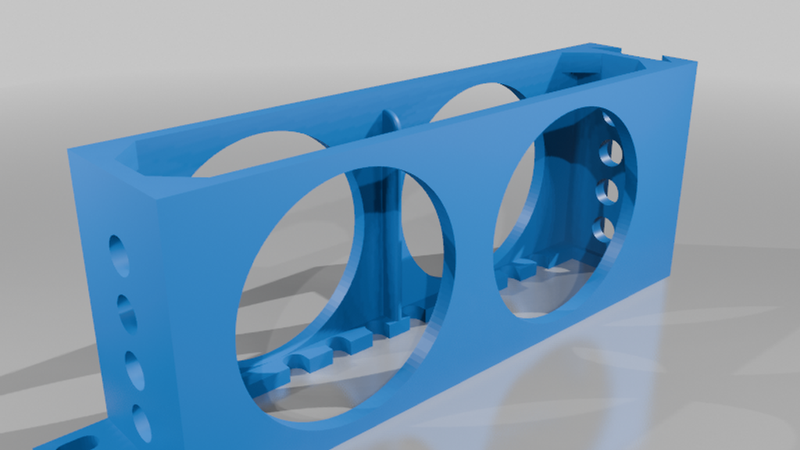
- Since the case is shorter, there is no longer a big hole in the top an bottom part, Instead there are 2 equal circles side by side, to somewhat meet the design language of the Thinkcentre case, and also safe filament.
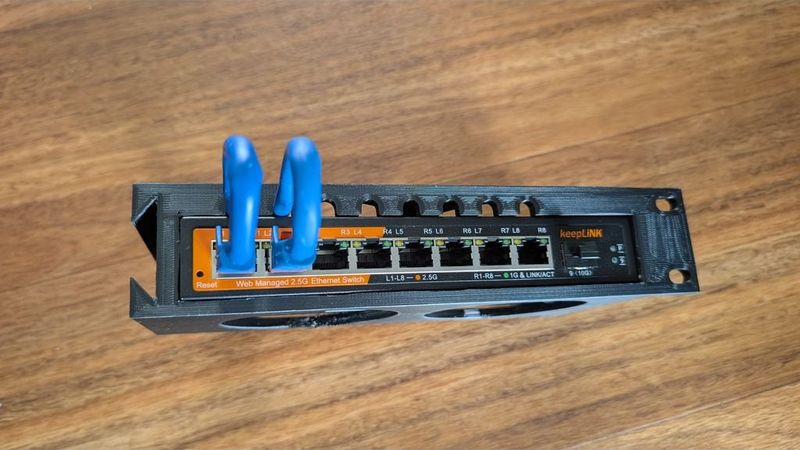
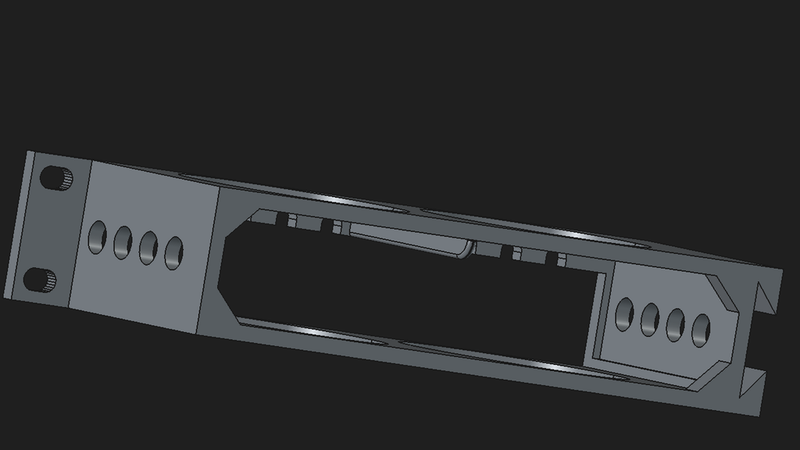
- In addition I also added vent holes on each side, since the passive cooled switch has only air vents on the sides but not on top, bottom, or backside.
- Guides were also added, to let the switch sit snug in place.
OPTIONAL FEATURES
- Cable openings THROUGH the case.
There are several options to this.
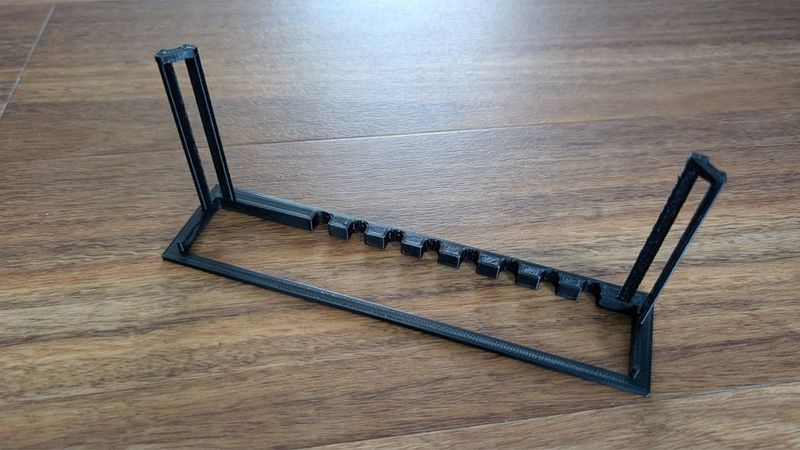
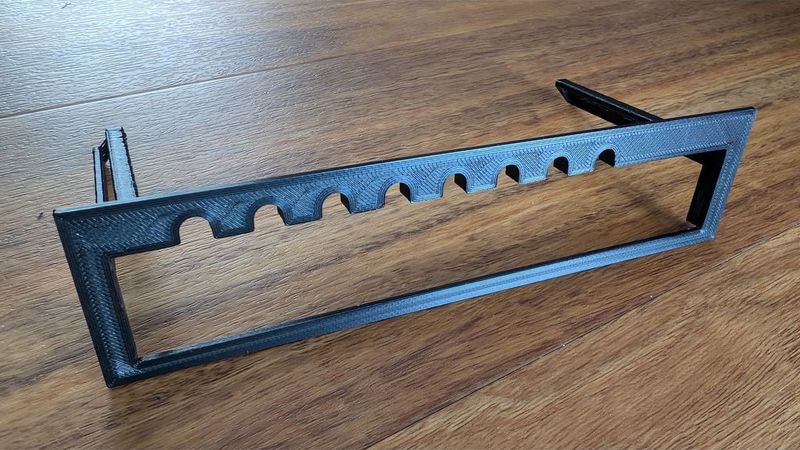
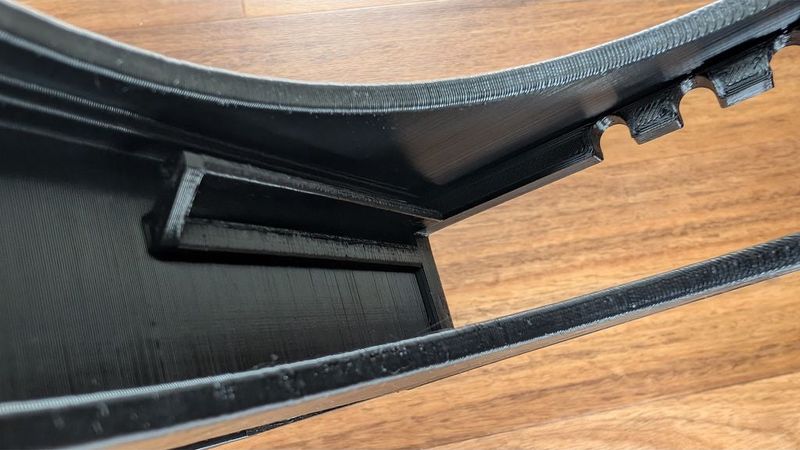
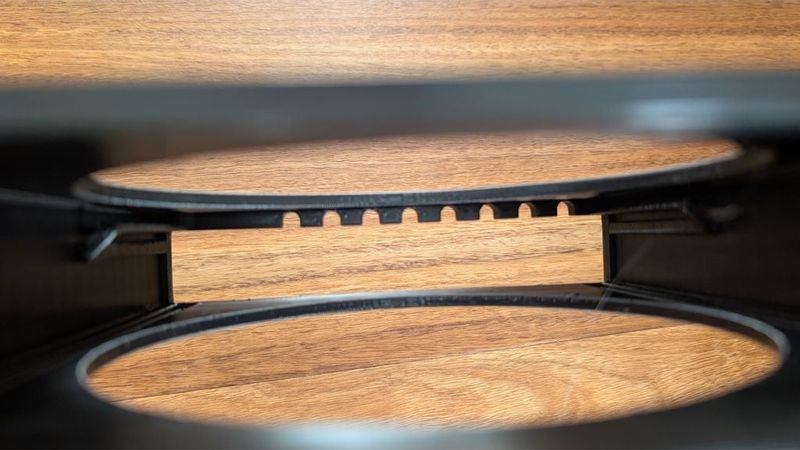
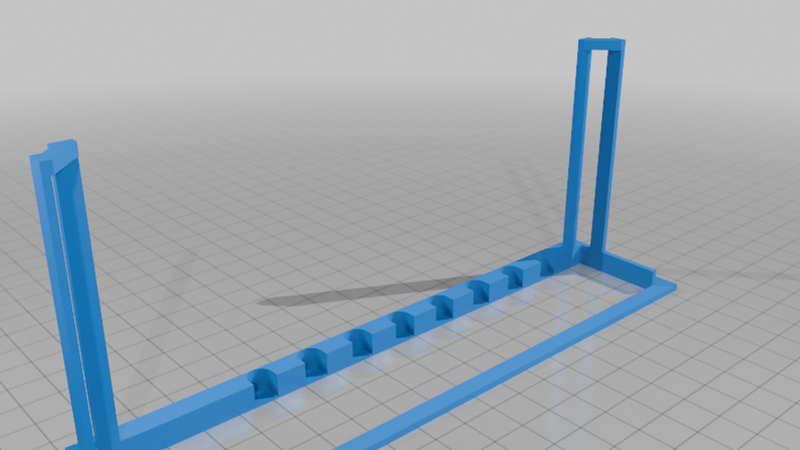
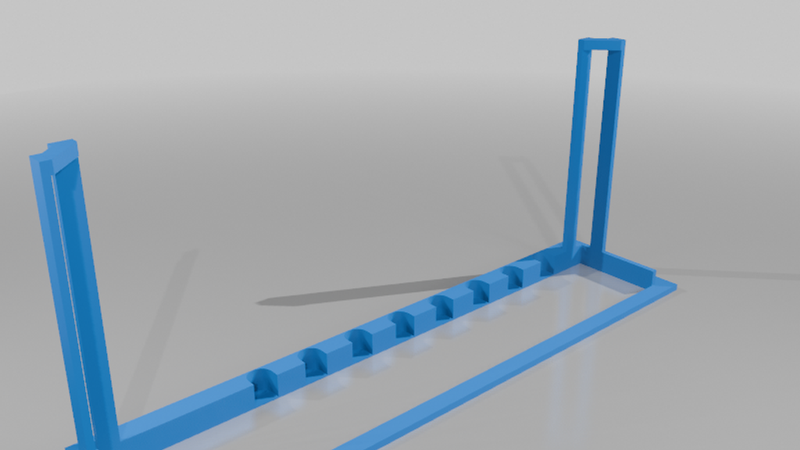
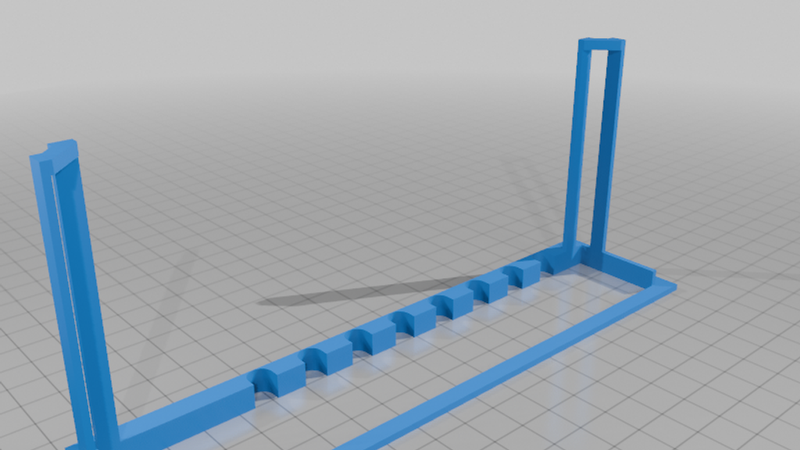
Hence the Thinkcenters have all their LAN ports on the back (2 each, yes I added on each a 2.5G LAN module in the Wifi-slot) , The cables have to be organized and routed to the switch ports, which can be a pain, if routed through the whole rack enclosure. So i decided to rout the cables directly form the Thinkcentres directly to the switch. For that matter, I created openings above each port for the individual cable (Filenames contain *open_v2). I use at least 6 cables, so I printed the open model (disclaimer: photos of the printed case are from a WIP almost ready pre Release Version).
If someone only wants lets say 2 or 3 cables routed through the case to the ports, it is possible to print the *closed_v2 case and just cut out the spots that are needed and let the rest closed for a cleaner and tidier look. The ports are only one or 2 layers thin, so they are sort of "precut".
If someone prefers to route the LAN cables the classic way on the outside through the default cable management, just let all spots closed and you're good to go.
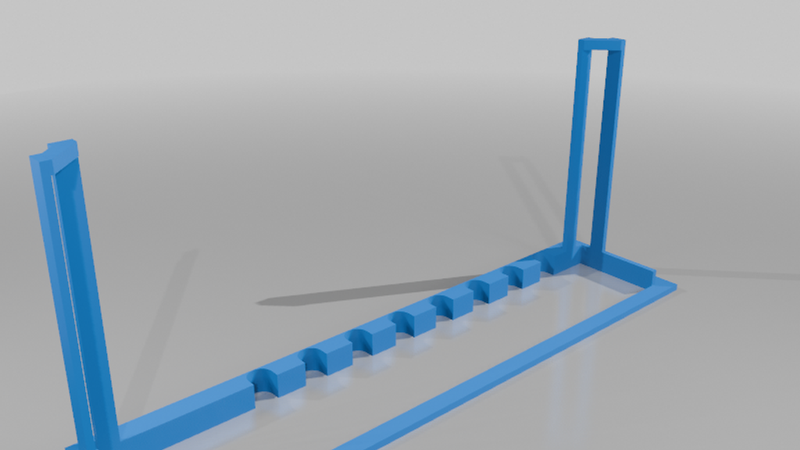
- optional clip in slot for the regular Thinkcentre rack case.
If you already printed the 2nd or 4th thinkcentre case (I usually print them in sets of two), than you can repurpose the empty case to fit the Keeplink switch, with minimal filament use and with out the need, to waste filament on the whole switch case.
for the clip in slot you can also choose between the open version for cables (Cableslots_open) and the closed "precut" version (Cableslots_closed) to be able to open only those spots, which are actually needed.
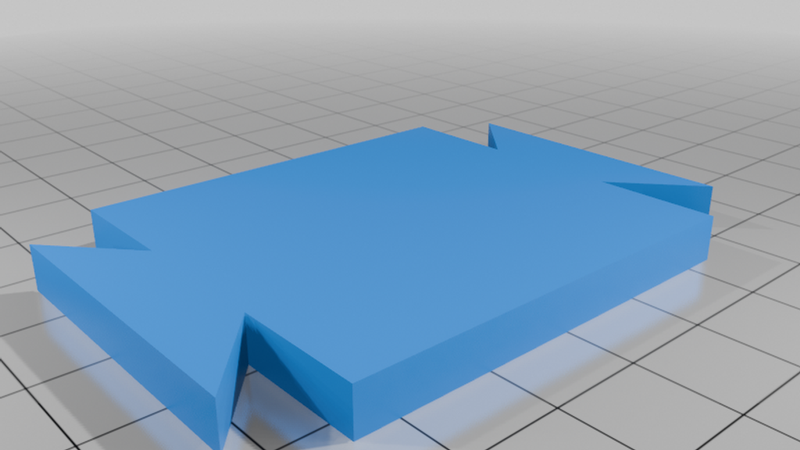
I just added the spacer to this upload, so nobody have to search for them. No changes made here.
I really like this modular Thinkcentre Rack Case design. Decided to give the community something back. :-)
Have fun
Hope it helps