Pi-Plates CASEplate

Description
Overview
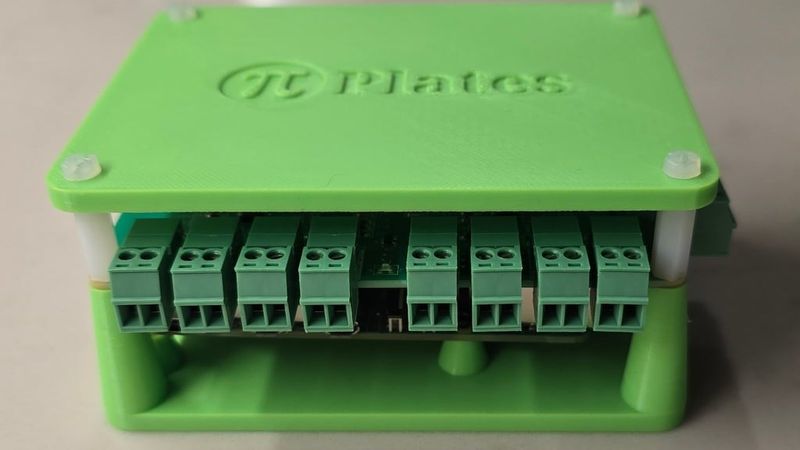
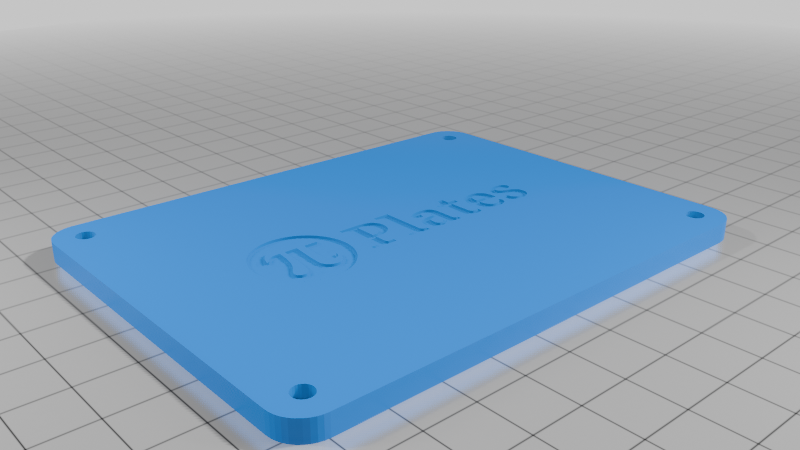
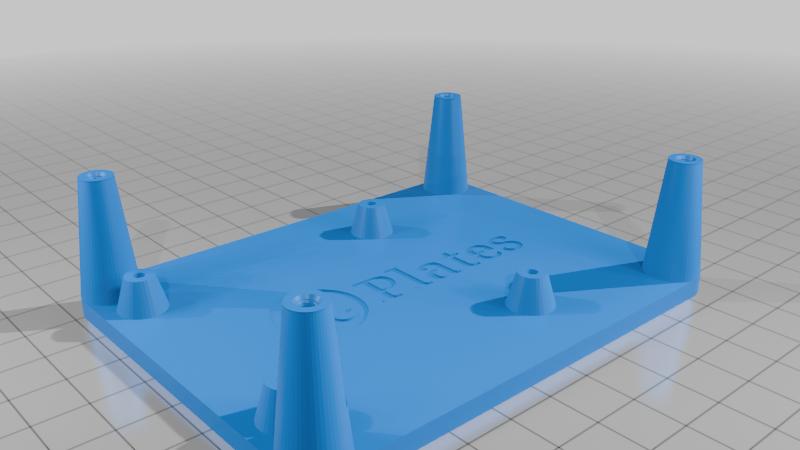
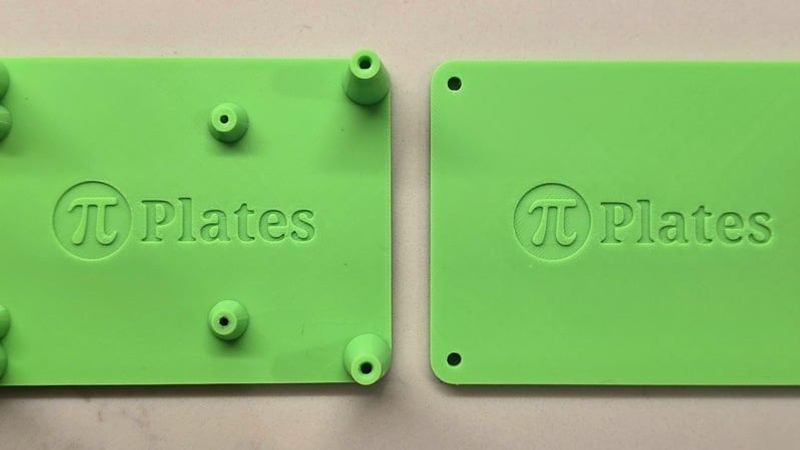
This is a set a files that will allow you to print your own CASEplate for mounting our Pi-Plates data acquisition boards
Design
These models were initially designed using Fusion 360 then finished off with TinkerCAD.
Print Settings
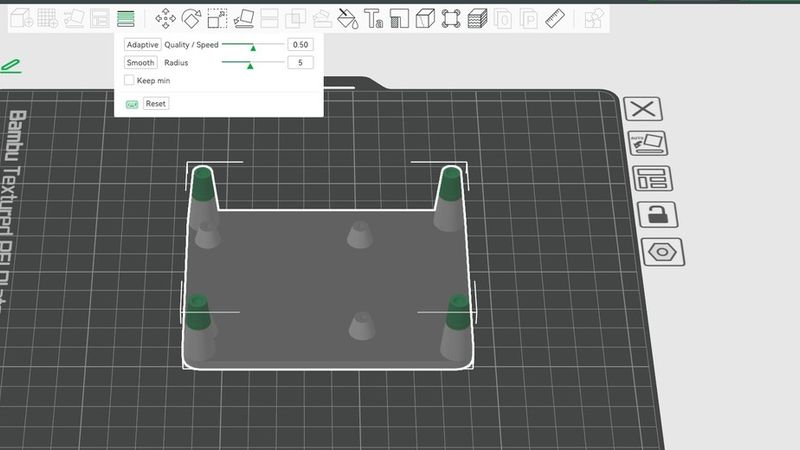
I used PLA with a layer height of 0.2mm and an infill of 20%. However you need to set the layer height to 0.1mm or less for the upper 10mm of the tall mounting pillars on the BOT print. This is because the M3 threads located at the top require high resolution for the 0.5mm threads. I have included a screen grab of the settings I used in Bambu Studio for this.
Assembly
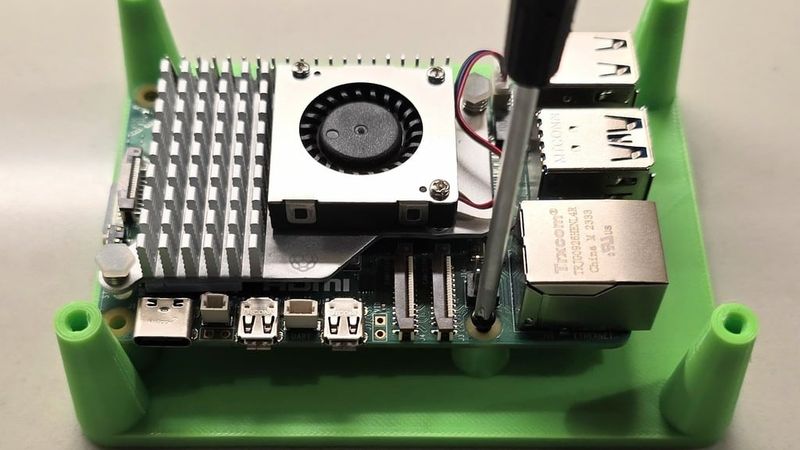
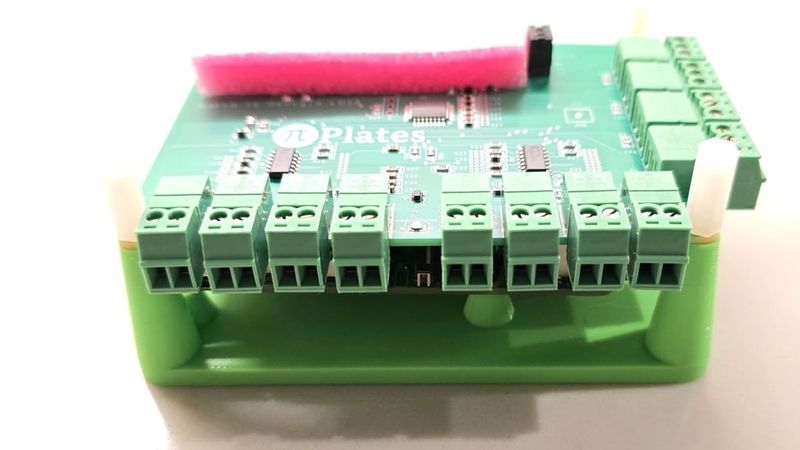
Use some small wood screws (M2.3x5) to mount the Raspberry Pi to the short, 7mm pillars on the bottom plate. Then, using the included 15mm standoffs, attach one or more Pi-Plates and build up the stack. Finally place the optional TOP piece on and secure with some 10mm M3 screws. Pi-Plates are available from Pi-Plates.com