ESP32 C3 Wake on LAN Button WOL

Description
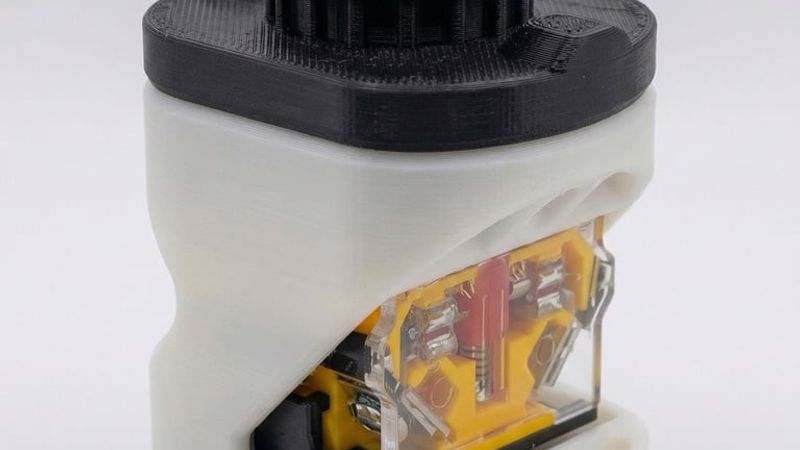
This is a compact desktop enclosure for an ESP32-C3 Super Mini that sends a Wake-on-LAN magic packet over WiFi whenever you press the button. The ESP32 does not need to be connected to your PC at all it just needs power from any USB charger. As long as it is on the same WiFi network as your PC, it will wake it up from anywhere in the room.
Important: Your PC must be connected to your router via an Ethernet cable for Wake-on-LAN to work. WiFi adapters lose power when the PC is off and cannot receive the magic packet.
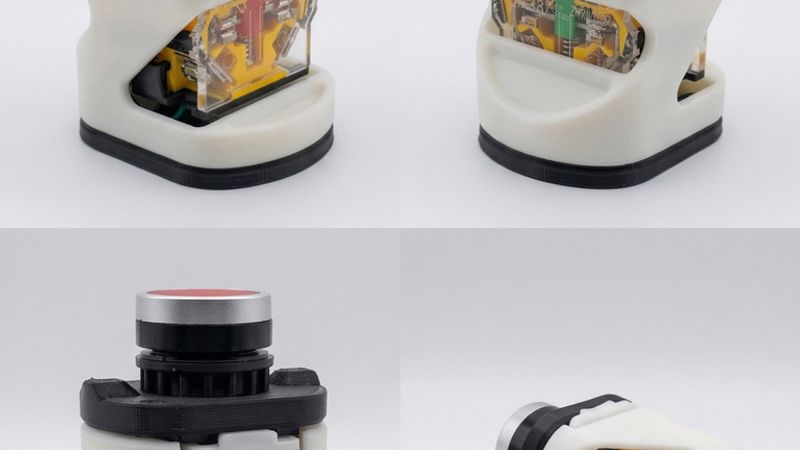
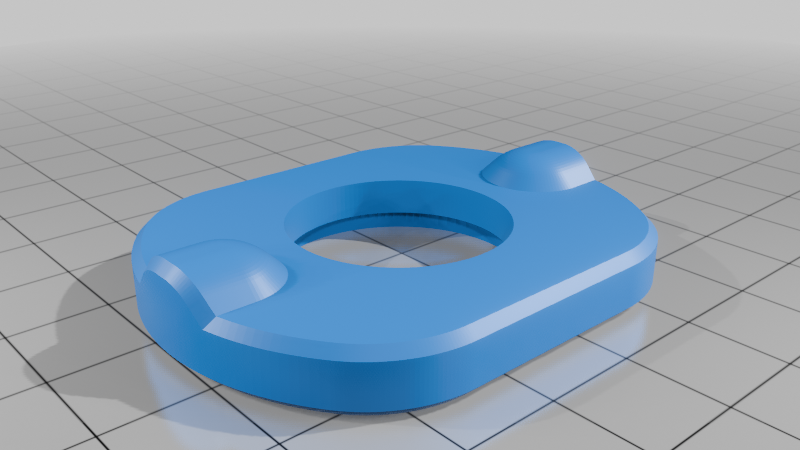
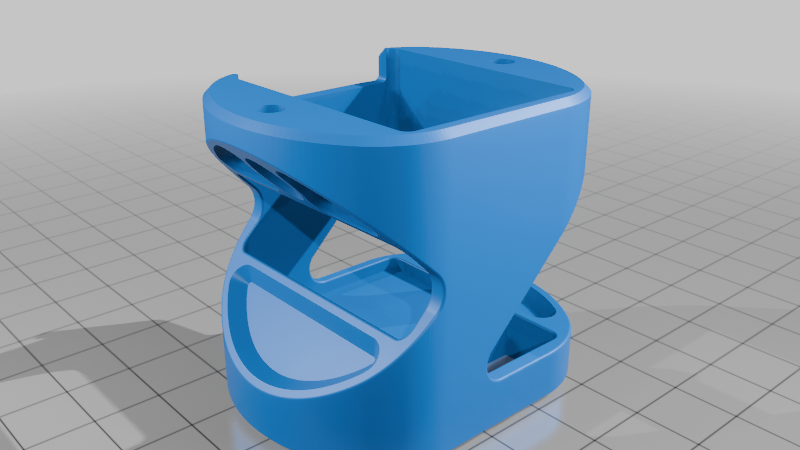
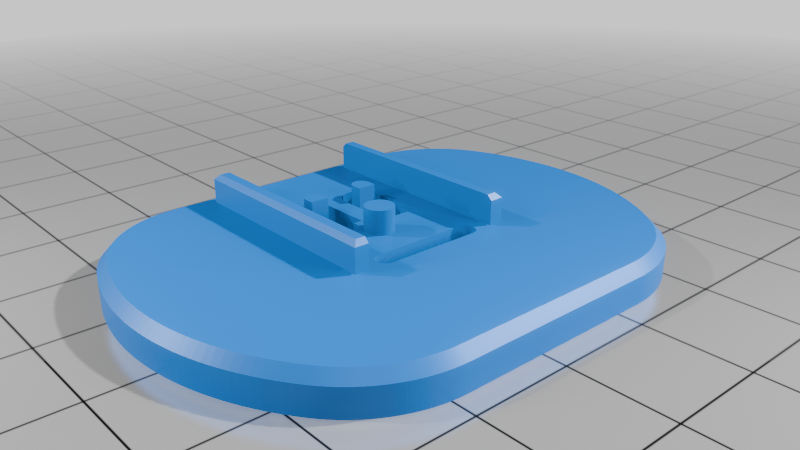
The enclosure is made up of 3 printed parts: top, middle, and bottom.
Assembly:
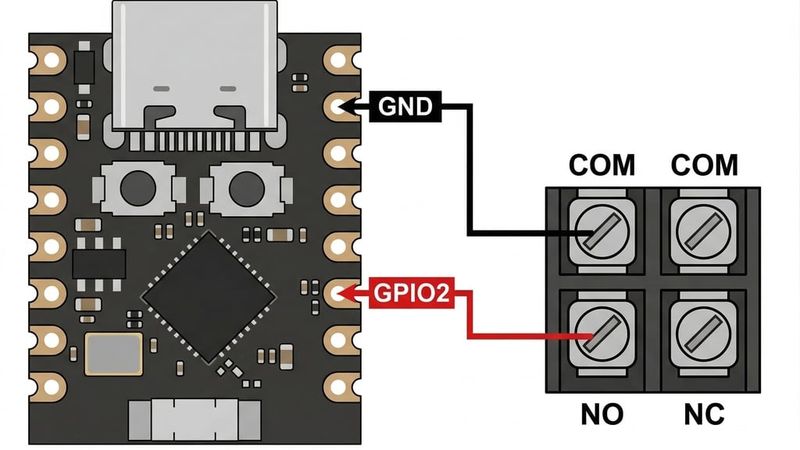
Before assembling, solder two wires GPIO2 and GND on the ESP32-C3, and connect the other ends to NO (Normally Open) terminal and the Common terminal on the button.
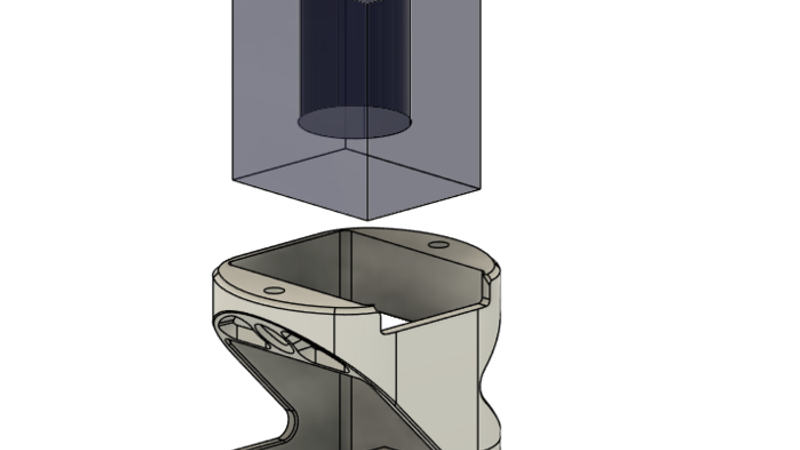
Drop the ESP32-C3 down through the hole in the middle.stl part and seat it into its slot.
Place the button body into its slot in the middle.stl part from above.
Close the bottom of the ESP32 cavity by pressing on the bottom.stl part.
On the LA38 button, pop out and remove the top.
Place the top.stl part over the button body and screw it down onto the middle part using 2x M3 screws (~7mm), locking the button body in place.
pop in the red threaded top back onto the button through the opening in the top.stl part.
Parts needed:
ESP32-C3 Super Mini
LA38 22mm Push Button Momentary Switch
2x M3 screws, ~7mm length
Any USB power source (phone charger, power bank, etc.)
Flash the included sketch, fill in your WiFi credentials and PC MAC address, and it is ready to use.
Testing without turning off your PC:
You can verify the button is sending packets correctly without needing to shut your PC down. Open PowerShell and run the following:
$udpClient = New-Object System.Net.Sockets.UdpClient 9
$endpoint = New-Object System.Net.IPEndPoint ([System.Net.IPAddress]::Any, 0)
Write-Host "Listening for WOL packets on port 9..."
while ($true) {
$bytes = $udpClient.Receive([ref]$endpoint)
Write-Host "Packet received from: $($endpoint.Address) | Size: $($bytes.Length) bytes"
}
When you press the button you should see: Packet received from: 192.168.1.50 | Size: 102 bytes
If you see that everything is working correctly and your PC will wake up when pressed while off.