
Kindle Paperwhite 5 Wall Mount/Frame

Description
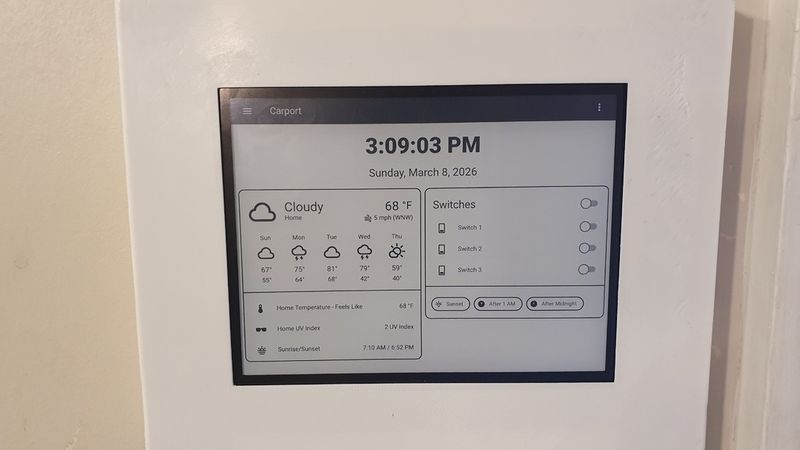
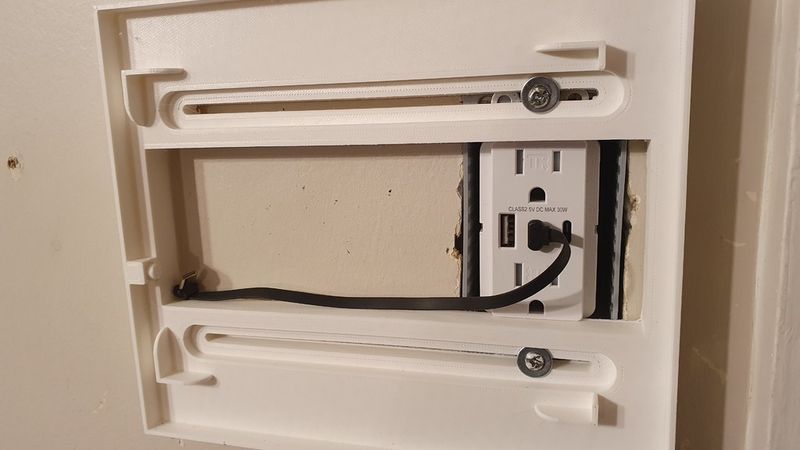
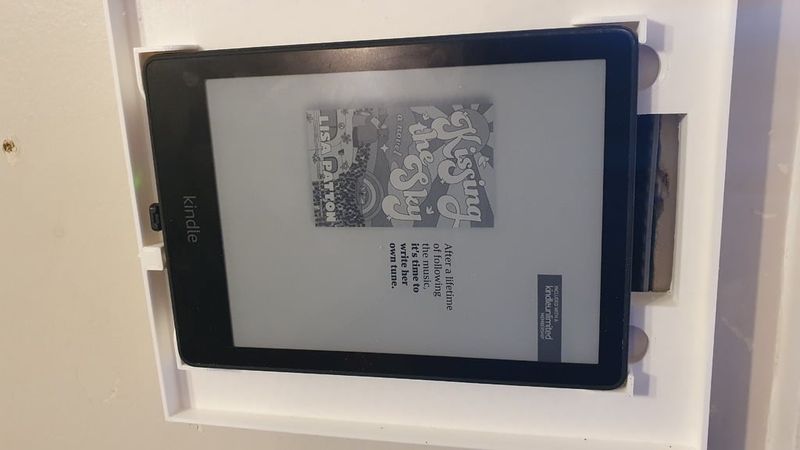
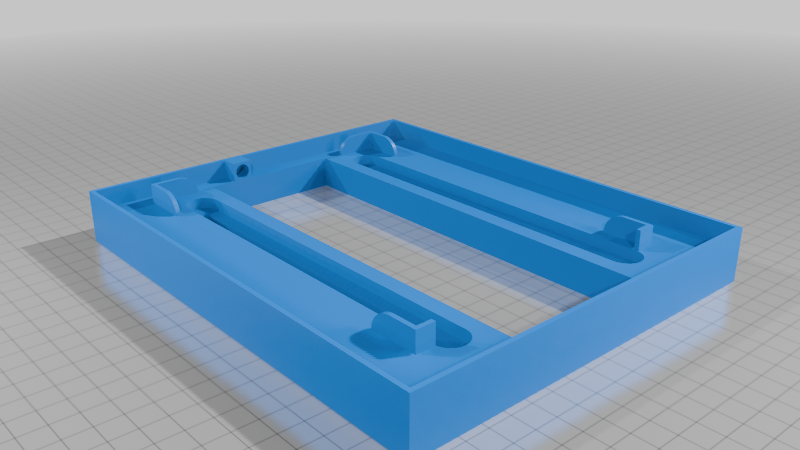
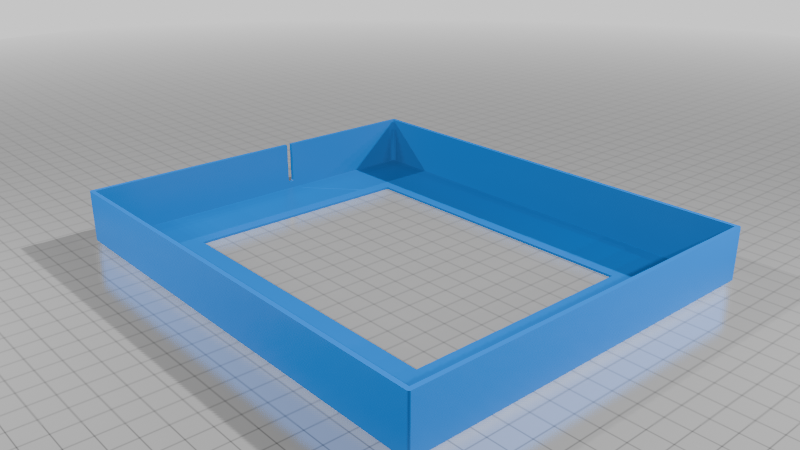
I purchased a Kindle Paperwhite 5 to use as a Home Assistant dashboard and needed a good way to mount it, with the intent to power it with a decorator (Decora)-style USB-C power outlet. As such, I designed this to fit that; however, it could likely mount straight to the wall without an electrical box, though you'd have to either take it down and charge it every so often, or you'd need to modify the design to allow a power cord through.
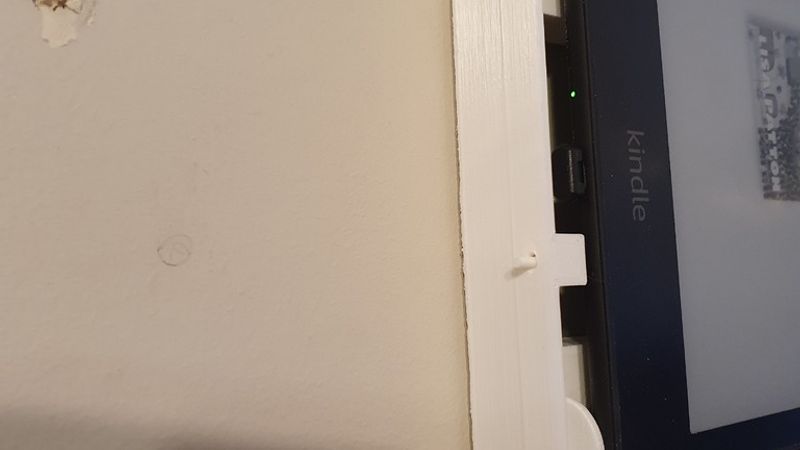
I printed this in PLA and discovered that it interfered with the capacitive touch display. As such, I added some electrical tape around the edges to allow it to work. Your mileage may vary; but if you have issues, try that.
Edit 1: This may not be the case. After playing around with it some, I realized that I had the issue regardless of whether or not the reader was in the case or not, and regardless of which USB-C cable I used. The one unifying factor seemed to be whether or not it was plugged specifically into this charging unit. As such, I'm removing the link below for now while I troubleshoot.
Edit 2: I got a new in-wall power adapter/outlet combo, linked below. So far, it's been fine. Will update if I run into any more trouble. Having said that, if you find the touchscreen to be behaving oddly, try a different power adapter.
I printed on the bare metal side of my print bed to get a shiny look for the cover. For the frame, regular print bed should be fine (and would likely be better). Supports are needed just for the frame to allow for the screwhead channels. I also printed with a brim to help keep it flat, but likely not necessary if your print settings are dialed in. The 20% infill is only a suggestion; you could probably go even lower to save filament, but that's what I used, and it works well enough/is strong enough.
I used a ribbon cable with a right angle (down angle? up angle?) plug to allow enough room without making the case bulkier than it needed to be.
Be sure to follow any and all local regulations when it comes to installing power.
Here are the two items I purchased from Amazon to make this work:
USB-C Power
https://www.amazon.com/dp/B0CHRS2CJM
USB-C Cable