
Dell Wyse 5070 19'' Server Rack Mount (Now with blank covers)

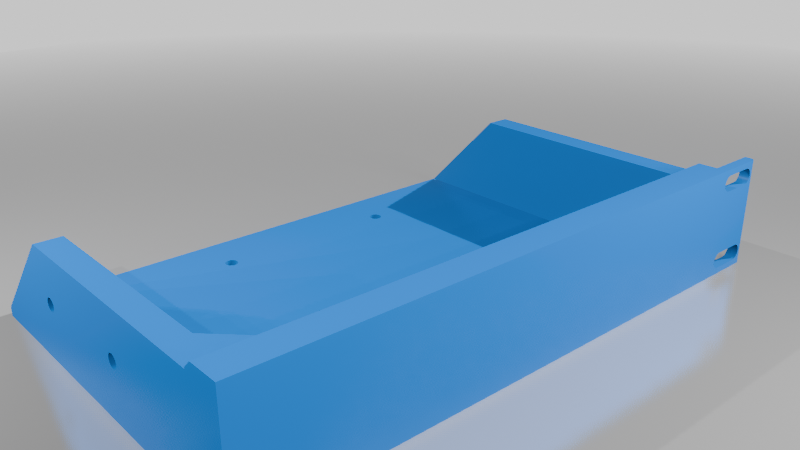
Description
19'' Server Rack Mount: Wyze 5070 Thin Client
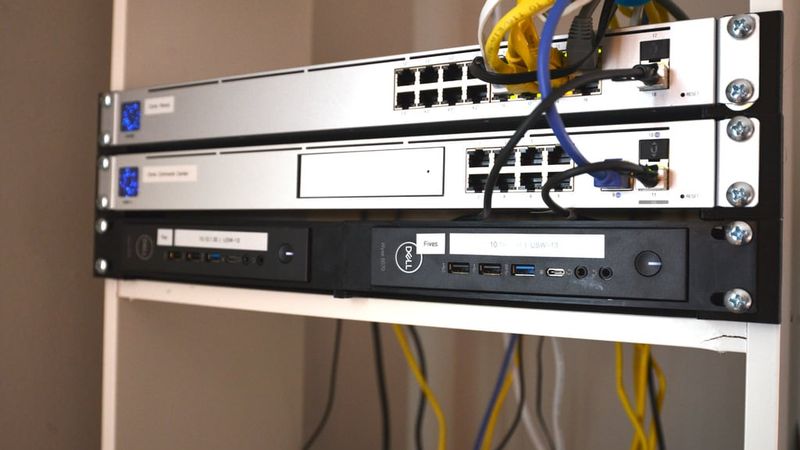
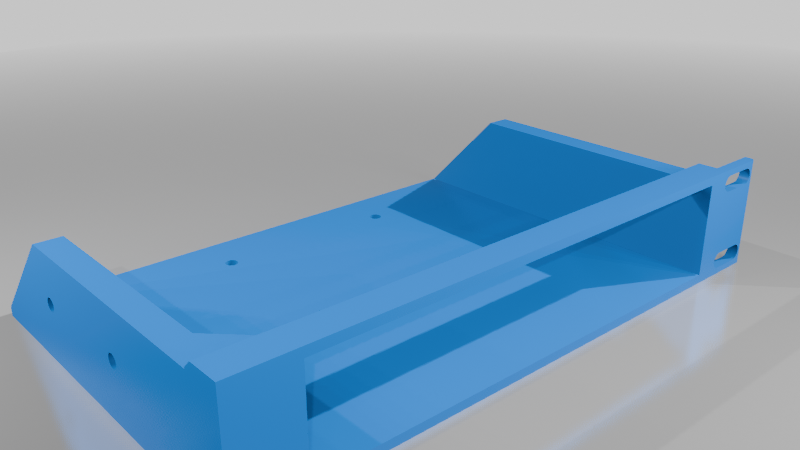
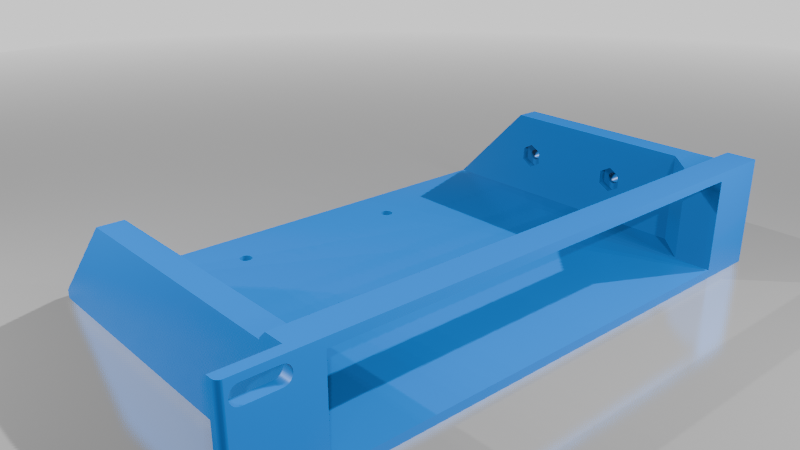
I designed this rack mount to clean up my lab by bringing my Wyze 5070 units into a standard (or whatever you call my bookshelf system) 19'' enclosure. The design focuses on utility and leverages the device's built in VESA mounting points for a secure fit.
Roadmap & Future Updates
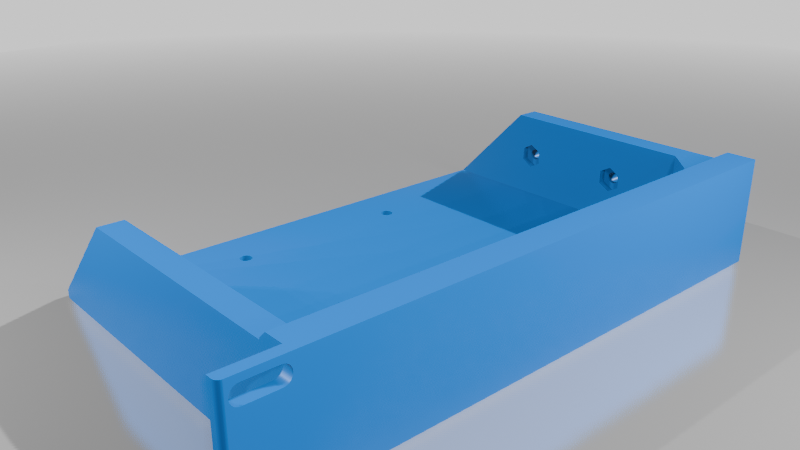
> Blank Filler / PSU Mount DONE
> I have finished and released a "blank" version of this mount. I intend this for setups with an odd number of devices (like my own). The plan is to use the internal cavity of the blank mount to house the power supplies, keeping the front of the rack clean while managing the cable clutter.
Hardware Required
I have used the following hardware for this build:
> Device Mounting
> Hardware: Hillman 92258 (1/4" x 1/2" machine screws)
> Used for mounting the 5070 units to the adapter via the VESA points.
> Mount Assembly
> Hardware: Hillman 966801 from Ace (10-24 x 3/4" machine screws and nuts)
> Used for joining the left and right halves of the mount together.
Important Considerations & Disclaimers
> Material Sag & Support
> Due to the physical properties of 3D printer plastics and standard bed size constraints, this print is split into two parts. Because of this split, the mount does exhibit some sagging in the middle once the thin clients are installed. I recommend using a stiff material or potentially adding a support brace if the aesthetic dip bothers you.
> Ventilation Note
> I’ll be the first to admit an engineering oversight: the right-side mount lacks specific ventilation cutouts because I simply mirrored the left-side part during the design phase. However, in my experience, the devices have not encountered any thermal issues or performance drops. They seem to breathe just fine in this configuration.
Files Included
* `Wyze5070_Mount_R_v1.3.3mf`: Most up to date right side mount
* `Wyze5070_Mount_L_v1.3.3mf`: Most up to date left side mount
* `WyzeMountR.FCStd`: Most up to date FreeCad file, please feel free to make remixes
* `WyzeMountL.FCStd`: ^^^