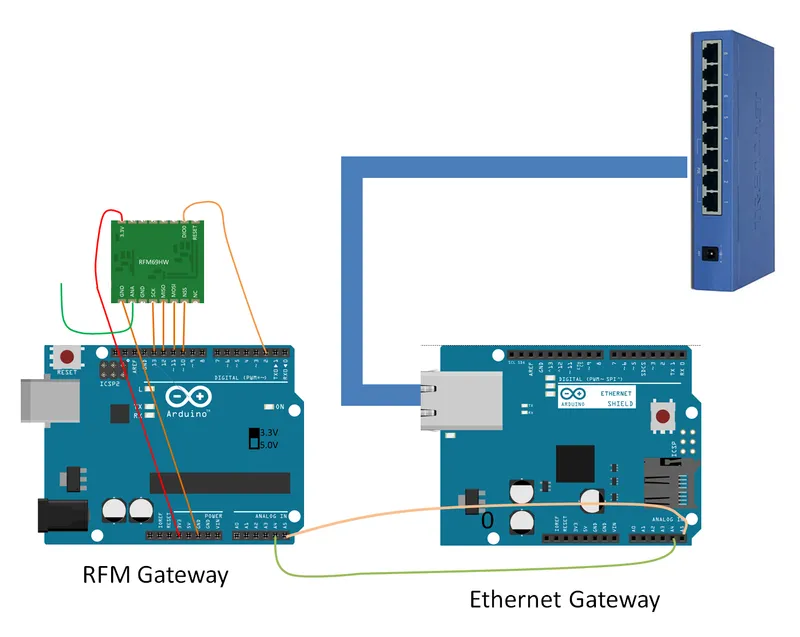
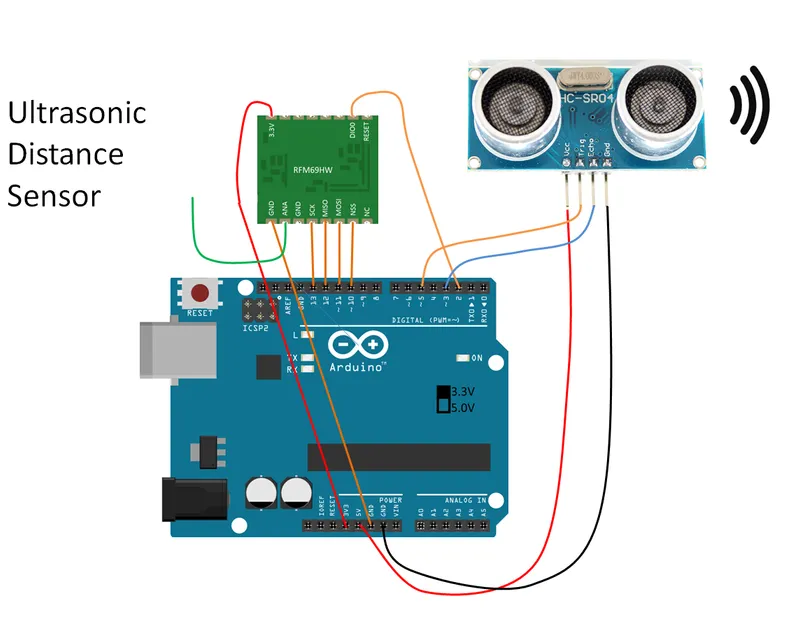
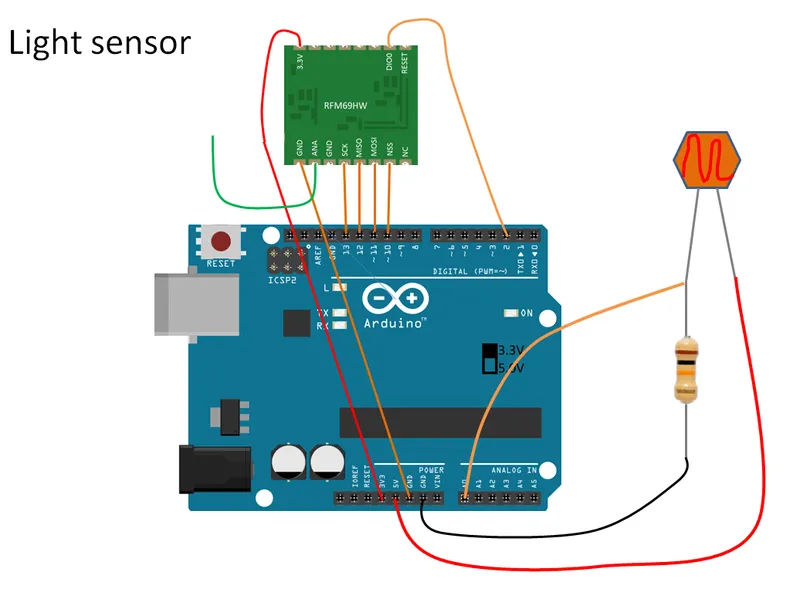
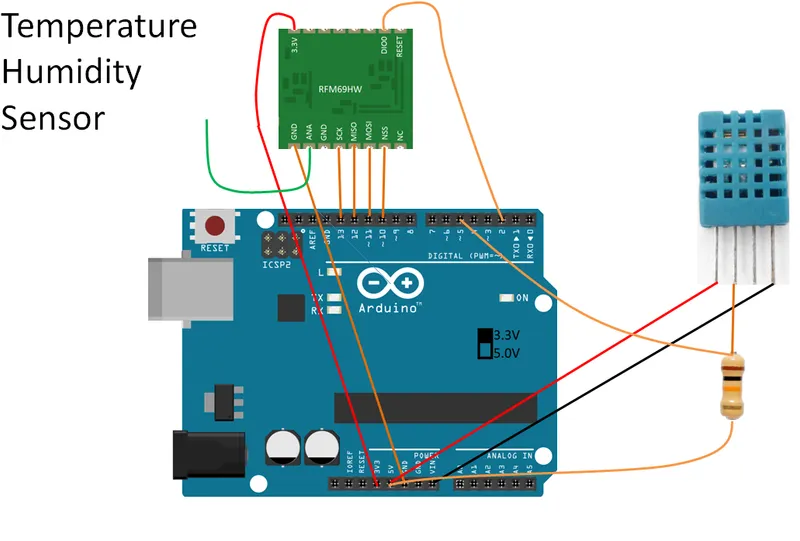
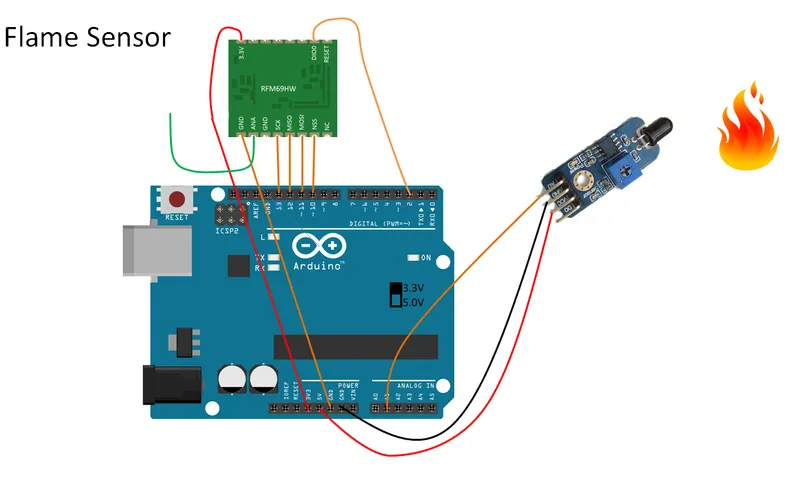
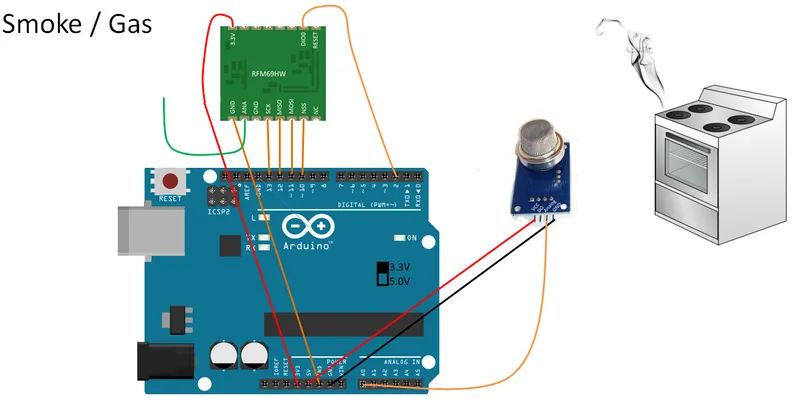
These nice Victorian gentlemen will show you how they're using the Laundry Sensor.
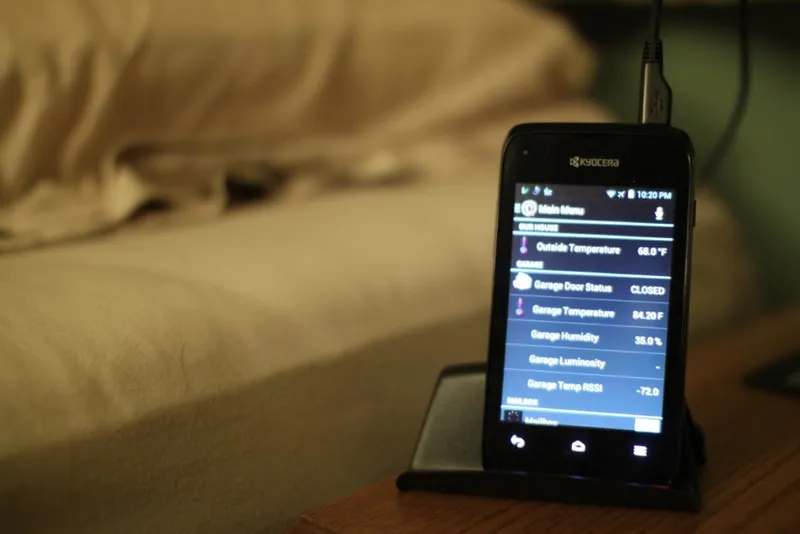
If your house is like mine, you have the laundry room in the basement. When I was single, I only went down to the basement once a week, so problems went unnoticed. Forgetting a load of wet laundry was really disgusting. The laundry room light sometimes got left on the entire week. And I couldn't tell if the washer/dryer was still running without going down stairs. Only the dryer buzzes, and sometimes I'd miss it. Now that we have a baby, we're doing laundry every other day it seems, so it'd be nice to have a dashboard view to tell us if the washer/dryer is running. And instead of having a dryer buzzer down stairs, I wanted the audible signal for both washer and dryer up stairs. This sensor is designed to solve all of these problems.
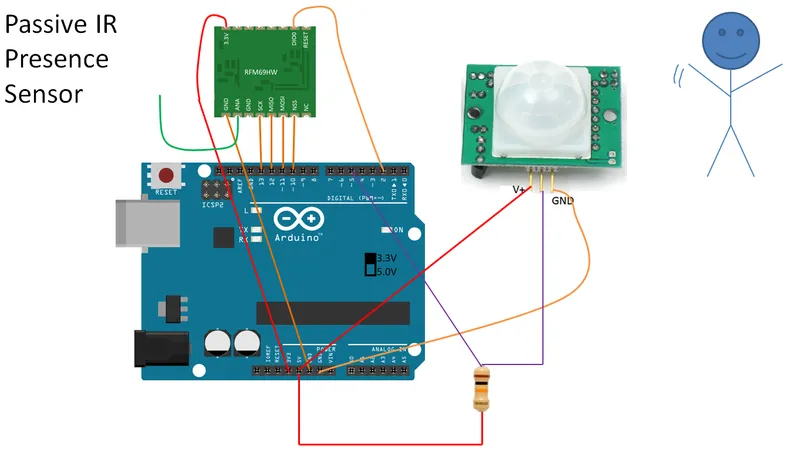
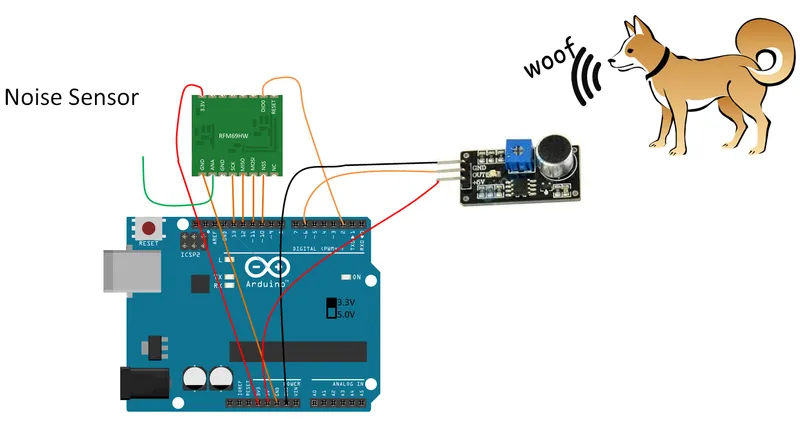
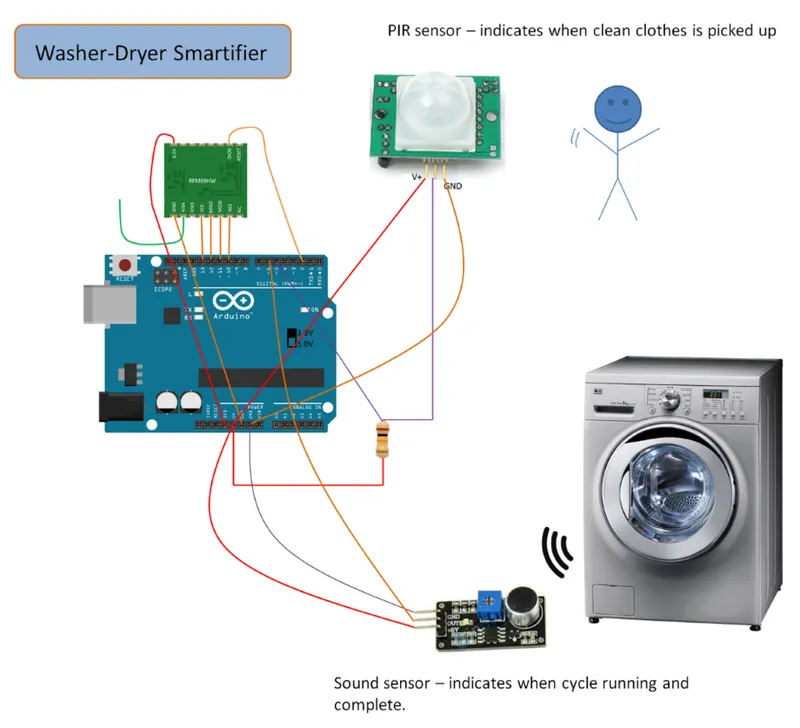
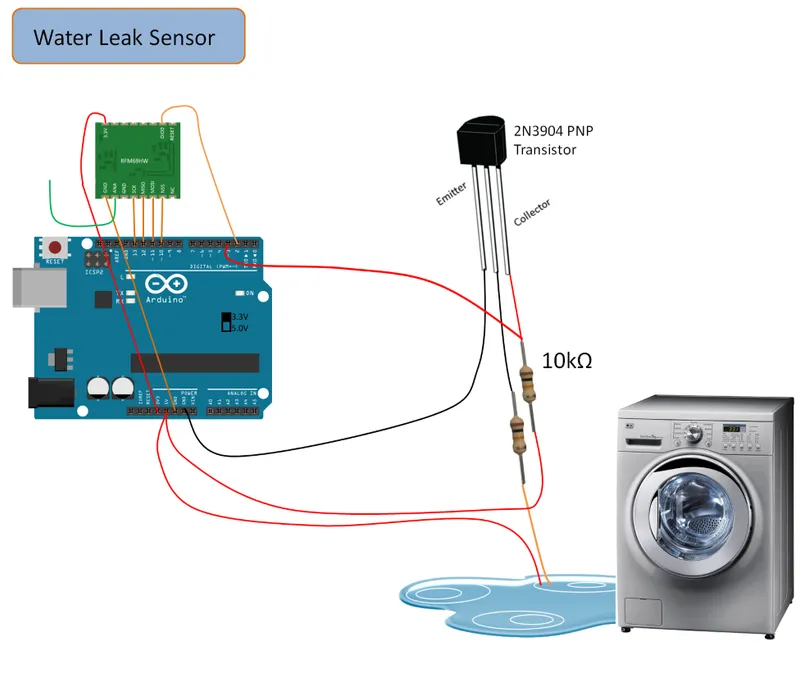
The schematic above is a great combination of sensors for a laundry room.
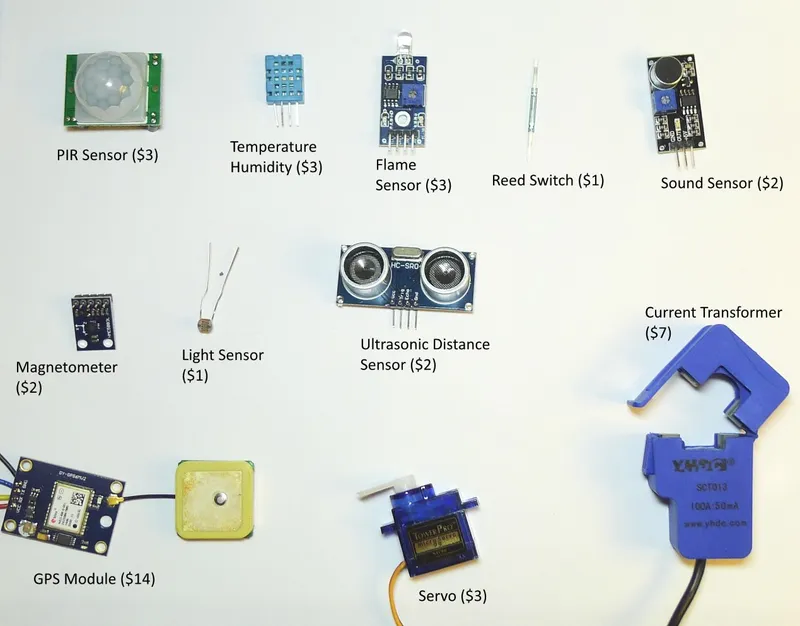
• Sound Sensor determines when washer or dryer cycle starts and completes
• PIR Presence Sensor used to determine when a completed load is picked up
• Water Detection circuit senses if there is a water leak or overflow, or a flood in the basement.
• light sensor circuit from the Uber sensor is used to determine if the laundry room light is left on.
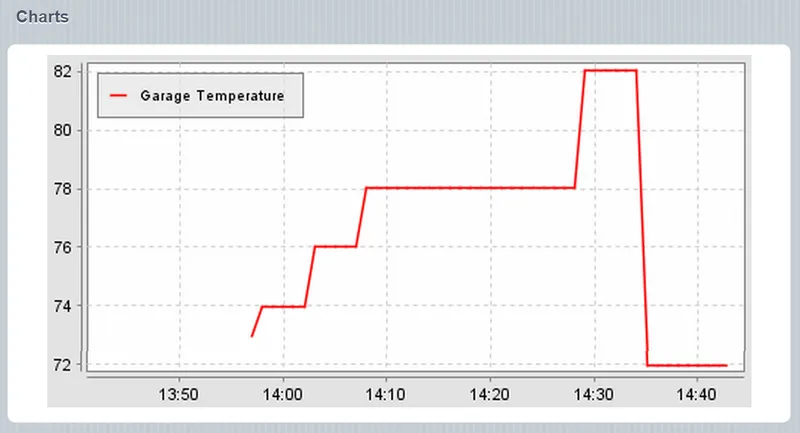
• Temperature/Humidity sensor - because it's so cheap to add another sensor
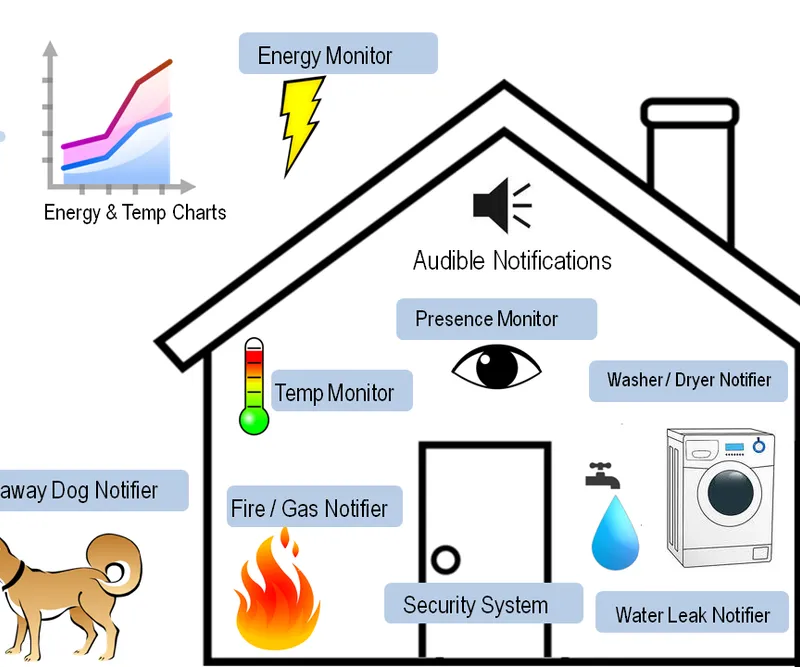
The intention is to display the washer and dryer status on a smart phone or tablet in the kitchen or living room - somewhere that you can easily glance at. Similarly, the Raspberry Pi and speaker would also be sitting in the living room so that the audio announcements are more likely to be heard. The audio signal for washer completion or dryer completion can be a friendly sounding MP3 file. Heck, you can record your own voice saying "get the laundry!" and use that sound file if you want. In the demo, I used the ugly robot voice to say "washer complete" or "dryer complete" because the text to voice feature is available by default in any OpenHAB installation.
The PIR sensor should be positioned so that the sensor would naturally sense you as you're moving around getting the clothes out of the machine. My awkwardness in live video doesn't demonstrate this point well, and I was trying to not set off the sensor prematurely. You shouldn't have to purposely wave your hand at the sensor.
If your laundry room is in the main part of the house where people walk through, the PIR sensor would not work for you as a way of indicating the load has been picked up. You can replace the PIR sensor with individual magnet and reed switches on the washer and dryer doors. It's a simple substitution, so I won't detail the circuit. With the reed switch wires going to the washer/dryer door, the installation is a bit more invasive, but it has the benefit of being a more positive indicator of laundry pickup.
--Hardware--
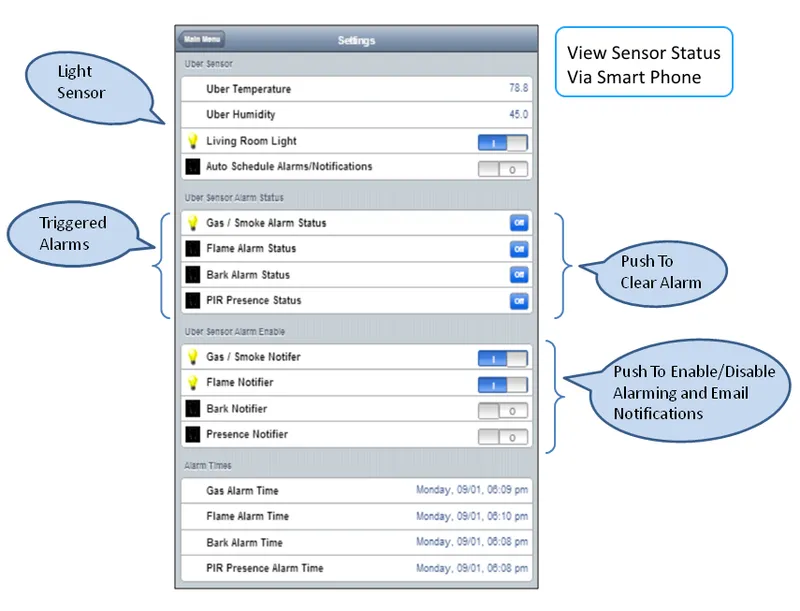
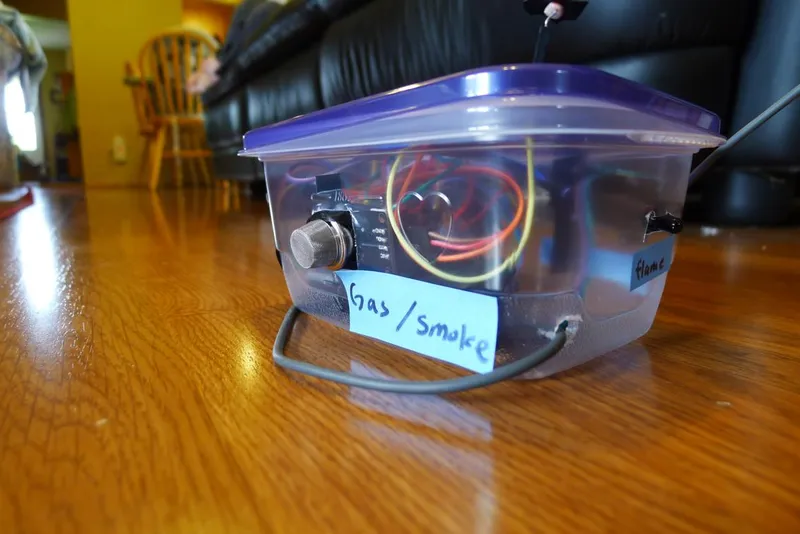
I split up the schematic into two for clarity, but my demo actually has both circuits and the light sensor circuit from the Uber sensor all integrated into one wireless Laundry Room sensor. The attached Arduino sketch will work regardless of whether or not you include the optional light and temperature sensor.
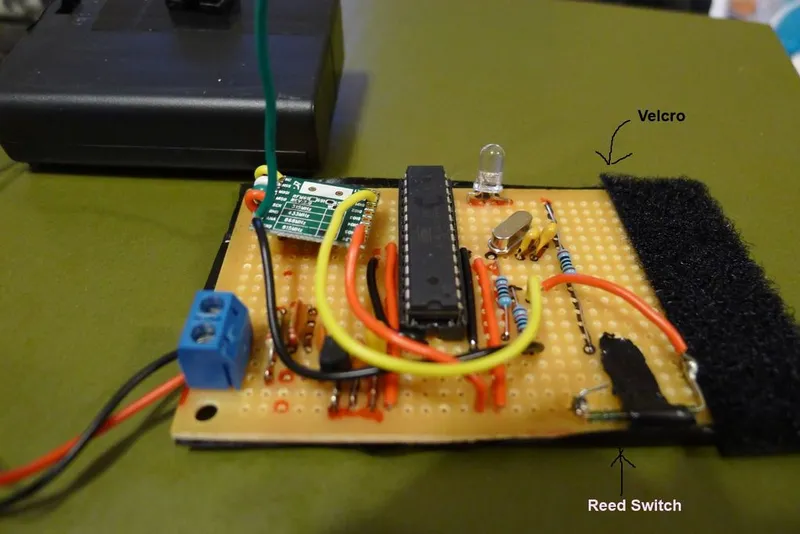
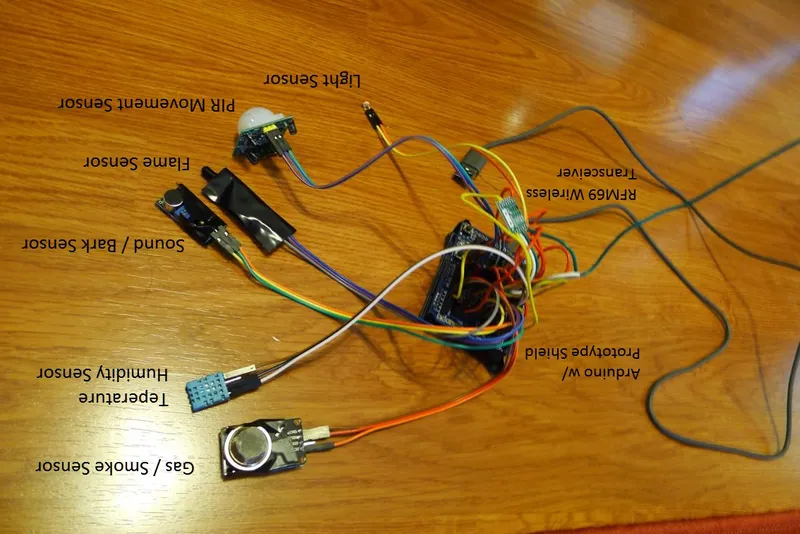
By now, you'll have already gotten the pattern for these sensors. Assemble the sensor on the Arduino using the schematic and the photos. Download the sketch to the Arduino. Configure the OpenHAB using the configuration text file attached. Test.
The water probe can just be wires coming from the prototype shield. You can use any long wire needed to reach from the sensor assembly to the floor of the laundry room. I stripped ethernet cables and made use of the inner conductor pairs. My assembly looks like this. Amazed I actually remember to take progress photos this time.
Assemble the sensor into a tupperware container. I used a screw to hold the ends of the water sensor probe apart. The weight also helped keep the probes on the ground.
Once the circuit has been assembled, you have to calibrate the sound sensor pot. This is pretty easy to do. Adjust the pot until the sensitivity is such that placing the sensor against the dryer or washer (while running) sets off the output LED. This youtube video demonstrates what it should look like.
--Software--
The OpenHAB screen looks like this. It will indicate whether the machine is off, running, or finished running (but hasn't been emptied). Once the machine has been emptied (an assumption made by the PIR sensor), the state of the machine returns to off.
The OpenHAB configuration file needed to create this page is attached.
If you have the alarm notifier enabled, a water leak alarm will email you when it goes off. A water leak alarm will also constantly sound the alarm sound.
You will want to edit the Arduino code a little bit depending on your washer or dryer. I put in some constants to decide how many noise detections indicate the machine is running, and how it determines the machine stopped running, and also how frequent to examine the sound sensor. For the majority of dryers this should work. But your washer has some cycles where it's adding water which may not set off the sensor as consistently, so you may want to extend the time or reduce the counts for the washer. Download the .ino file and change the relevant lines of code:
if ((millis() - sound_time_1)>500)
{
sound_time_1 = millis(); //reset sound_time_1 to wait for next Xms
...
//after X number of sound checks...
if (sound_count_1 >= 40)
{
//sound_count_1 = number of times sensor listened
if ((sound_detected_count_1 >= 8) && ((sound_1_device_state == 0) || (sound_1_device_state == 2))) //number of times sensor registered sound
{
Whew, that should do it for this sensor.