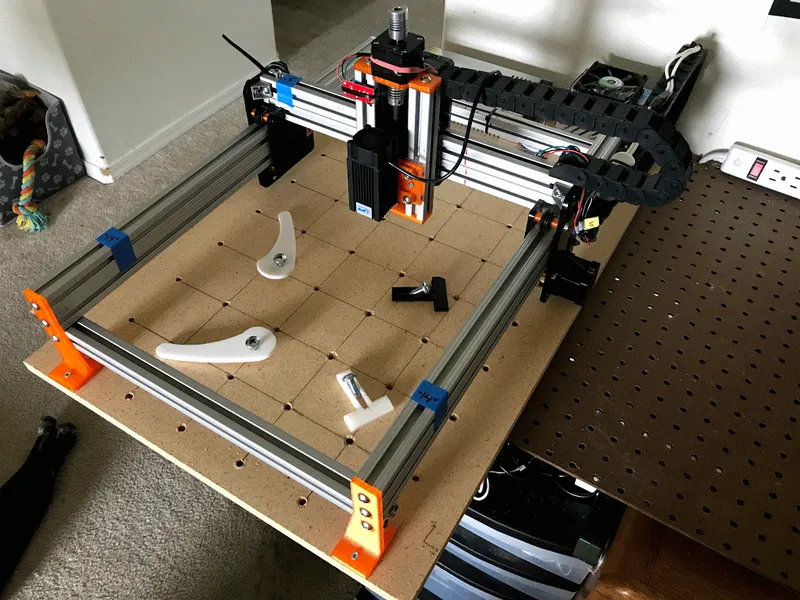
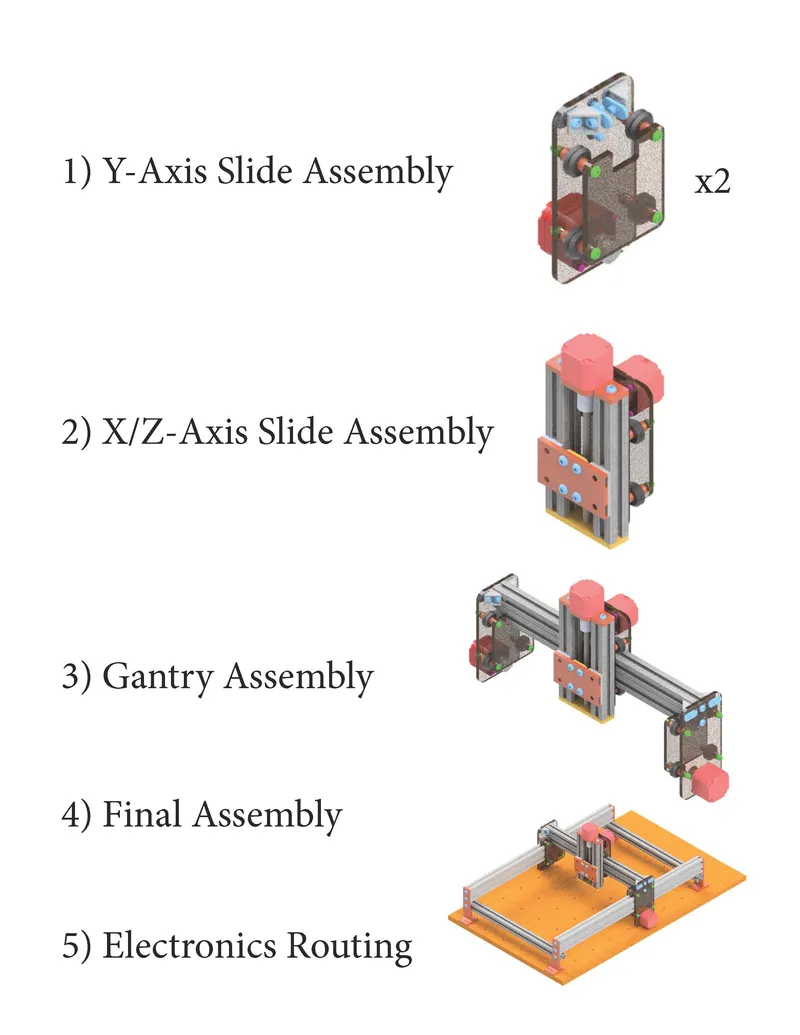
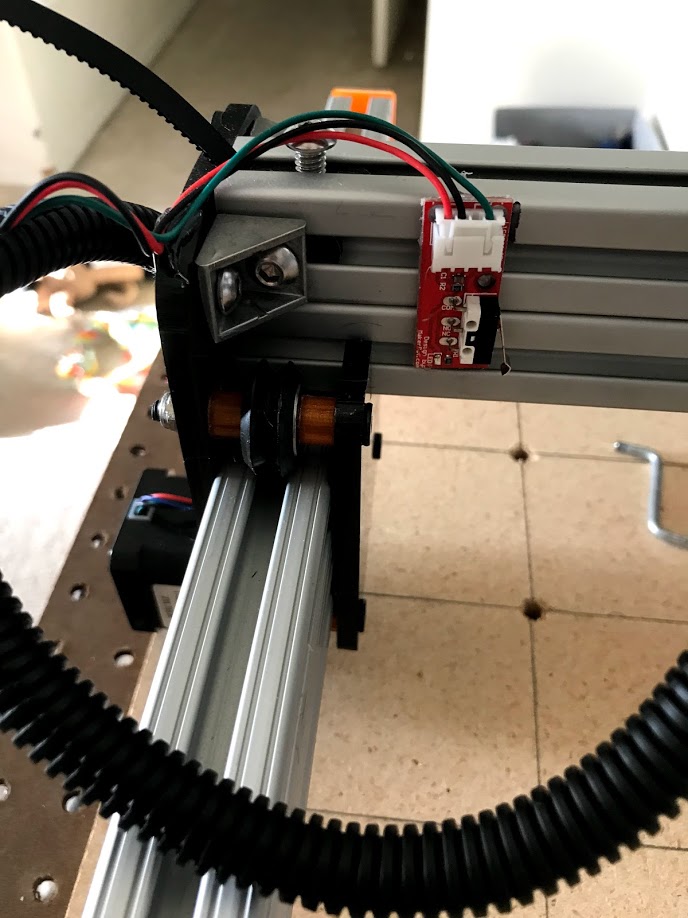
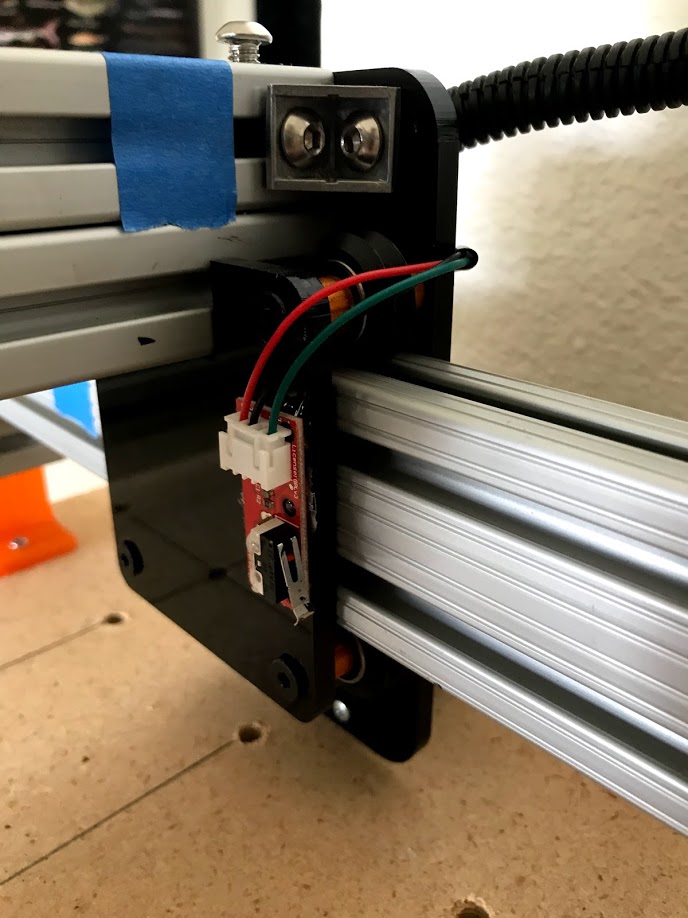
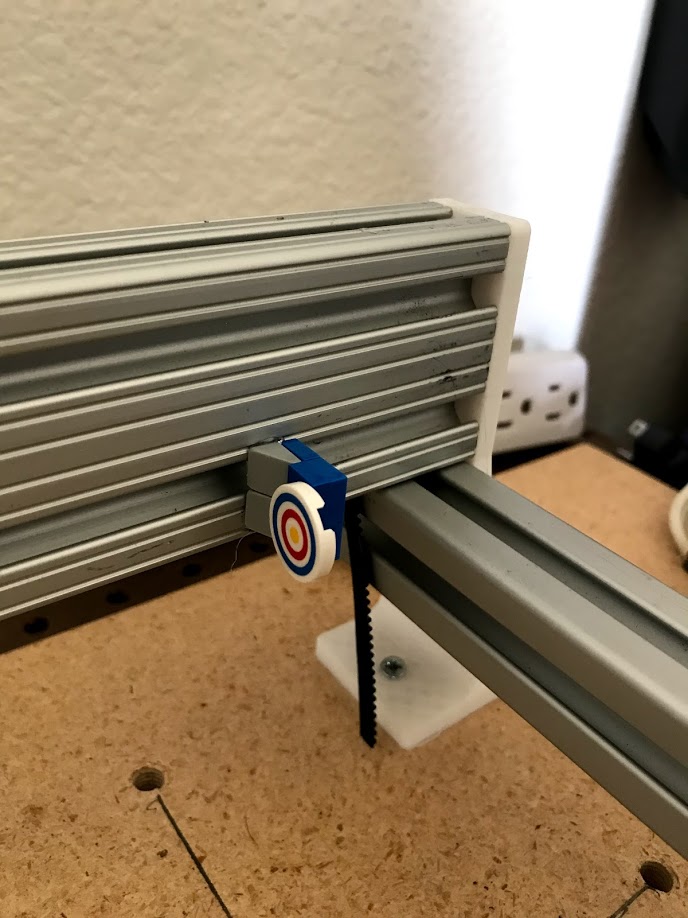
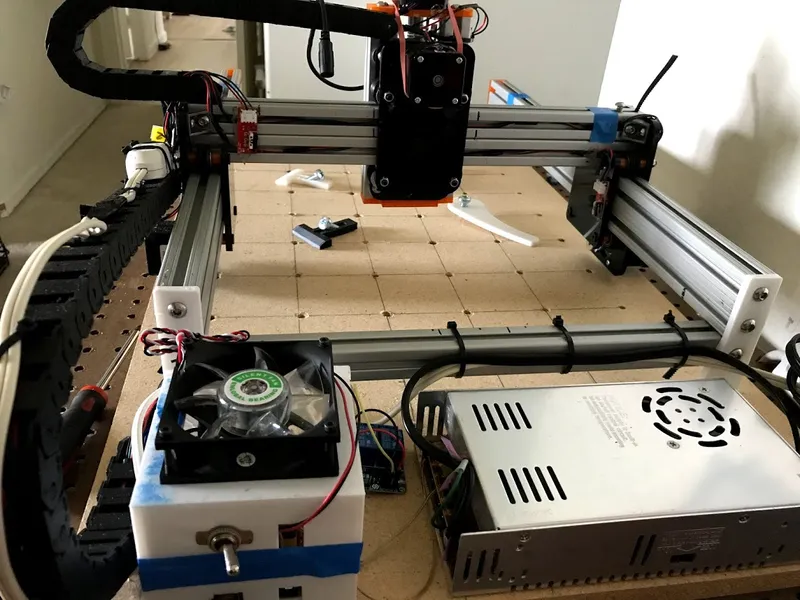
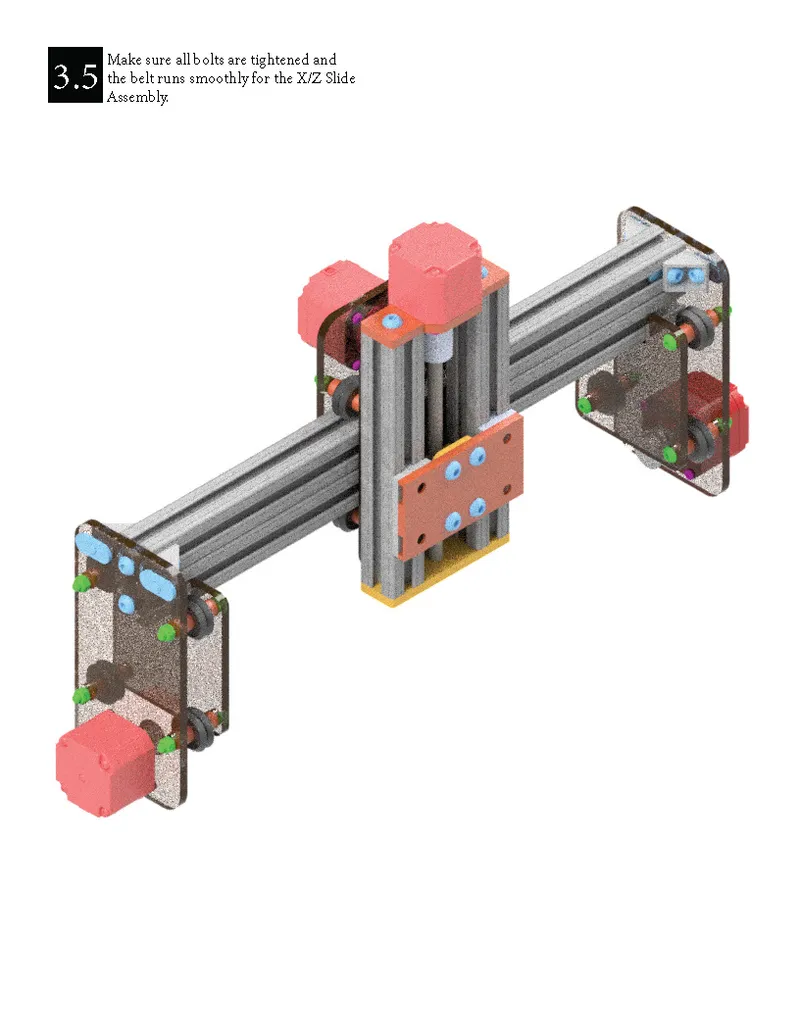
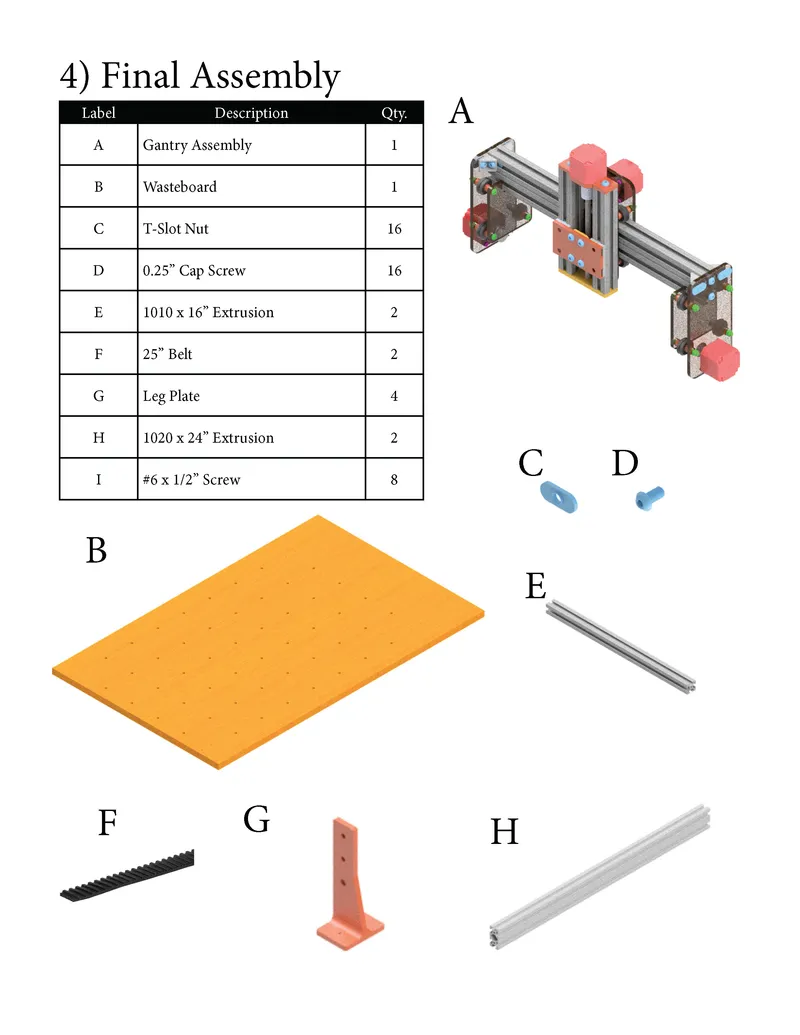
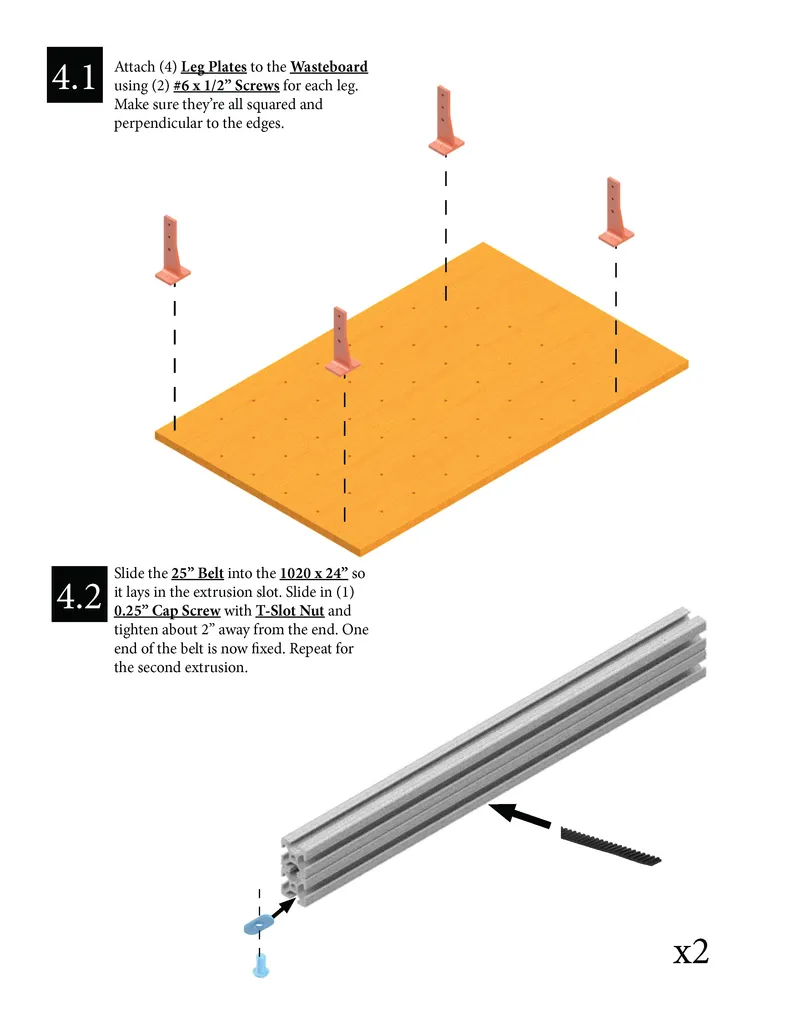
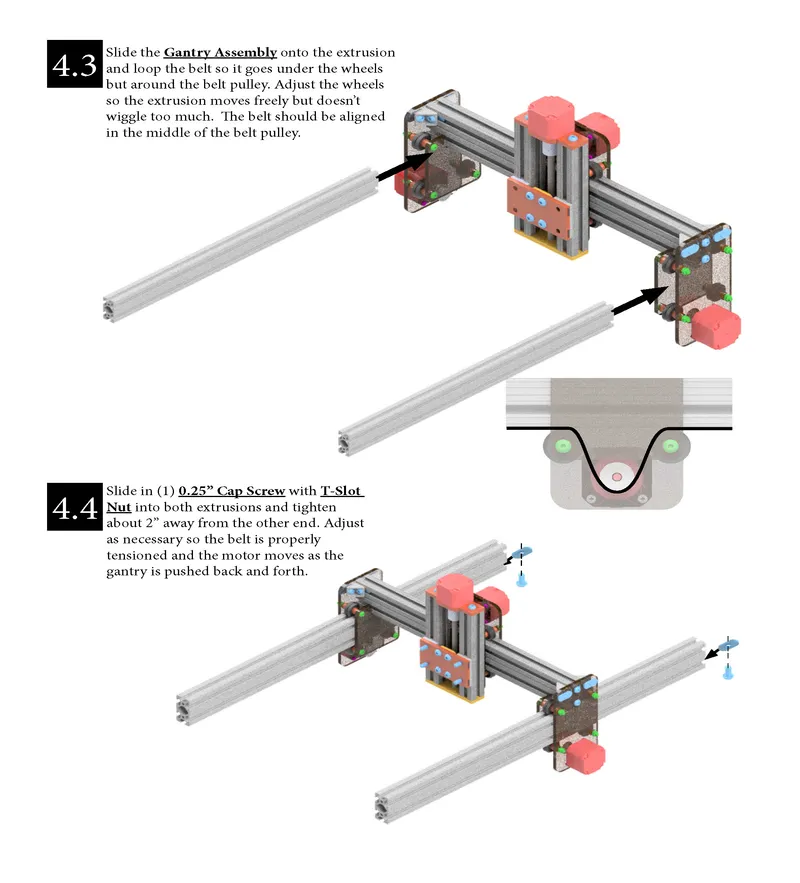
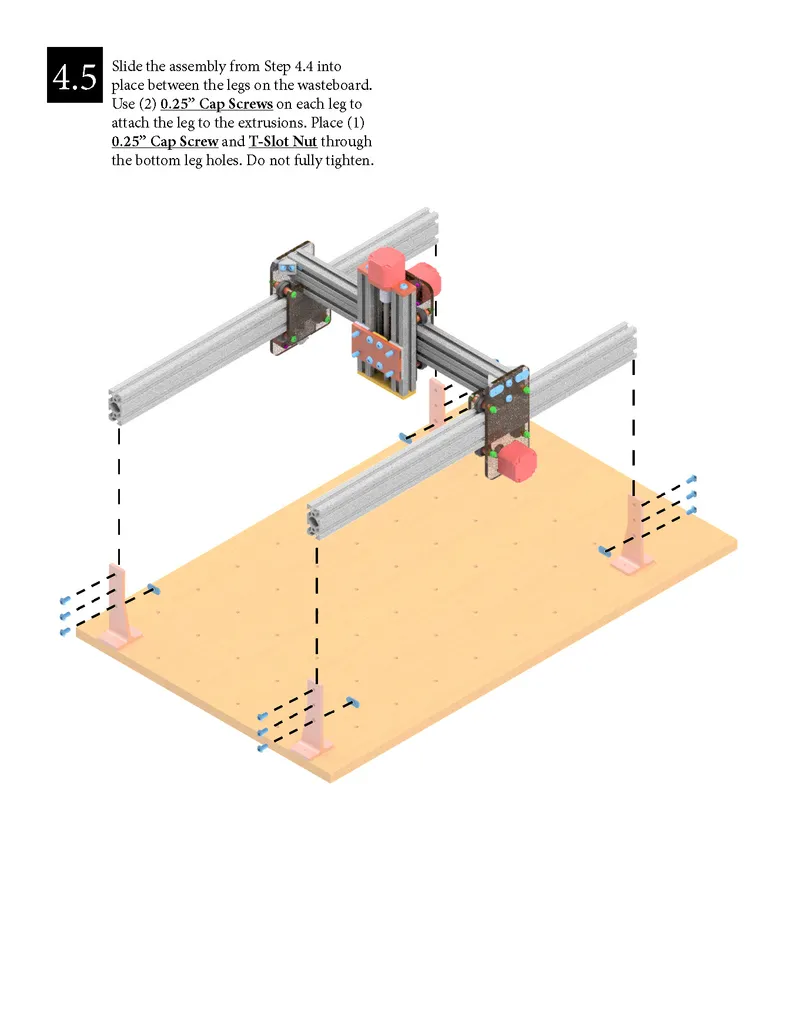
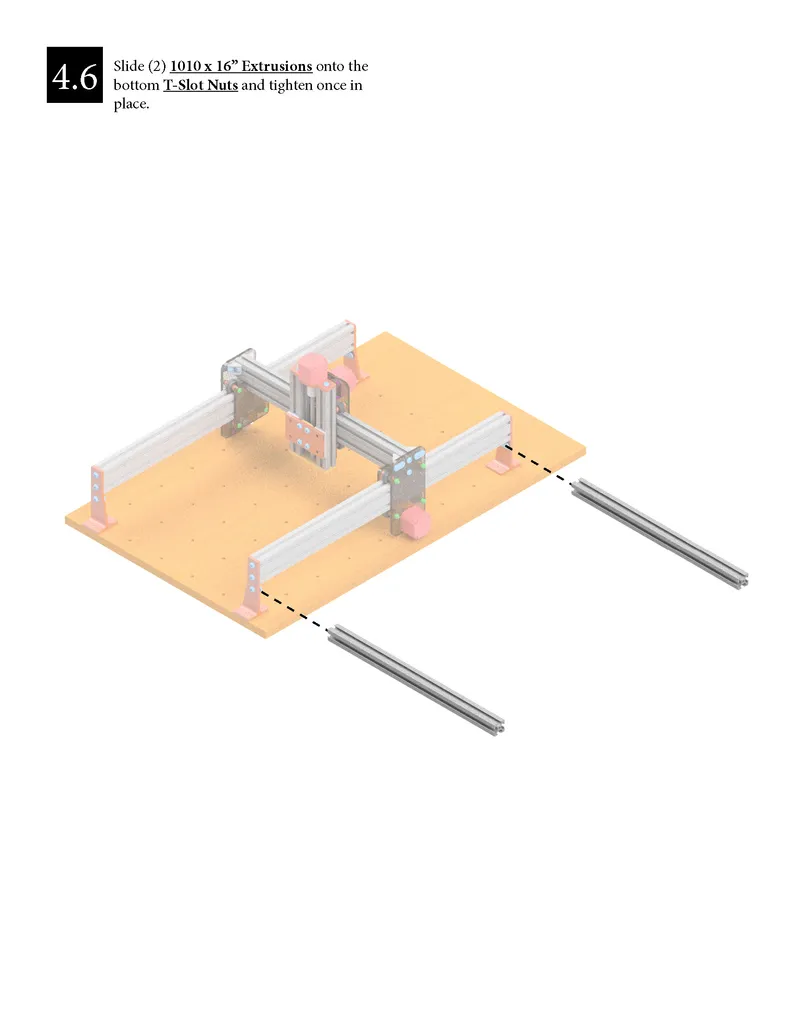
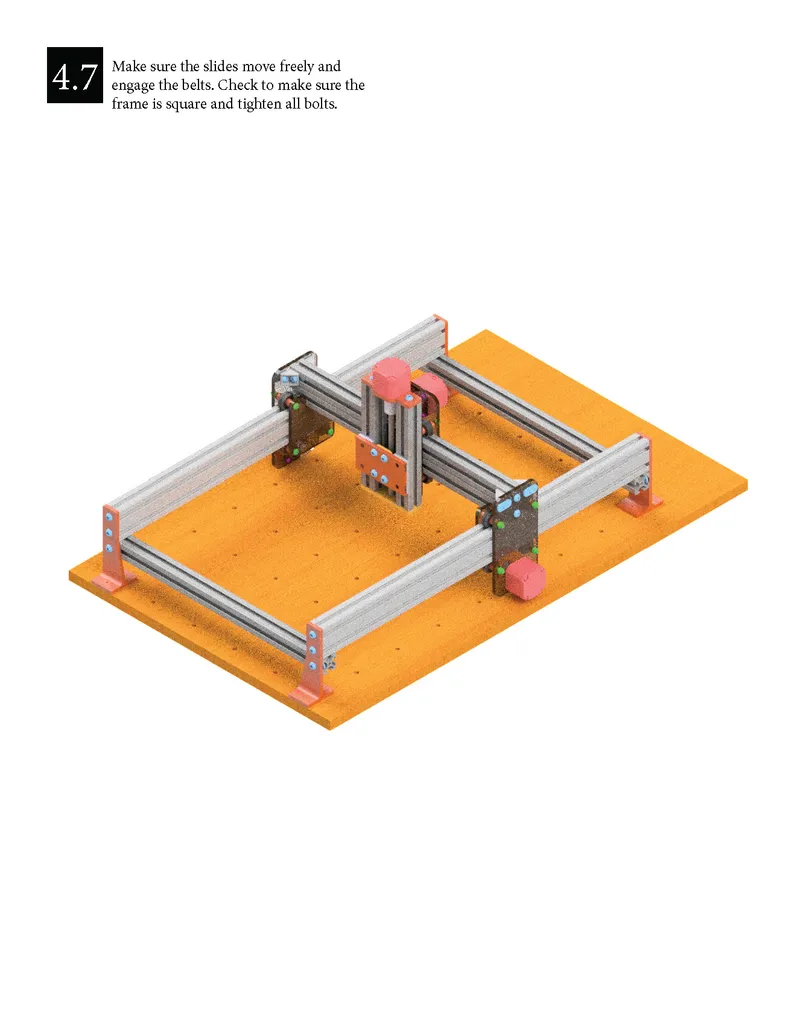
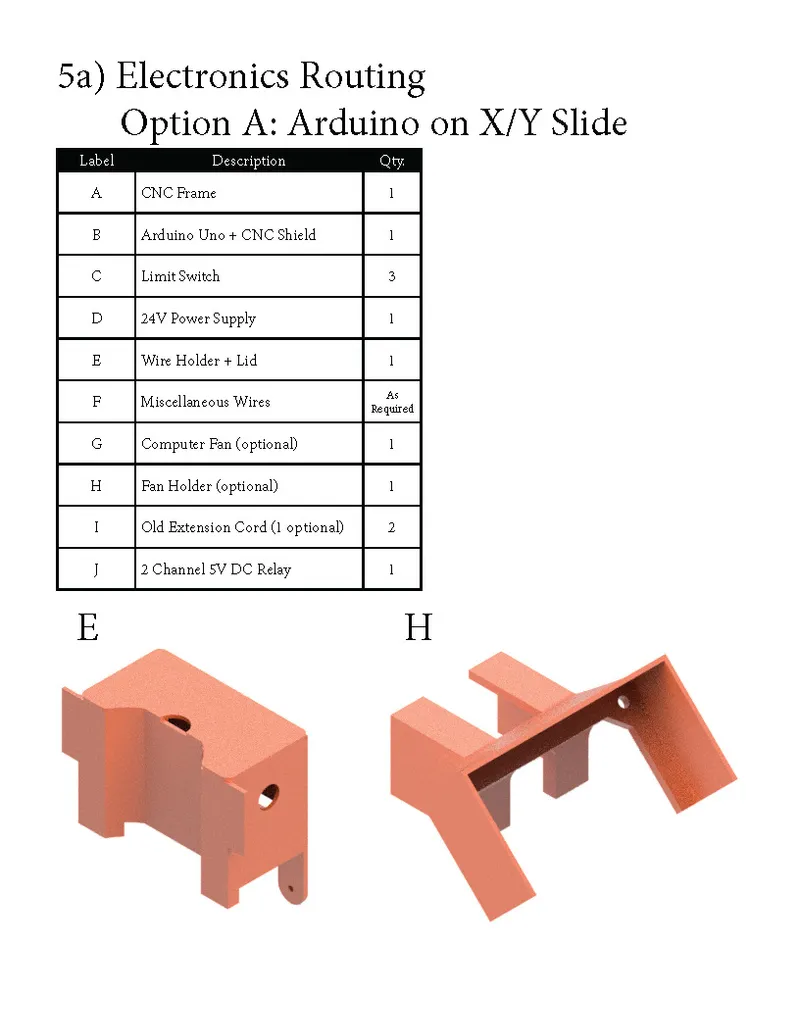
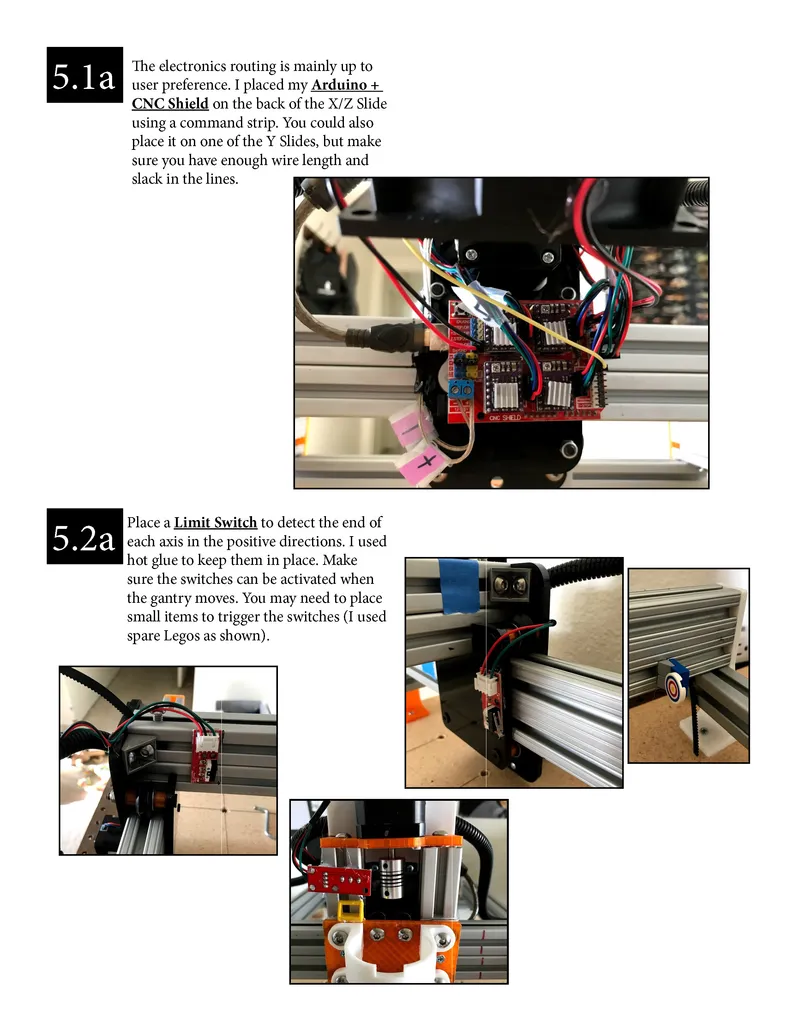
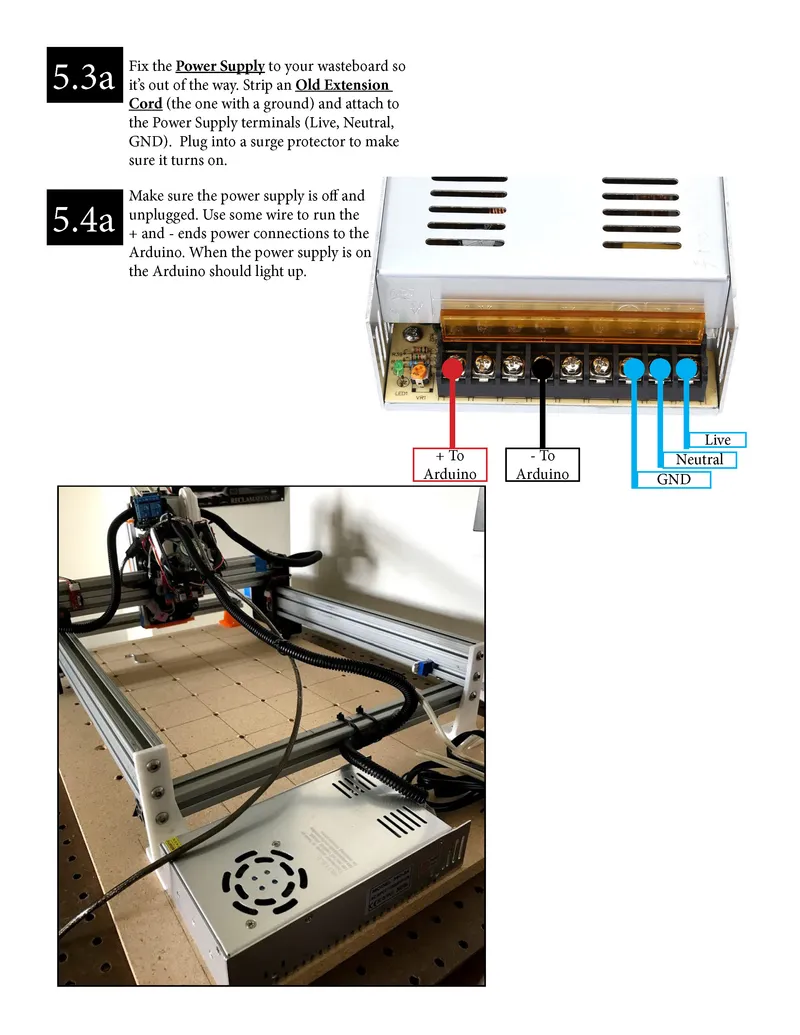
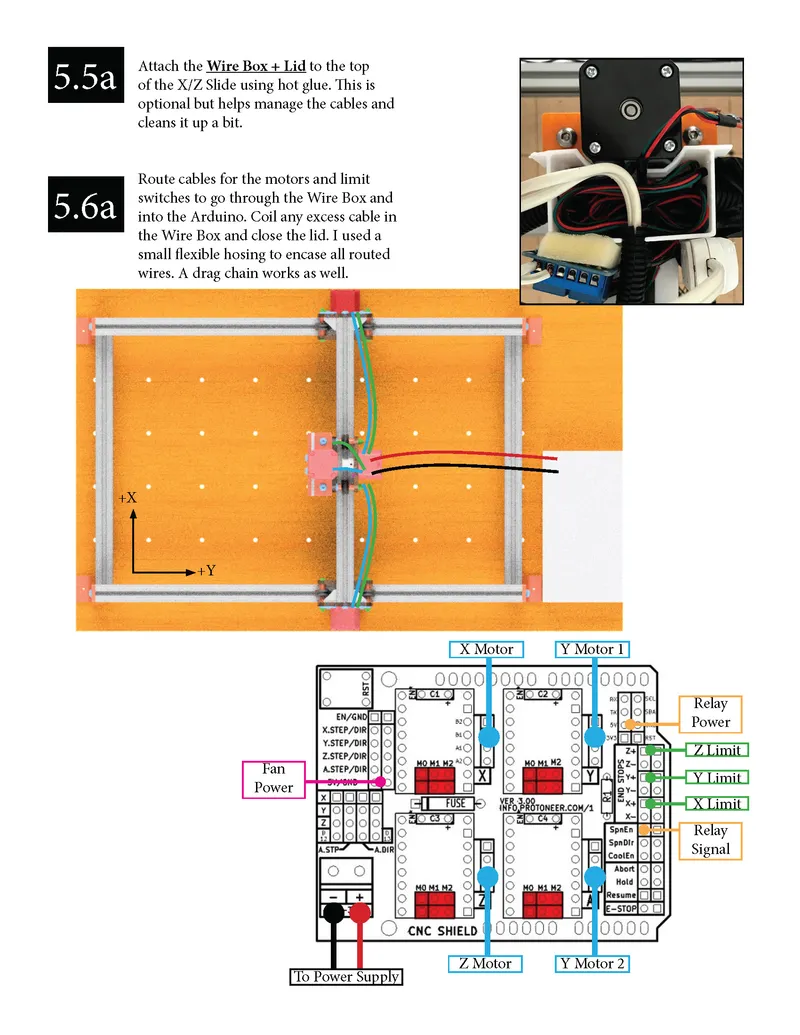
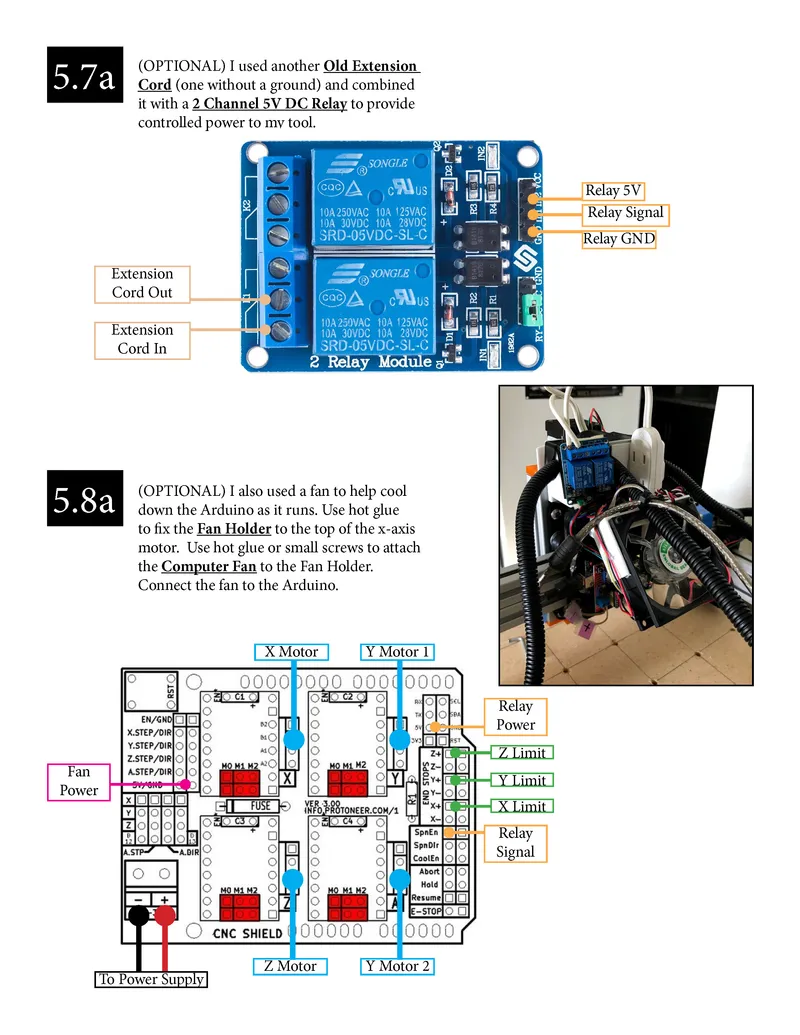
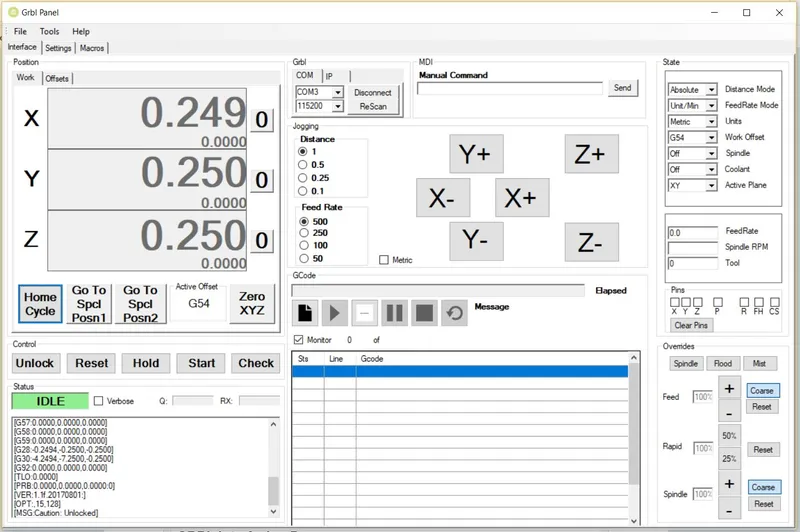
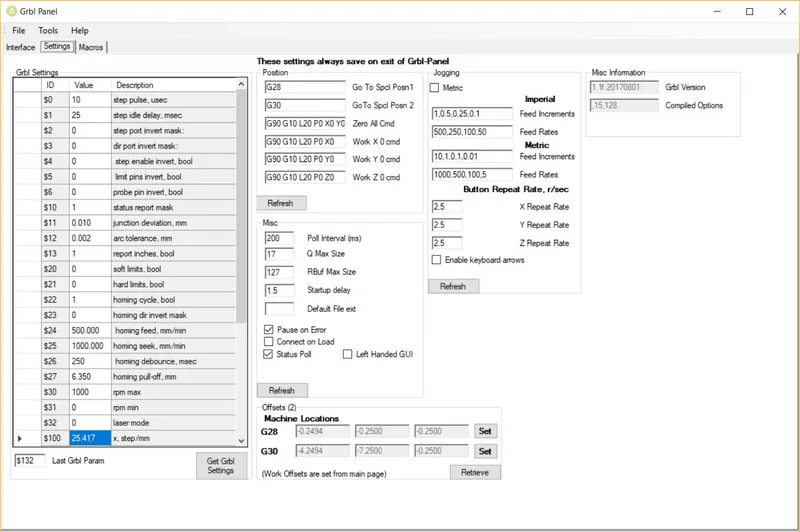
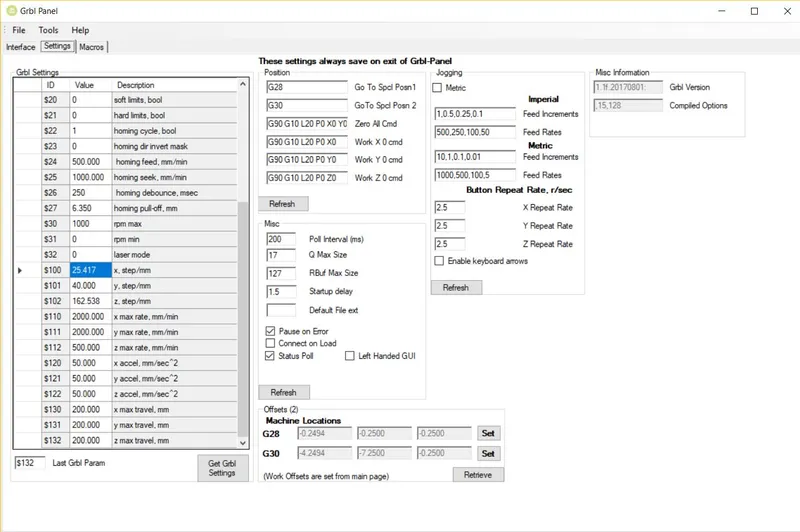
Once everything's been put together your almost done to run your first test program. However, the CNC won't fully have the right settings, meaning your program won't be accurately executed. The CNC must now be calibrated so it actually goes where the Gcode tells it to. For instance, the CNC doesn't know how far one revolution of the motor actually makes the machine move. To configure this, you need to set the step/mm which tell the motors how far they need to rotate to move the amount specified in the Gcode.
You may need to iterate through the step values until you have a value that produces the most accurate results. The main formula you need is:
• (New Step Value A) = (Old Step Value) * (Traveled Distance) / (Measured Distance)
The best way to find the step value is:
• Set the step value in GRBL
• Mark the machine starting location on each axis using tape or a marker
• Use the software to move the machine a specified amount
• Compare the actual amount moved with the desired amount and use the above formula to calculate the new step value. For example, you may tell the machine to move 1" but it really measures out to be 0.75" so use the formula to find the new step value.
• Repeat until you have an actual movement value that matches the desired value (i.e. you tell the machine to move 1" and it actually moves 1" in that direction)
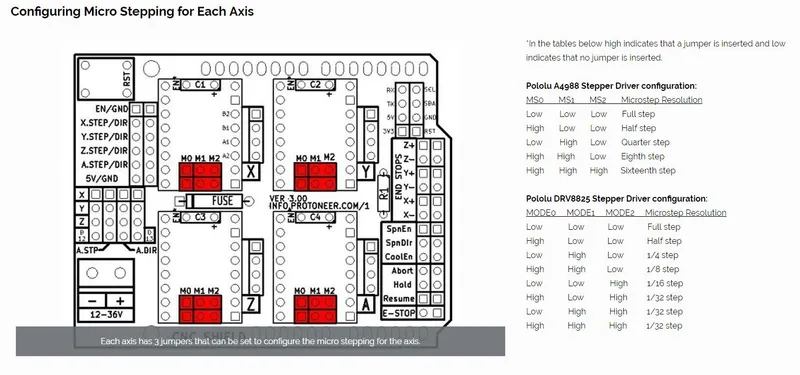
You can also use microstepping which makes the movement smoother at a loss of torque. For this reason, it's best to minimize the overall machine friction in order to have the smoothest movement possible. To incorporate this, you need to connect the appropriate jumpers on the CNC shield and adjust the step value. The new formula you'll need is:
• (New Step Value B) = (New Step Value A) / (Microstepping Fraction) where New Step Value A is still calculated using the formula above.
For my machine I used the following settings:
• X-Axis: 25.417 step/mm (Microstep = 1/8)
• Y-Axis: 40.000 step/mm (Microstep = 1/8)
• Z-Axis: 162.538 step/mm (Microstep = 0)
I also used the following links for reference:
GBRL Interfacing Programs
The following programs can be used to set GRBL settings and send the G-Code:
|||/BOLD|||
If Your Stepper Motors Aren't Moving
If your motors are plugged in but they don't move when you send the commands, make sure the correct current or voltage is being sent to the stepper drivers. You can measure this with a multimeter as mentioned here, then adjust the potentiometer until the correct value is achieved. Your should run the motors per the specifications. If you go over these values you run the risk of damaging the motors or stepper drivers.