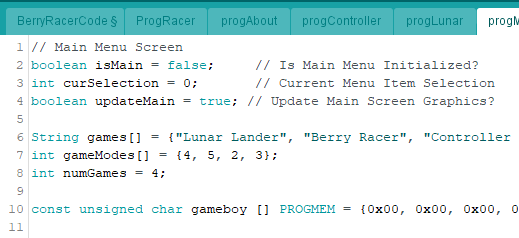
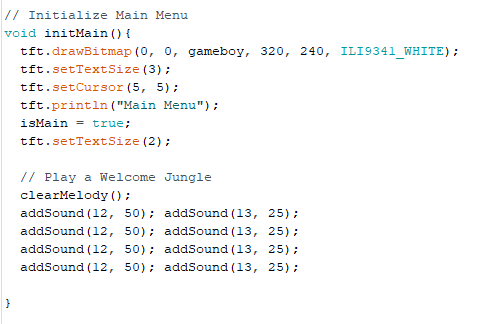
There is a lot going on here so I won't spend forever covering every little detail but like the rest of the code covered in the instructable, I will try to cover the ideas in each section to help explain what is going on. Rember you can always ask questions below in the comment section.
At the beginning of the program, there are a bunch of bitmaps being stored. A splash screen, the character sprite (which I'm not really happy with, I'd fix this in version 2), a win and a loss screen. Then there are a bunch of bitmaps for each enemy. This is because the Deer and People are animated, there are a bunch of bitmaps that are slightly different being drawn very fast like a flipbook. One is drawn, a black rectangle erases it and then the slightly different next bitmap is drawn.
I chose the sprites to be 32x26 pixels so the enemies and the main character are all the same size and would fit into the background that I was planning on drawing.
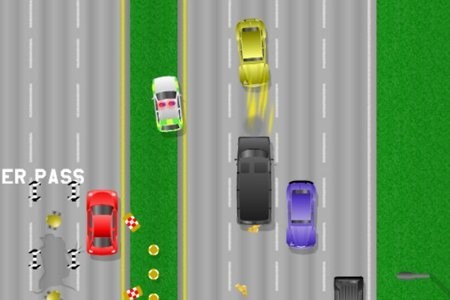
There are 3 levels to the game so I initialize the level variable as level1. The isBR variable is used to keep track of when the game should actually be running, it becomes true when the runBerryRacer() function is called by selecting Berry racer in the main menu (the state/case is changed to 5). After isBR, a bunch of other variables are set up to track the position of the Lazy-Go, when to draw the LG(lazy go) bitmap. Then come enemy variables and game statistic variables. I am using parallel arrays to keep track of the enemies, there can be 9 at most as that is as many as I could track. This is more than can actually fit on a screen while keeping the game possible. Xpositions are the three lanes that enemies and the lazy go can be in. Then there is how enemies can be in staging, this is an area at the top the screen and makes the game possible, if there was 3 in staging, an enemy would spawn in every lane and it would be impossible to get past.
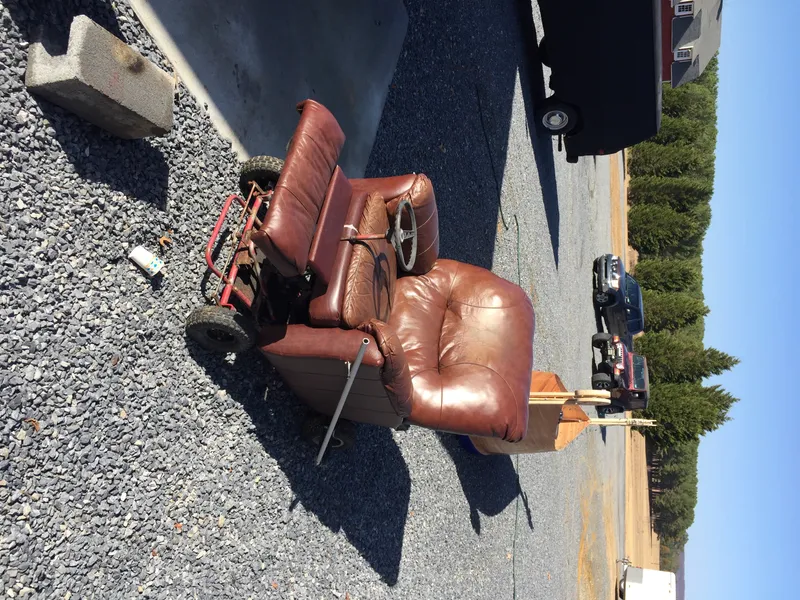
runBerryRacer() is the main function that runs this game and it is pretty much just calling on differnt functions that are written further down in the code. There is the getControls funtiosn that is sampling the user inputs every 150 ms, a funttion that takes care of drawing the lazy go at the right time and right place. Then enemy arrays are populated with enemies in random lanes. These bitmaps must be updated, moved down on the screen and then erased. There is a fucntion that has to check for a collision between the player and the enemy, a simstaple health bar funtion that works by seeing how long you are in contact with an enemy. You can touch enemies but the longer you are colliding with them, the more health you lose. This could be changed to instant death on touching or there could be a damage multiplier based on the level, however, the game is already pretty hard. Finally there is the winLose funtion that monitors you health and progress to determine if you win or lose the game, once you win or lose, you exit the game.
initBR:() When the game is first run and at the beginning of each level initBR is run. This sets enemy spawn interval and travel speeds as well as resetting them. The health bar gets drawn, text is written and the lanes are drawn. Then the lazy go sprite is drawn in the middle to start with. This all happens very fasy but technivally while this is happening, the user has no control over the game yet.
drawLazyGo(): All this function does is change the x-position of where the main character bitmap is drawn. When the joystick is left or right, a black rectangle gets drawn over where the bitmap was, then the xpos is chaged and drawLG is set true which triggers a new Lazy Go being drawn at the new location. I need to add somewhere another trigger that redraws the LG when it experiencing a collision. Currenlty if you don't move the character and get hit by an enemy, that enemy erases the LG and you won't see another LG drawn until you change its position. I'll save that for a V2 if I ever get around to it.
createEnemy(): The isEnemy[] array keeps track of how many enemies there are but it also keeps track of what kind of enemy it should be. It does this by storing a 0, a 1, or a 2 in each of the spots. 0 means there is not an enemy in that slot, 1 means there is deer and 2 means there is a person. If there is a deer or a person and they are less than 40 pixels onto the screen (origin is top left so at the top y = 0) they are counted as being in staging. If there are 2 or less enemies in staging and the spawn interval has been met, a new enemy will spawn. Everytime there is a spawn, isEnemy[i] = random(3); chooses either nothing, a deer or a person. This is done to change things up more for the player and gets rid of some of the lag, when there are more than 3 animated bitmaps on the screen, the game actually starts to slow down significantly.
updateEnemy(): The animation interval is 100ms so every 100ms the people and deer are updated. This works by keeping track of which person and which deer bitmap should be shown. Every time the timer triggers, the whichDeer and Which person increases by one indicating the next bitmap should be shown. There are 5 bitmaps for the Deer and 6 for the person, the % divides and then looks at the remainder. so if whichDeer gets to 6, it gives a remainder of 1 which restarts the animation at the 1st bitmaps. Then there are timers to update each the deer and the person, here the enemies are erased, postitions are updated and then the next bitmap for the animation is chosen through a switch case.
eraseEnemy(): sets enemies back to 0 in the isEnemy array which effectively erases them from existance, freeing up that slot in the array for a new spawn.
collision(): Also very simple, this just checks the positions of the enemies agiant the postion of the Lazy Go.
displayHealth(): Draws the healthbar on the left and subtacts from the health variable every singe time (every frame rate) there is a collision. This means when enemies are traveling faster in the higher levels,they actually do less damage. There should probably be some sort of multiplier but I'll leave that up to you guys to add if you want to!
winLose(): progresses you through the levels by looking at your distance/score and what level you are currenly on. If you make it through all levels you win. You lose by having a health that is less than one. When you win or lose some splash screens are displayed. When you pass a level you get a small break with a message telling you to get ready for the next level.
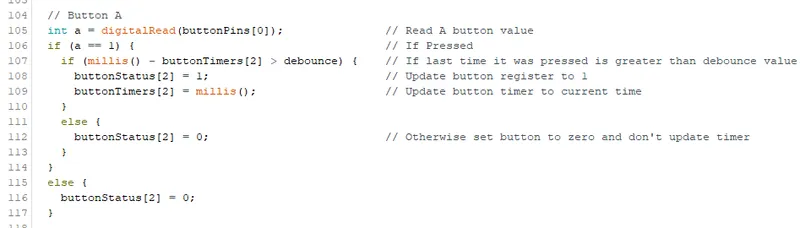
Exit(): I pretty much used this mainly while debugging the game. Instead of waiting to lose, I can just press the button that matches with buttonStatus[2] to go right back to the menu. In my case buttonStatus[2] was keeping track of my top button also called A in systemControls tab.
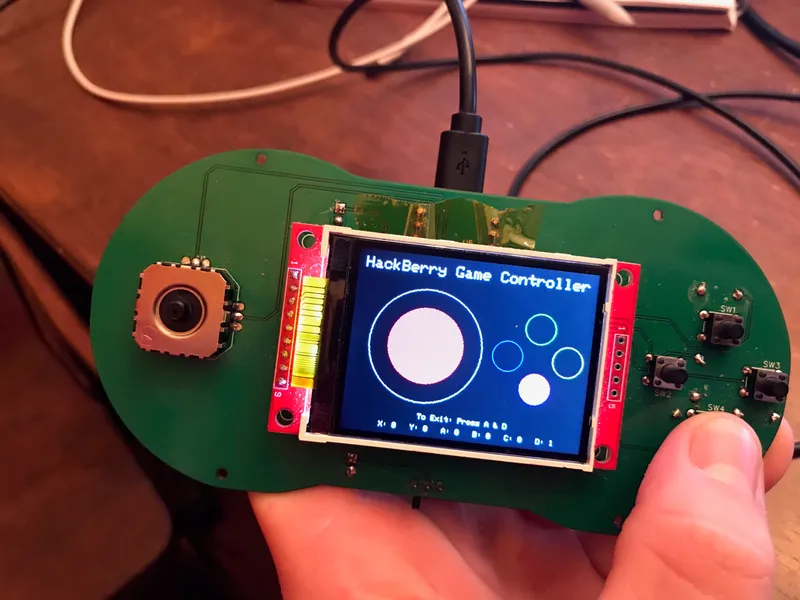
That's it! You've made an entire game and GamePad from scratch! Feel free to look through zane's game as well if you are trying to make your own to look for programming inspiration!