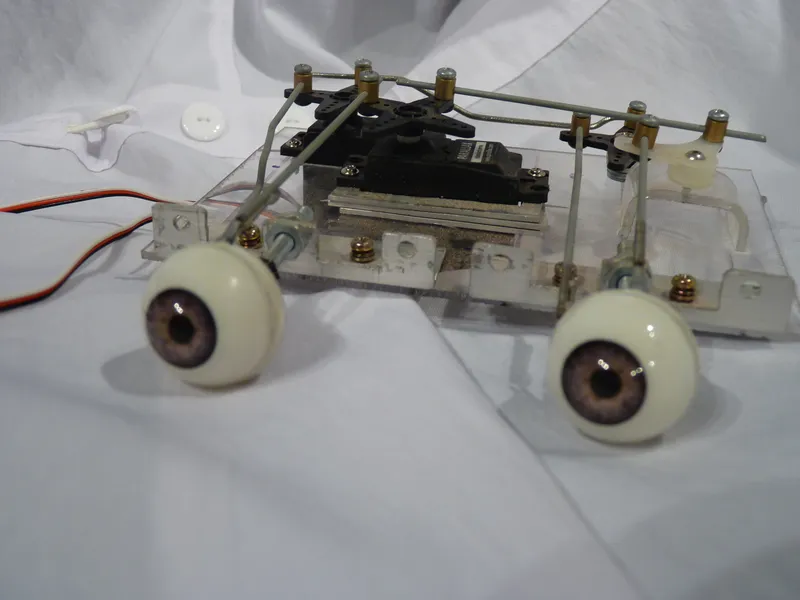
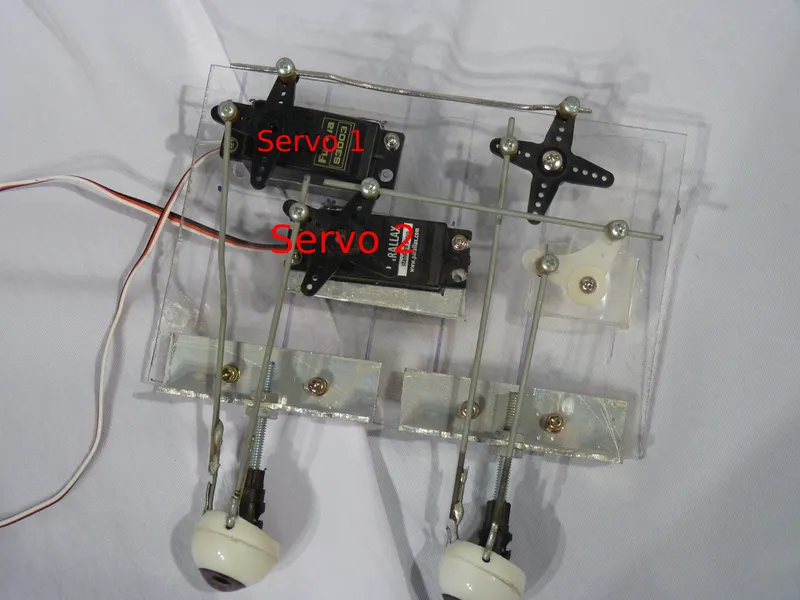
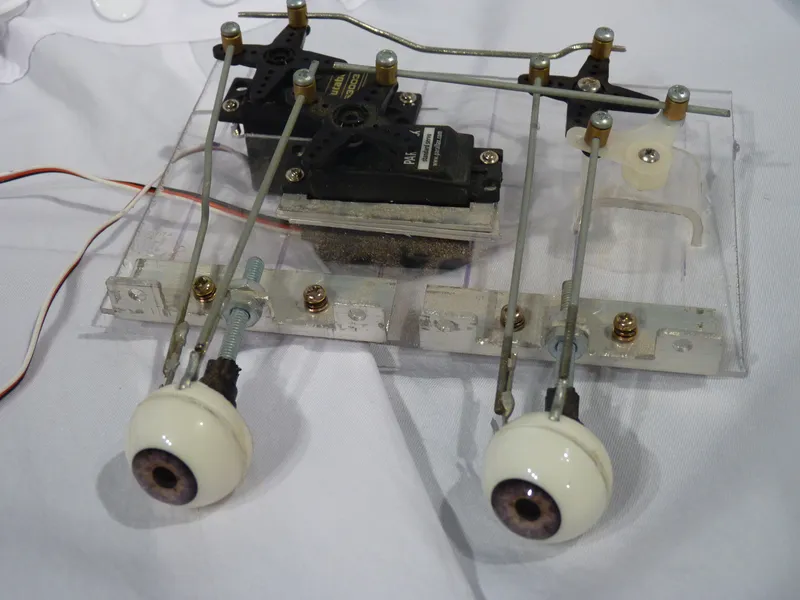
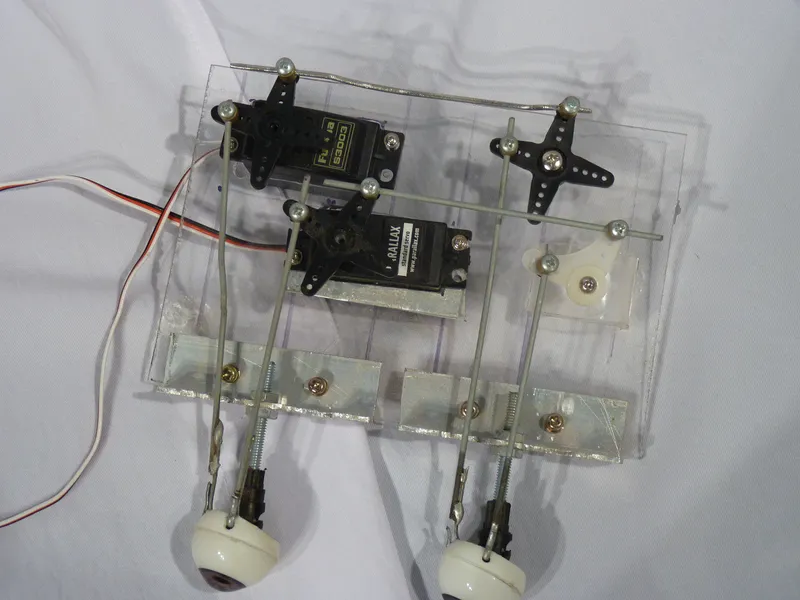
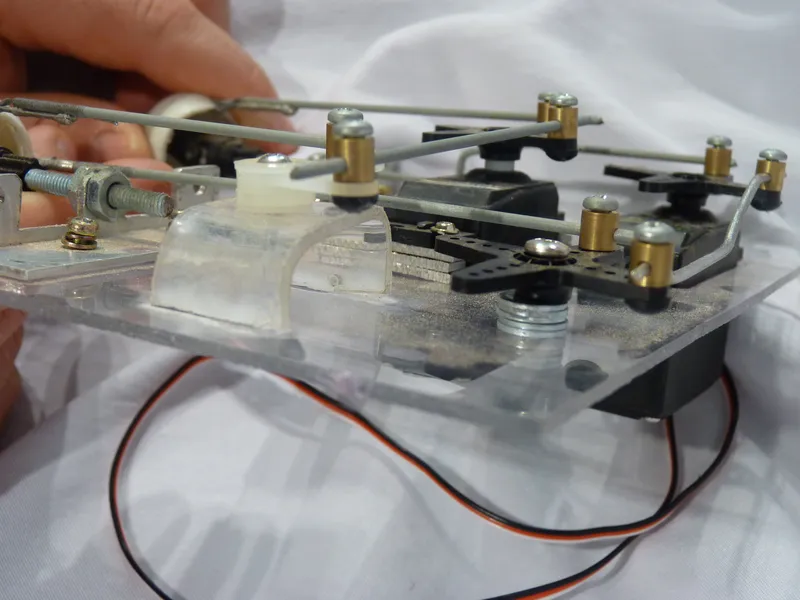
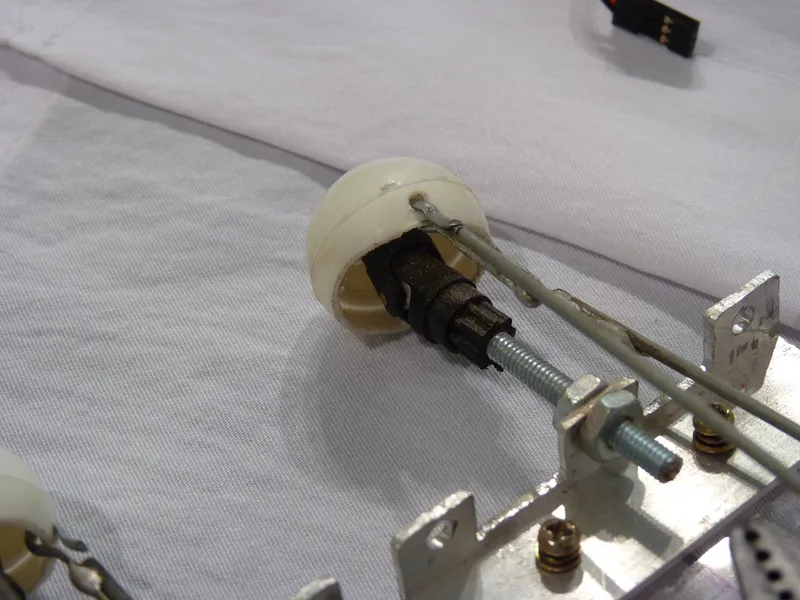
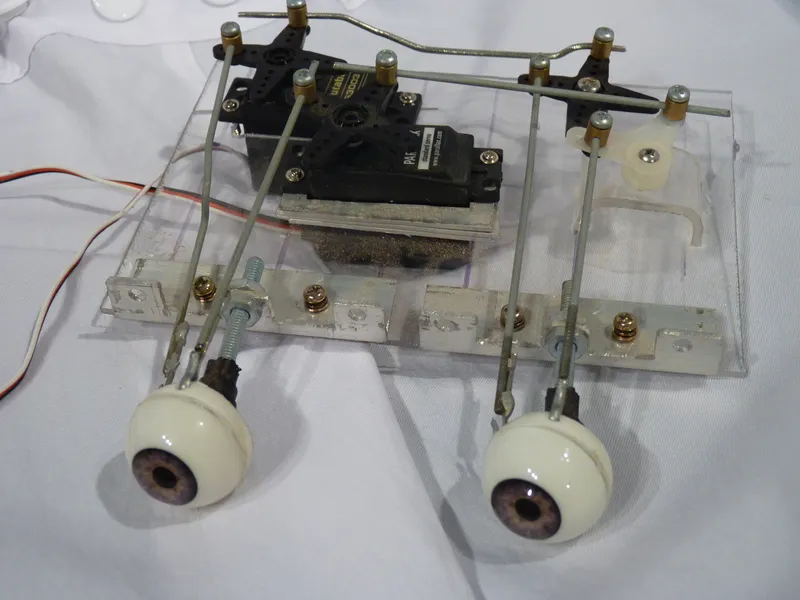
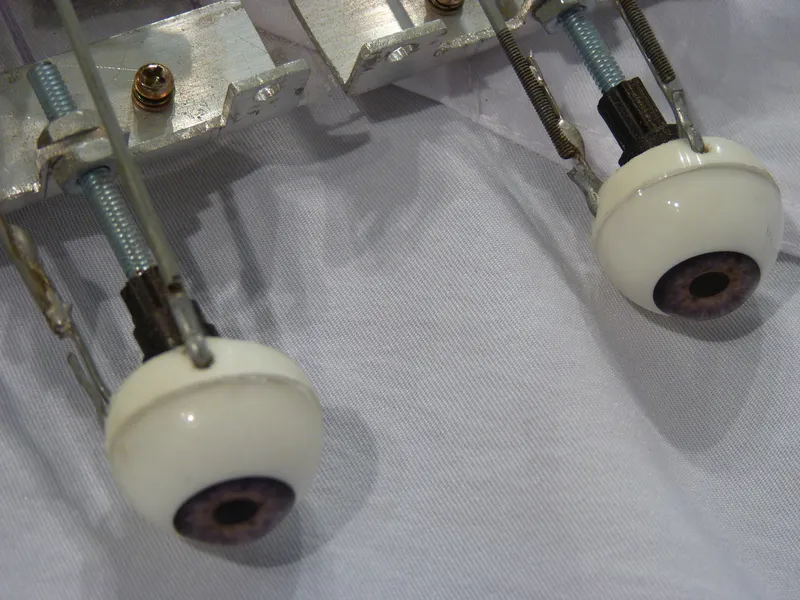
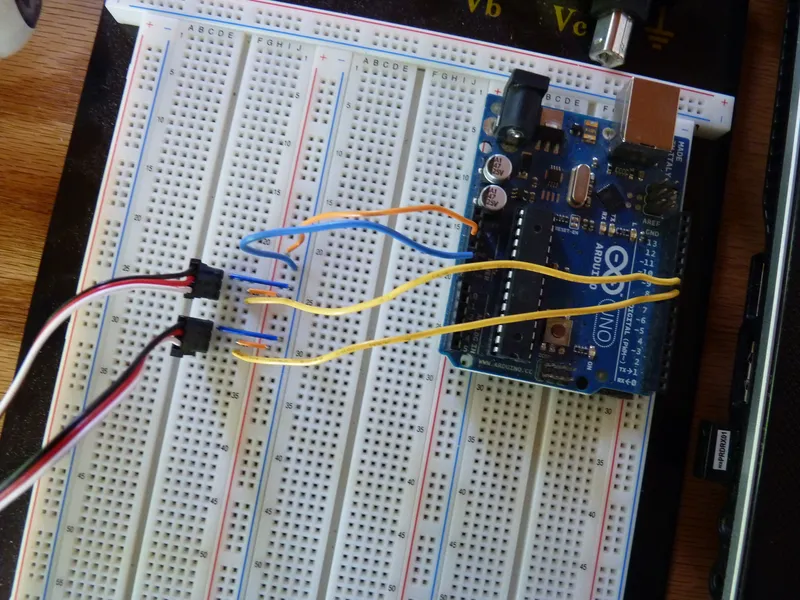
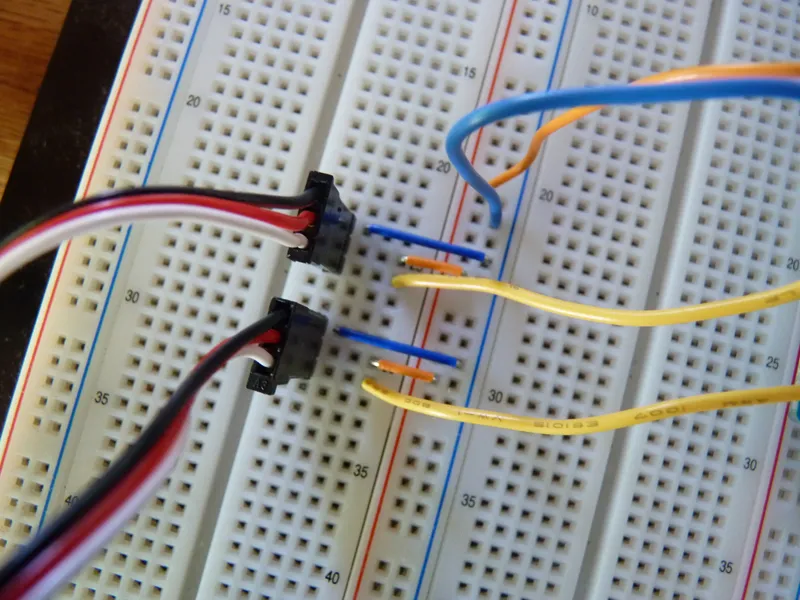
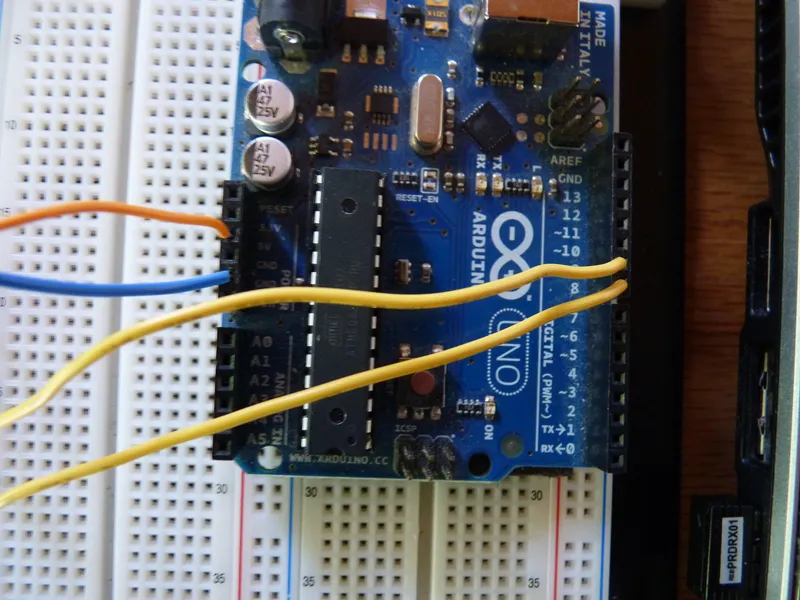
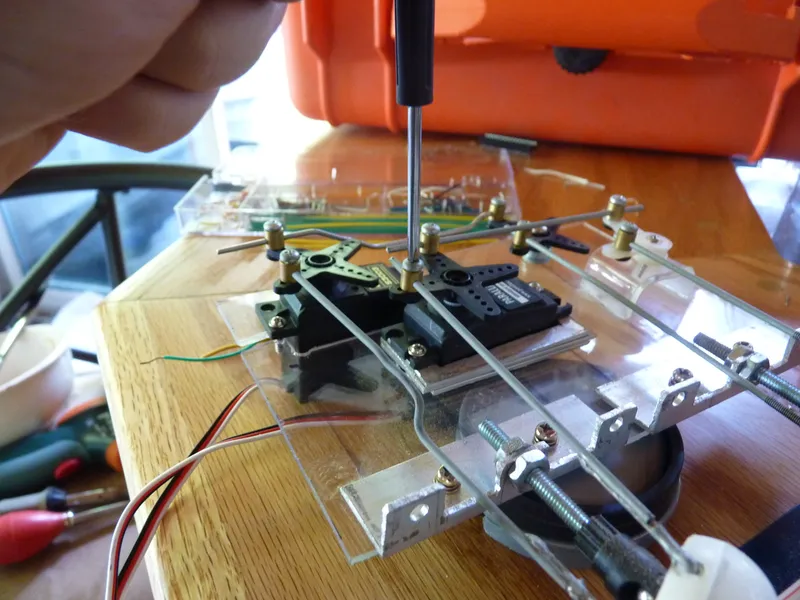
This may be the single most confusing part of the project so I tried to write as much code as I could to ideally minimize the issues you may have.
All files are in the sketchbook.zip.
First here is the code to get your servos centered. The problem you face is getting the servo position correct. Keep in mind these servos go from 0 to 180 degrees.
So in summary we want to set the servos to 90 and 90 so its in the center of the servos "range of motion". Then we can set the Horizontal (X-Axis) and Vertical (Y-Axis) limits. For that you can use the eyes_servo_single_test changing horServo.write(); and vertServo.write();
[eyes_servo_single_test CODE]
#include <Servo.h>
Servo horServo;
Servo vertServo;
void setup(){
horServo.attach(8);
vertServo.attach(9);
}
void loop(){
horServo.write(80);
vertServo.write(40);
}
[END CODE]
Next I would use eyes_full_servo_test again plugging in your high and low values for the servos that way you can see if you have any binding. I built in a blinking key so you can visualize what step your on. You can always stop it midway by pulling the USB cord.
[eyes_full_servo_test CODE]
//==================
//This is a quick servo position test I did for my Eye Project
//The servos move from the set postions for the X and Y axis
//Test one sets the LED HIGH 20 seconds, long blink.
//Test two sets the servos at position 40,0 for 6.5 seconds, two blinks.
//Test three sets the servos at position 80,0 for 7.5 seconds, three blinks.
//Test four sets the servos at position 0,70 for 8.5 seconds, four blinks.
//Test five sets the servos at position 0,110 for 9.5 seconds, five blinks.
//NEED TO PRESS RESET ONCE TEST IS COMPLETE
#include <Servo.h> //servo library
Servo horServo; //x-axis servo
Servo vertServo; //y-asxis servo
int led = 13;
void setup(){
horServo.attach(8); //x-axis servo pin 8
vertServo.attach(9); //y-axis servo pin 9
pinMode(led, OUTPUT);
}
void loop(){
//==================TEST ONE=============//
//Servos in resting or center position.
horServo.write(80);
vertServo.write(40);
//blink once
digitalWrite(led, HIGH);
delay(20000);
digitalWrite(led, LOW);
//============Test Two=================//
//test two blinks twice
horServo.write(20); //x left limit
vertServo.write(40);
//blink twice
digitalWrite(led, HIGH);
delay(500);
digitalWrite(led, LOW);
delay(500);
digitalWrite(led,HIGH);
delay(500);
digitalWrite(led, LOW);
delay(5000);
//=================Test Three==================//
//test three blinks three times
horServo.write(80); //x right limit
vertServo.write(40);
//blink three times
digitalWrite(led, HIGH);
delay(500);
digitalWrite(led, LOW);
delay(500);
digitalWrite(led,HIGH);
delay(500);
digitalWrite(led, LOW);
delay(500);
digitalWrite(led,HIGH);
delay(500);
digitalWrite(led, LOW);
delay(5000);
//==================Test four==================//
//Test four blinks four times
horServo.write(80);
vertServo.write(0); //y top limit
//blink four times
digitalWrite(led, HIGH);
delay(500);
digitalWrite(led, LOW);
delay(500);
digitalWrite(led,HIGH);
delay(500);
digitalWrite(led, LOW);
delay(500);
digitalWrite(led,HIGH);
delay(500);
digitalWrite(led, LOW);
delay(500);
digitalWrite(led,HIGH);
delay(500);
digitalWrite(led, LOW);
delay(5000);
//=================Test Five===================//
//Test Five blinks five times
horServo.write(80);
vertServo.write(110); //y bottom limit
//blinks five times
digitalWrite(led, HIGH);
delay(500);
digitalWrite(led, LOW);
delay(500);
digitalWrite(led,HIGH);
delay(500);
digitalWrite(led, LOW);
delay(500);
digitalWrite(led,HIGH);
delay(500);
digitalWrite(led, LOW);
delay(500);
digitalWrite(led,HIGH);
delay(500);
digitalWrite(led, LOW);
delay(500);
digitalWrite(led,HIGH);
delay(500);
digitalWrite(led, LOW);
delay(5000);
//=====================END======================//
//Servos back to resting or center. Testing ended hit RESET or wait FOREVER
horServo.write(80);
vertServo.write(40);
digitalWrite(led, HIGH);
while(1){}
}
[END CODE]
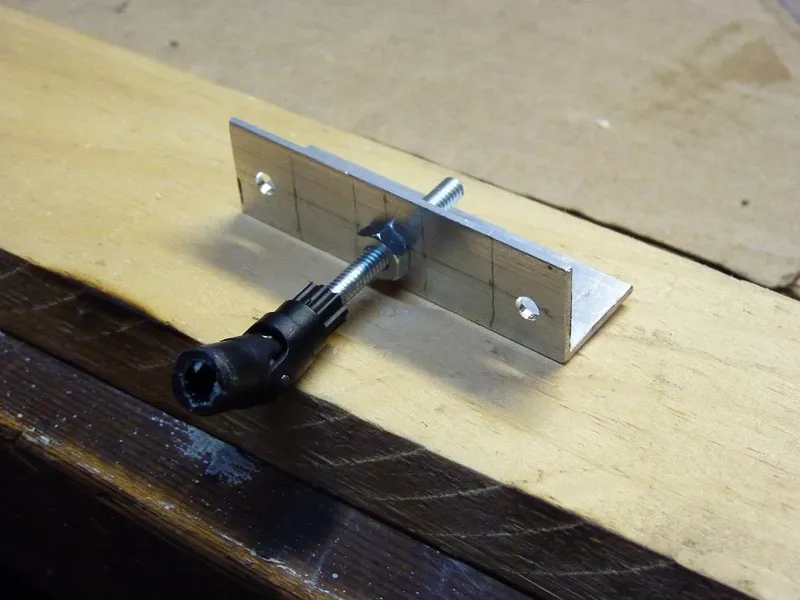
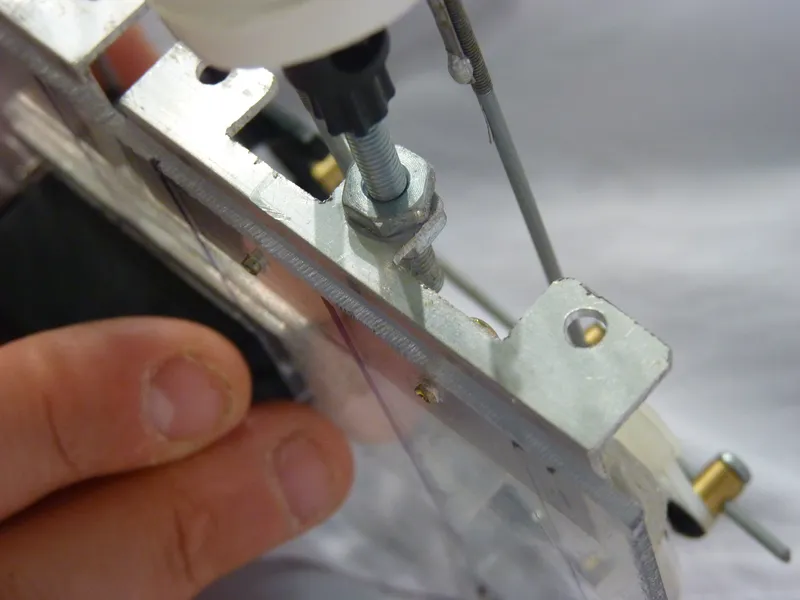
The code uses PI to move the eyes in a radius. You need to ensure you have your servos on pin 8 and 9 or change it in the code. Once you are confident you have everything set properly you can set the EZ connectors in place.
[eyes_sketch CODE]
#include <math.h>
#define pi 3.14159265358979323846
#define twopi (2*pi)
float circleradius = 50; //50 each side - make no more any of your max limit values
float stepnumber = 360;
float stepangle;
#include <Servo.h> //include servo library for servo control
Servo horServo; //servo for left/right movement
Servo vertServo; //servo for up/down movement
byte randomhor; //define random horizontal position variable
byte randomvert; //define random vertical position variable
int randomdelay; //define random delay variable
#define HLEFTLIMIT 40 //define left limit on horizontal (left/right) servo
#define HRIGHTLIMIT 80 //define right limit on horizontal (left/right) servo
#define VTOPLIMIT 70//define top limit on vertical (up/down) servo
#define VBOTLIMIT 110 //define bottom limit on horizontal (up/down) servo
void setup()
{
horServo.attach(8); //horizontal servo on pin 8
vertServo.attach(9); //vertical servo on pin 9
randomSeed(analogRead(0)); //Create some random values using an unconnected analog pin
stepangle = twopi/stepnumber;
for(int i = 0; i<stepnumber; i++){
float angle = i*stepangle;
float x = sin(angle)*circleradius;
float y = cos(angle)*circleradius;
x = map(x, 1-circleradius, circleradius, 0, 2*circleradius);
y = map(y, 1-circleradius, circleradius, 0, 2*circleradius);
horServo.write(x); //write to the horizontal servo
vertServo.write(y); //write to the horizontal servo
delay(10);
}
}
void loop()
{
randomhor = random(HLEFTLIMIT, HRIGHTLIMIT); //set limits
randomvert = random(VTOPLIMIT, VBOTLIMIT); //set limits
randomdelay = random(1000, 4000); //moves every 1 to 4 seconds
horServo.write(randomhor); //write to the horizontal servo
vertServo.write(randomvert); //write to the vertical servo
delay(randomdelay); //delay a random amount of time (within values set above)
}
[END CODE]