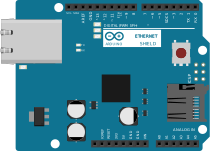
Power Screwshield - Easy screw terminals and SMD prototyping
Easy screw terminals and SMD prototyping on Arduino.
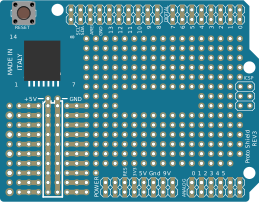
The plate is adapted to the dimensions of the Arduino Duemilanove Uno, it has a pads area allowing you to easily add additional components necessary to your circuits.
The pads area can also receive a mini breadboard for initial testing of your prototypes. The pads are square to facilitate the achievement of solder bridges.
The stackable connectors include all such signals from the arduino making them available for your prototypes. The signals are clearly indicated by the silkscreen on the top and bottom.
A specific area allows you to solder a SMD component directly on the plate.
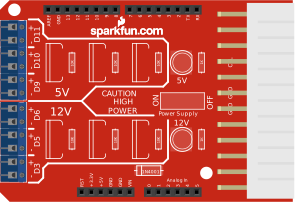
A molex connector allows power supplies to your installation and your Arduino with a simple ATX PC power supply, your Arduino easily becomes autonomous.
For advanced users, when the Arduino is powered by molex plug, a specific pads area receive 12V (if selected by solder bridge located on the shield). It allows you to controle 12V equipments, perfect to controle transistor fans, motors, lamps, LED ribbon, relays, ...
Finally, the status LED can be used (X) into your prototypes with a cutting track on the bottom (SJ2)
The shield can be mounted on the Arduino Mega however, pins 14 (TX3) and A7 are difficult to use because partially covered by the shield.
Pins A8 to A15, Digital 22 to 53 and Com 15 to 21 (rear part of the Mega) are not included on the shield.

Documentation and installation guide : direct link
The official support forum: forum.snootlab.com

- Power ScrewShield diagram.pdf
Operating diagram of the Power ScrewShield - Power ScrewShield topside.pdf
Power ScrewShield implementation of the components - Eagle PowerScrewShield.zip
Eagle files of the Power ScrewSchield (schema and board) - Power ScrewShield guide FR.pdf
Power ScrewShield assembly guide FR - Power ScrewShield guide EN.pdf
Power ScrewShield Assembly guide EN
Connectors / Pins — 446 total